MCP server · Analytics · official
Flight Master Aviation Data MCP server
by flight-master-dast · official
Lets your AI look up flight status, routes, delay risk, airport weather, and onboard comfort for you.

This is the official helper from Flight Master DAST (航班管家 DAST), a Chinese aviation data service. Once connected, your AI assistant can answer flight questions with real data instead of guessing. It is handy for anyone who books, plans, or tracks flights, from frequent travelers to travel agents.
What is an MCP server? The 30-second version
On its own, your AI can only chat with you using what it already knows. An MCP server is a small helper program that gives your AI a new skill or a connection to an outside service. This one connects your AI to Flight Master DAST, a live aviation data service. So when you ask about a flight, your AI asks this helper, and the helper brings back the real answer.
What this MCP server does
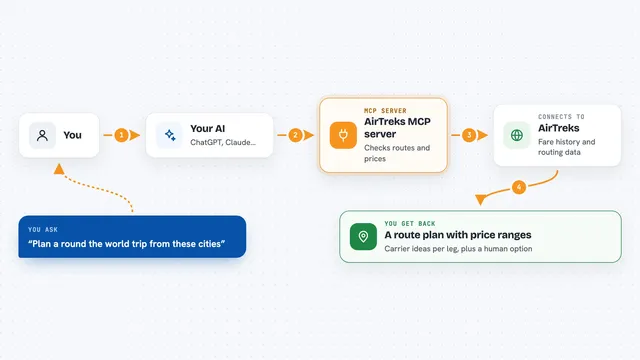
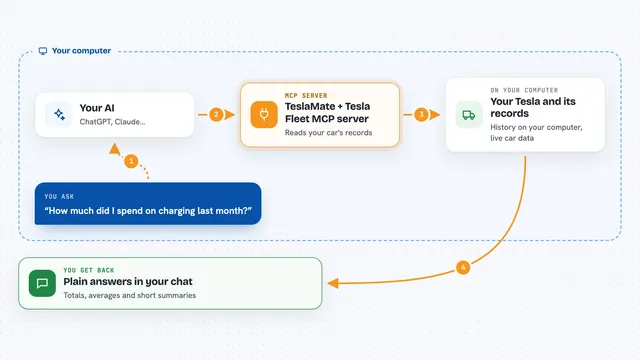
You ask your AI a flight question in normal words. Your AI sends that question to this helper, which talks to the Flight Master DAST aviation data service. The service looks up the flight, route, weather, or statistics you asked about. The helper sends the answer back, and your AI explains it to you in the chat, sometimes with a downloadable Excel report.
 Click to zoom
What you can do with it
- Check the current status of a flight by flight number and date
- Find flights between two airports on a given day
- See onboard comfort details like meals, Wi-Fi, seats, and power
- Get predicted delay and cancellation risk for a flight
- Check hourly airport weather forecasts for the next 48 hours
- Track a flight's live position, altitude, and speed
- Download daily nationwide, airport, or airline operation reports
Try asking your AI
- “What is the current status of flight CA1831 today?”
- “Show me flights from Beijing Capital to Shanghai Hongqiao today.”
- “Does this flight have meals and Wi-Fi?”
- “What is the delay risk for my flight tomorrow?”
- “Where is flight MU5101 right now and how high is it?”
What it gives back to you
You get back plain answers in the chat: flight status, lists of flights, comfort details, delay percentages, weather forecasts, or live position and altitude. The three operation statistics tools also give you a download link for an Excel report, and that link stays valid for one hour. Everything is written in normal sentences so you can read it right away.
Before you start
What you need
- A Flight Master DAST API key (you create it for free on their platform at dast.133.cn)
- An MCP-compatible AI app like Claude Code, Cursor, or Cline
- Node.js 18 or newer if you use the local npm version
Good to know
The operation statistics tools create downloadable Excel links that expire after one hour, and using the service may count toward your Flight Master DAST billing.
Install it with your AI
Add Flight Master Aviation Data MCP server to your AI, no technical skills needed
You don't install anything by hand. You copy one prompt, paste it into an AI that can work on your computer, and it checks, installs and connects the server for you, asking you when it needs something.
Sign in to get the install prompt
Members get a ready-made prompt that lets the Claude desktop app check Flight Master Aviation Data MCP server, install it and connect it for them, step by step. You don't need any technical skills: you copy, paste and answer a few questions. Your connected AI can also find and install any of the 4,361 MCP servers here for you.
Who it's for
Frequent travelers, travel agents, and anyone who plans or tracks flights and wants quick answers from their AI.