MCP server · Apple, iOS and Mac
Nemeton MCP server
Lets your AI create, start, and manage Linux and macOS virtual machines on your Mac through the Nemeton app.

This is a small helper that connects your AI assistant to Nemeton, a Mac app that runs virtual machines. A virtual machine is like a computer inside your computer, so you can try Linux or a fresh macOS without touching your main setup. It is handy if you test software, run servers, or just want a safe place to experiment.
What is an MCP server? The 30-second version
On its own, your AI can only chat with you. An MCP server is a small helper program that gives your AI a new skill or a connection to an app. This one connects your AI to Nemeton on your Mac, so it can look up your virtual machines or do things with them when you ask. You still talk to your AI the normal way, and the helper quietly passes your request to Nemeton.
What this MCP server does
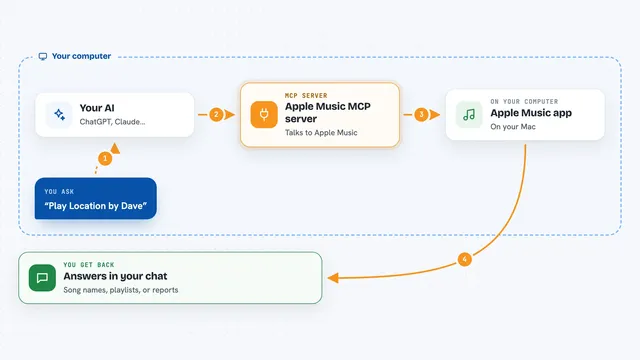
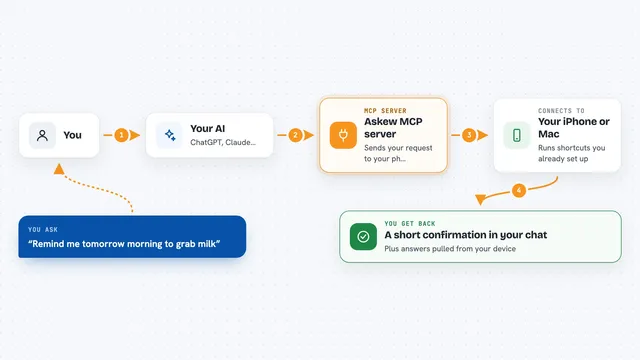
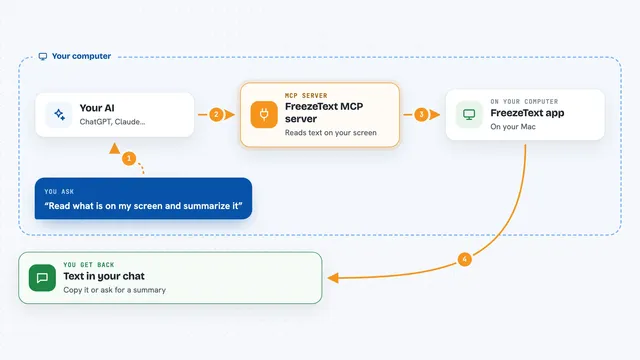
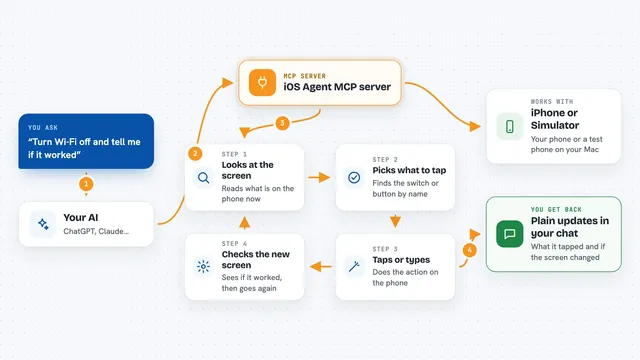
You ask your AI something like creating a new Ubuntu machine or starting one you already have. The AI sends that request to this helper, which passes it to the Nemeton app running on your Mac. Nemeton does the actual work, like building the machine or taking a snapshot. The result comes back through the helper and shows up in your chat as a short answer or a list.
 Click to zoom
What you can do with it
- Create a new Linux or macOS virtual machine with the settings you want
- Start, stop, pause, or restart a virtual machine
- Take a snapshot of a machine and restore it later
- Run a command inside a machine over SSH
- Upload or download files to and from a machine
- Read and write the clipboard between your Mac and a machine
- List your machines, their IP addresses, and their current state
What it gives back to you
You get short answers in the chat, like the name and state of a machine, its IP address, or a confirmation that something was created or stopped. When you ask for a list, you get a tidy list of your machines or snapshots. When you run a command inside a machine, you get its output back as text. If something fails, you get a plain error message explaining what went wrong.
Before you start
What you need
- A Mac running macOS 14 (Sonoma) or later
- The Nemeton app installed and running (it is a paid app, one-time purchase)
- A token from Nemeton Settings, under API and Integrations
- An MCP client like Claude Desktop, Claude Code, or Cursor
Good to know
This helper can create, change, and delete virtual machines and their files, so be careful with commands like delete_vm or restore_snapshot.
Install it with your AI
Add Nemeton MCP server to your AI, no technical skills needed
You don't install anything by hand. You copy one prompt, paste it into an AI that can work on your computer, and it checks, installs and connects the server for you, asking you when it needs something.
Sign in to get the install prompt
Members get a ready-made prompt that lets the Claude desktop app check Nemeton MCP server, install it and connect it for them, step by step. You don't need any technical skills: you copy, paste and answer a few questions. Your connected AI can also find and install any of the 4,361 MCP servers here for you.
Who it's for
People who test software, run Linux servers, or want a safe place to try things on their Mac, and who would rather ask their AI than click through an app.