MCP server · Research
URL to Markdown MCP server
by kitedesk-erm
Turn any web page into clean Markdown or plain text your AI can read, with title, author, date and reading time.
This is a small helper that lets your AI open a web page and turn it into clean text. It strips out menus, ads, cookie banners and footers, so you get just the article. It is handy when you want your AI to read, summarize or compare things from the web.
What is an MCP server? The 30-second version
On its own, your AI can only chat with you. An MCP server is a small helper program that gives your AI a new skill. This one gives your AI a way to fetch web pages and turn them into clean Markdown or plain text. So when you paste a link and ask about it, your AI can actually read the page instead of guessing.
What this MCP server does
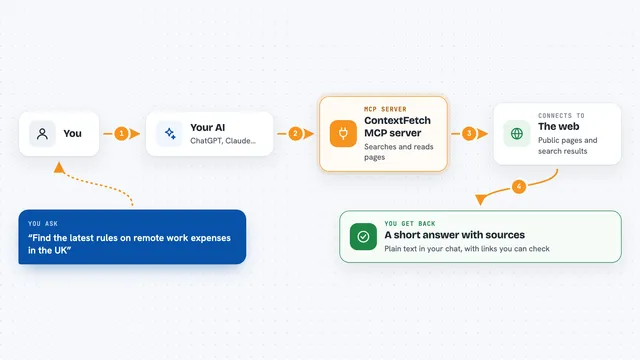
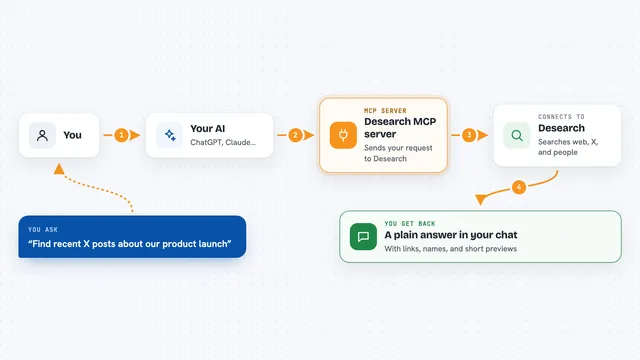
You give your AI a web address and ask it to read or summarize the page. Your AI passes the address to this helper. The helper fetches the page, removes the clutter and keeps only the main content. It also picks up the title, author, publish date, word count and reading time. Then your AI gets clean text back and can answer your question or write something with it.
What you can do with it
- Turn a web article into clean Markdown or plain text
- Summarize a long page without the menus and ads
- Compare several articles side by side
- Keep the title, author and date along with the text
- Limit the length so it fits your AI's budget
- Save a page as a Markdown note
Try asking your AI
- “Read https://go.dev/blog/go1.22 and summarize what changed in loops.”
- “Pull the text of these three articles and compare their arguments.”
- “Save this page as a Markdown note with title and author.”
- “What is this article about? https://example.com/some-article”
What it gives back to you
You get a short header with the title, source link, word count, reading time and sometimes the date. Below that is the cleaned-up article text in Markdown or plain text. If you asked for a summary or comparison, your AI writes that in the chat using the text it received.
Before you start
What you need
- A Zyla API key (a kind of password for the extraction service; you can get one with a 7-day free trial)
- Node.js 18 or newer on your computer
Good to know
It only reads public pages, so paywalled or login-only pages will not work, and pages that build their content in the browser may come back mostly empty.
Install it with your AI
Add URL to Markdown MCP server to your AI, no technical skills needed
You don't install anything by hand. You copy one prompt, paste it into an AI that can work on your computer, and it checks, installs and connects the server for you, asking you when it needs something.
Sign in to get the install prompt
Members get a ready-made prompt that lets the Claude desktop app check URL to Markdown MCP server, install it and connect it for them, step by step. You don't need any technical skills: you copy, paste and answer a few questions. Your connected AI can also find and install any of the 4,960 MCP servers here for you.
Who it's for
Anyone who asks their AI to read, summarize or compare web pages, like researchers, writers, analysts and students.