MCP server · Research
Contractor License Check MCP server
by lmaniraruta
Check a US contractor's license, bond and insurance straight from state records, right inside your chat.

This is a small helper that lets your AI look up whether a contractor is properly licensed in Washington or California. It also pulls up their surety bond and insurance details when the state has them. It is handy if you hire contractors, manage properties, or check credentials before signing anything.
What is an MCP server? The 30-second version
On its own, your AI can only chat with you. An MCP server is a little helper program that gives your AI a new skill. This one connects your AI to official state contractor records, so when you ask about a license number, the AI can go look it up and bring back the answer. You do not need to visit the state website yourself.
What this MCP server does
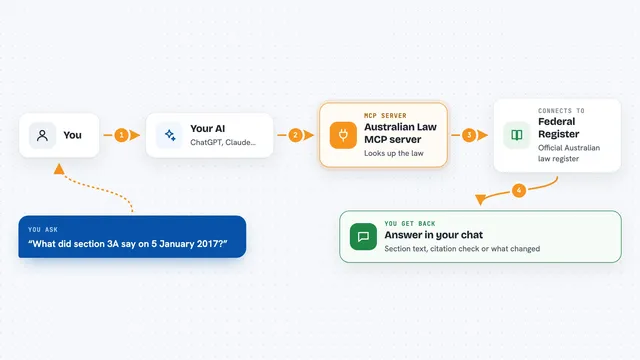
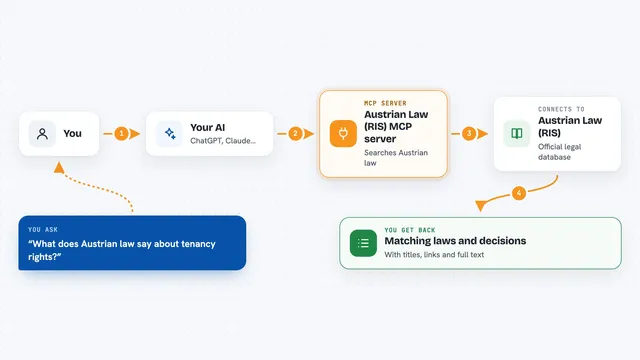
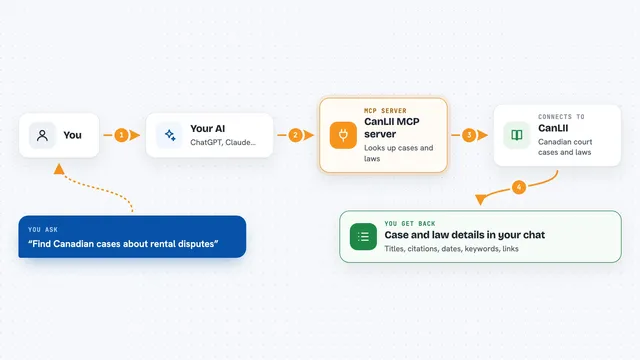
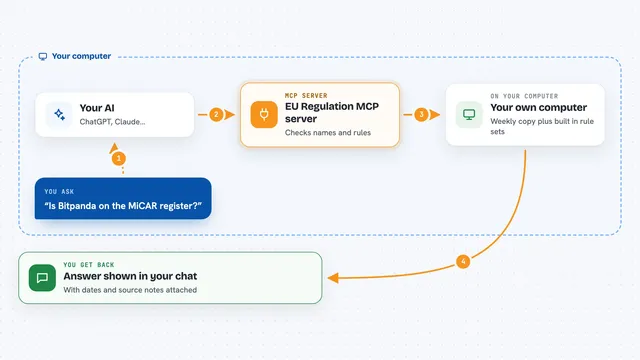
You ask your AI something like check this contractor license number in Washington. Your AI passes the number to this helper. The helper looks it up in the official state data, and if it finds a match, it also grabs bond and insurance details. Then your AI shows you the result in plain words. If nothing is found, you get a simple not found message and you are not charged.
 Click to zoom
What you can do with it
- Check if a contractor's license is active, expired, suspended or revoked
- See the surety bond company and bond amount on file
- See the insurance carrier and coverage amount on file
- Look up a contractor by business name instead of license number (Washington only)
- List which states are supported and which are still in testing
- Get a clean answer even when the state website is having trouble
Try asking your AI
- “Check Washington contractor license ECOSTSC758NN”
- “Is this contractor licensed and bonded in WA? License number ECOSTSC758NN”
- “Look up a Washington contractor by business name: ECO STAR C G CONSTRUCTION LLC”
- “Which states can you check contractor licenses in?”
What it gives back to you
You get back a short answer in the chat: whether the license was found, its status, and if available the bond and insurance details with company names, amounts and dates. If nothing matches, it simply says not found. If the state source is down, it tells you there was a problem instead of guessing.
Before you start
What you need
- The Claude desktop app or another AI tool that supports MCP servers
- Node.js installed on your computer (the free software that runs this helper)
- A payment method set up with the provider, since each successful check costs a few cents
Good to know
Each successful check costs a small fee, so keep an eye on how many you run, and treat California results as still in testing.
Install it with your AI
Add Contractor License Check MCP server to your AI, no technical skills needed
You don't install anything by hand. You copy one prompt, paste it into an AI that can work on your computer, and it checks, installs and connects the server for you, asking you when it needs something.
Sign in to get the install prompt
Members get a ready-made prompt that lets the Claude desktop app check Contractor License Check MCP server, install it and connect it for them, step by step. You don't need any technical skills: you copy, paste and answer a few questions. Your connected AI can also find and install any of the 4,361 MCP servers here for you.
Who it's for
People who hire or manage contractors, property managers, and anyone who needs to quickly confirm a contractor's license, bond and insurance before working with them.