MCP server · Research
BioThings MCP server
Lets your AI look up genes, genetic variants, drugs and species info from trusted biology databases.

This is a small helper that connects your AI assistant to BioThings, a set of public biology databases. Once it is set up, you can ask your AI plain questions about genes, genetic variants, chemicals or species, and it will fetch real answers from those databases instead of guessing. It is handy for anyone who reads biology papers, works in a lab, or is just curious about genetics.
What is an MCP server? The 30-second version
On its own, your AI can only chat using what it already learned. An MCP server is a small helper program that gives your AI a new skill or a connection to an outside service. This particular helper connects your AI to BioThings, which is a family of biology databases covering genes, variants, chemicals and species. So when you ask a biology question, your AI can reach out through this helper and pull back real data instead of making something up.
What this MCP server does
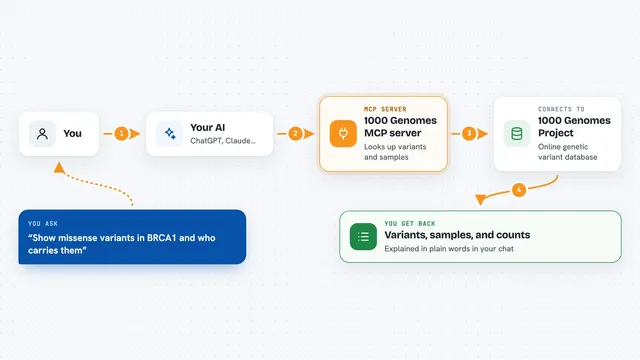
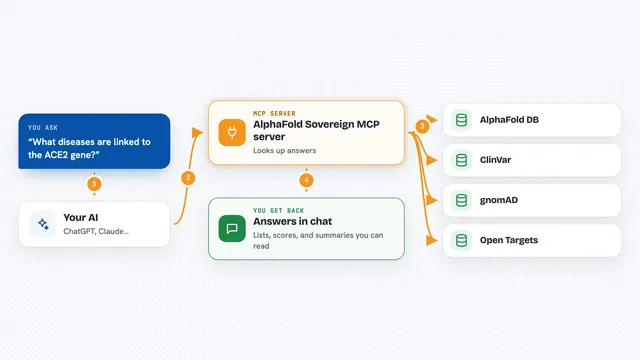
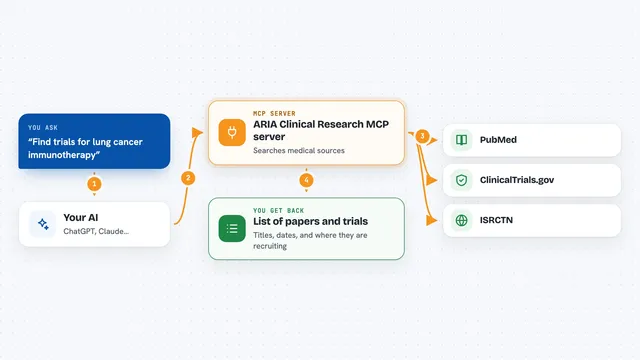
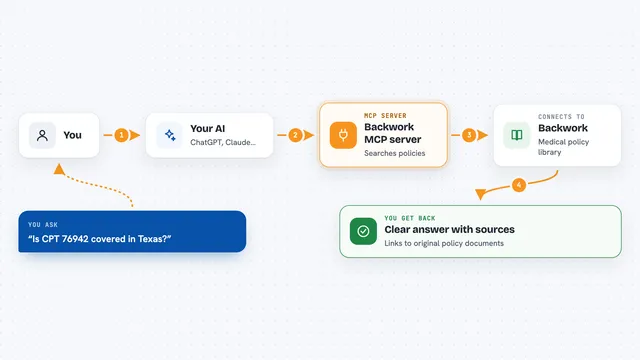
You type a question in your AI chat, like asking about a gene or a drug. Your AI sends that request to this helper program. The helper then talks to the BioThings services (mygene.info, myvariant.info, mychem.info and a taxonomy source) and looks up the matching records. The answers come back to your AI, which writes them up for you in the chat. It can also save some results, like gene sequences, as files on your computer.
 Click to zoom
What you can do with it
- Look up a gene by its name or symbol and get a summary of what it does
- Check details about a specific genetic variant
- Find information about a drug or chemical compound
- Get the scientific name and classification of a species
- Download gene or sequence data from NCBI and save it to a file
- Ask follow-up questions about the same gene or variant in the same chat
Try asking your AI
- “What does the BRCA1 gene do?”
- “Tell me about the variant rs113488022”
- “What is aspirin and what is it used for?”
- “What is the scientific name for the house mouse?”
What it gives back to you
You get answers written out in the chat, usually as short summaries or lists of facts pulled from the databases. For downloads, the helper can save a file (like a FASTA sequence) into a folder on your computer and tell you where it went. If a lookup fails or the name is unclear, your AI will usually say so and may ask you to rephrase.
Before you start
What you need
- The uv tool installed (a free program that runs Python tools; the README shows a one-line install command)
- An MCP-compatible AI app such as Claude Desktop, Cursor or Windsurf
- No account or password is needed for the BioThings databases themselves
Good to know
The project is described as beta quality, and the authors note that AI models sometimes get gene or variant names wrong, so double-check important results against the original database.
Install it with your AI
Add BioThings MCP server to your AI, no technical skills needed
You don't install anything by hand. You copy one prompt, paste it into an AI that can work on your computer, and it checks, installs and connects the server for you, asking you when it needs something.
Sign in to get the install prompt
Members get a ready-made prompt that lets the Claude desktop app check BioThings MCP server, install it and connect it for them, step by step. You don't need any technical skills: you copy, paste and answer a few questions. Your connected AI can also find and install any of the 4,361 MCP servers here for you.
Who it's for
Biology students, researchers, lab staff and anyone who reads genetics or drug information and wants quick lookups without opening several websites.