MCP server · Analytics · official
Logfire MCP server
by pydantic · official
Lets your AI look up your app's logs, traces and metrics in Logfire and explain what it finds.
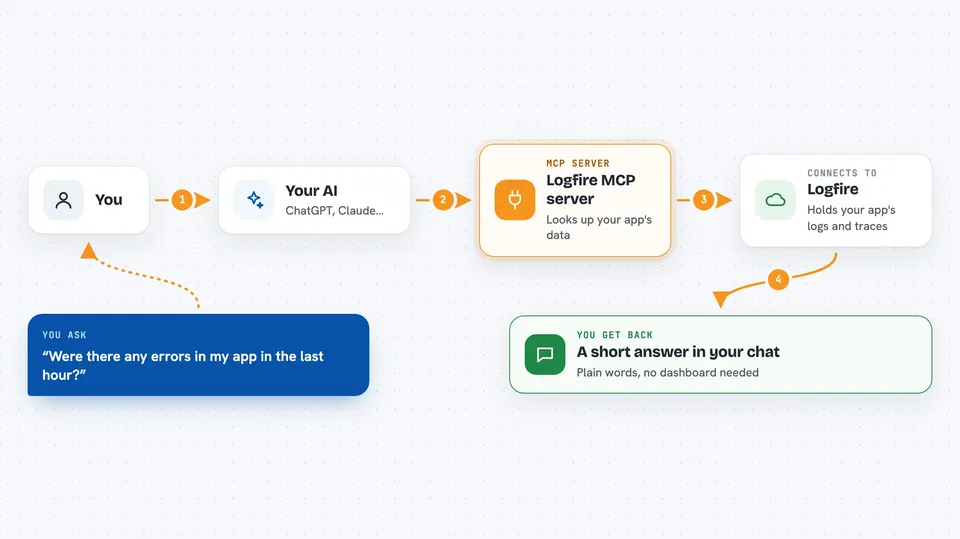
This is a helper from the people who make Logfire, a service that collects information about how your apps are running. Once it is connected, your AI assistant can look at that information for you and answer questions about it in plain words. It is handy if you work with a team that monitors apps and you want quick answers without clicking around dashboards.
What is an MCP server? The 30-second version
On its own, your AI can only chat with you. An MCP server is a small helper program that gives your AI a new skill, in this case a connection to Logfire. When you ask a question, your AI passes it to this helper, the helper asks Logfire, and the answer comes back into your chat. You do not need to understand how it works under the hood.
What this MCP server does
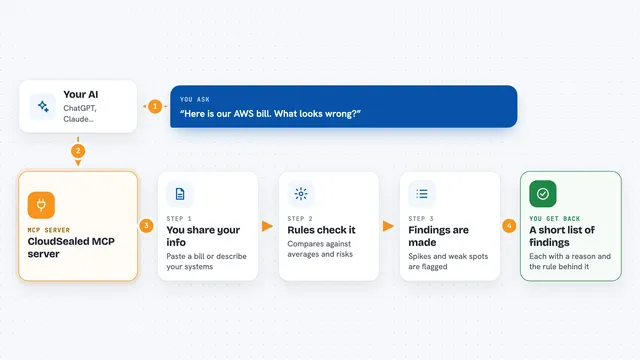
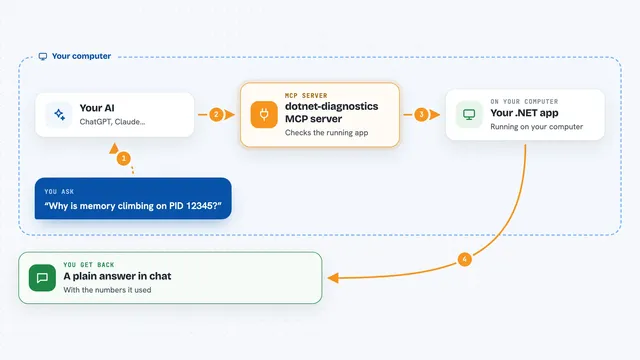
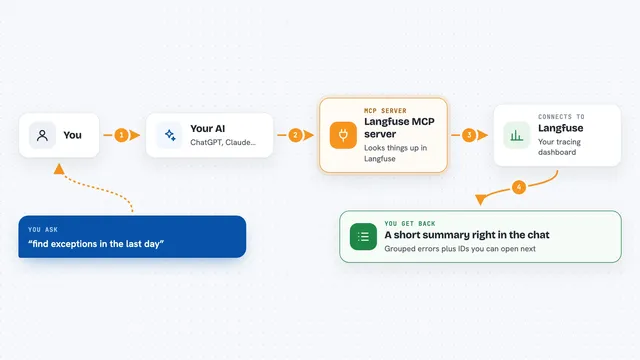
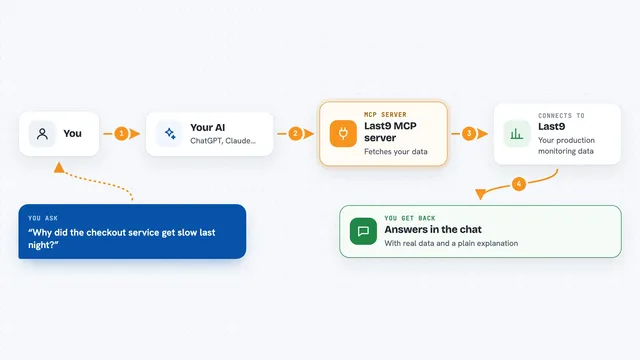
You ask your AI something about your app, like whether there were errors today. Your AI sends that request to this Logfire helper. The helper talks to Logfire, which holds your traces, logs and metrics. Logfire sends back the matching information, and your AI turns it into a short answer in your chat window. You get the result without opening a dashboard yourself.
 Click to zoom
What you can do with it
- Ask what errors happened in your app recently
- Look up slow requests or slow operations
- Check numbers like request counts or response times
- Search through traces to find a specific problem
- Get a plain-language summary of what went wrong
Try asking your AI
- “Were there any errors in my app in the last hour?”
- “Show me the slowest requests from today.”
- “What happened in the trace with this ID?”
- “Summarise the metrics for my checkout service this week.”
What it gives back to you
You get answers in your chat: short summaries, lists of errors or slow requests, numbers, and explanations of what the data shows. If you ask for a specific trace, it can walk you through the steps in that trace. It reads information; it does not change anything in your app.
Before you start
What you need
- A Logfire account with data in it
- A Logfire read token (a kind of password the Logfire site gives you)
- The Claude desktop app or another AI app that supports MCP servers
Good to know
It can read your app's logs and traces, which may contain private information, so only connect it if you are allowed to share that data with your AI.
Install it with your AI
Add Logfire MCP server to your AI, no technical skills needed
You don't install anything by hand. You copy one prompt, paste it into an AI that can work on your computer, and it checks, installs and connects the server for you, asking you when it needs something.
Sign in to get the install prompt
Members get a ready-made prompt that lets the Claude desktop app check Logfire MCP server, install it and connect it for them, step by step. You don't need any technical skills: you copy, paste and answer a few questions. Your connected AI can also find and install any of the 4,361 MCP servers here for you.
Who it's for
Developers, support engineers and anyone who watches over an app's health and wants quick answers without digging through dashboards.