MCP server · Chat
RIGShare MCP server
by RPER2001
Search, quote and book rental equipment like GPUs, robots and excavators right from your AI chat.

RIGShare is a marketplace where you can rent things like GPUs, robots, drones and construction equipment. This small helper connects your AI assistant to that marketplace. It is handy if you rent gear for work or if you own equipment you would like to rent out.
What is an MCP server? The 30-second version
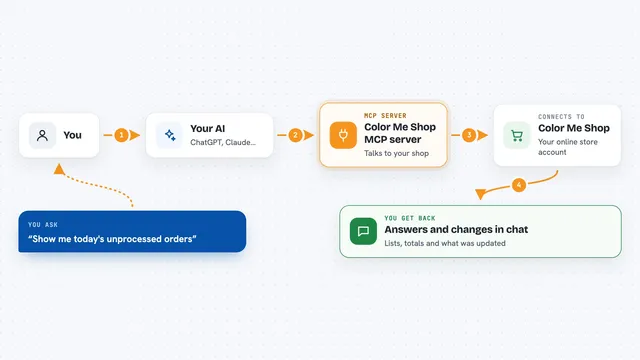
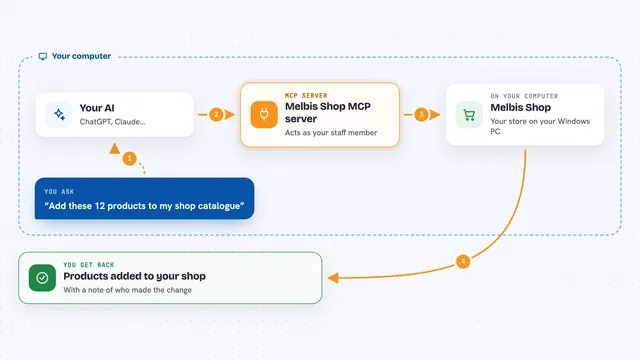
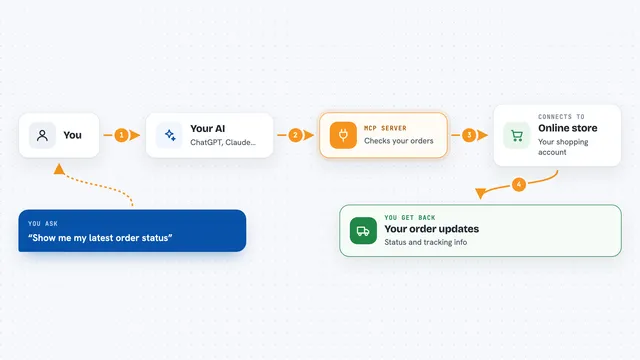
On its own, your AI can only chat with you. An MCP server is a small helper program that gives your AI a new skill or a connection to an app or service. This one connects your AI to RIGShare, so it can look up listings, check prices and even start a booking for you when you ask. You still do the paying and approving yourself, in your browser.
What this MCP server does
You ask your AI something like find me an H100 this weekend. The AI uses this helper to search RIGShare and brings back matching listings with prices and details. If you want, it can get a price quote for exact dates, or create a booking. For Robotics and AI gear, it can also start a remote session on a confirmed booking and check how much of your budget you have used. For owners, it can save a draft listing, publish it and keep availability in sync.
 Click to zoom
What you can do with it
- Search rentals by type, price, location or remote access
- Get full details and pricing for one listing
- Get a no-charge price quote for exact dates
- Create a booking and see who needs to act next
- List and cancel your own bookings
- Save and publish a listing if you own equipment
- Start, check and end a remote session on robotics or AI hardware
Try asking your AI
- “Find me the cheapest H100 available this weekend”
- “Are there any A100 80GB setups with SSH access right now?”
- “Show me industrial robot arms with camera feeds under 200 dollars a day”
- “Find an excavator under 10 tons in Texas”
What it gives back to you
You get back plain answers in the chat: lists of listings with names, prices and links, or the details of one item. When you ask for a quote, you get a price breakdown for your dates. When you create a booking or start a session, you get a confirmation and a note about who has to do what next, with a link. Nothing is charged to you by the AI itself.
Before you start
What you need
- The Claude desktop app, Cursor, VS Code or another app that supports MCP servers
- Node.js 18 or newer on your computer
- A RIGShare API key for the booking, listing and session tools (a kind of password for apps; you get one from RIGShare on a Pro or Enterprise plan)
Good to know
The booking, listing and session tools can spend money or change real listings, so always read the confirmation and the next-step note before you act.
Install it with your AI
Add RIGShare MCP server to your AI, no technical skills needed
You don't install anything by hand. You copy one prompt, paste it into an AI that can work on your computer, and it checks, installs and connects the server for you, asking you when it needs something.
Sign in to get the install prompt
Members get a ready-made prompt that lets the Claude desktop app check RIGShare MCP server, install it and connect it for them, step by step. You don't need any technical skills: you copy, paste and answer a few questions. Your connected AI can also find and install any of the 4,361 MCP servers here for you.
Who it's for
People who rent or own equipment, like AI and robotics engineers, construction contractors, and procurement teams.