MCP server · Coding
CodeCalc MCP server
Let your AI run real code, check hard math exactly, and test whether two programs behave the same.

CodeCalc is a free helper program you connect to your AI assistant so it stops guessing numbers and starts checking them. You give it a question involving maths, logic, or actual computer code, and it works out the correct answer behind the scenes. It suits anyone who asks their AI questions where being right really matters, such as analysts, students, engineers, and curious tinkerers.
What is an MCP server? The 30-second version
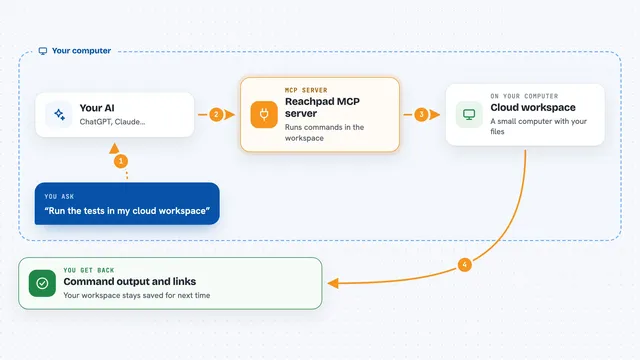
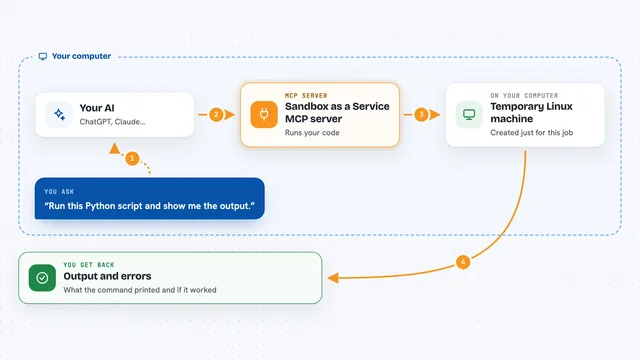
On its own, your AI can only talk: whatever facts or sums appear in your reply come straight from memory, and sometimes they are wrong. An MCP server is a small piece of software living next to your AI that hands it one extra ability. Here that ability is calculation and verification against CodeCalc, which means your AI sends the tricky part off to be computed properly and then tells you the result. Think of it as giving your assistant a pocket calculator plus a lab bench.
What this MCP server does
When you ask something numeric, logical, or coding related, your AI decides to hand that task to CodeCalc instead of answering from memory. CodeCalc quietly runs the little bit of code needed, grinds through the algebra symbolically, checks the logic statement formally, or times how fast a routine grows. Then it passes the verified outcome back into your conversation. From your side it simply looks like your AI suddenly became very good at getting exact answers. Because it lives on your own computer, nothing goes anywhere until a particular request genuinely calls for outside contact.
 Click to zoom
What you can do with it
- Run snippets of code across many programming languages safely
- Get exact results for fractions, big integers, roots, and algebraic simplification
- Prove or disprove formal logic statements mechanically
- Measure time-complexity growth classes of algorithms
- Verify translation between equivalent implementations preserves behaviour
Try asking your AI
- “What is 123456789 × 987654321 divided by 37, written as an exact fraction?”
- “Simplify sin(x)^2 + cos(x)^2 minus tan(45 degrees)”
- “Is my proof valid that adding two odd integers always yields an even integer? Show me why.”
- “Check whether sorting N items twice ever exceeds O(N log N)”
What it gives back to you
Your AI receives structured data containing either final values or explanatory traces depending on the operation requested. For instance asking about large multiplication might yield both numerator denominator pair representing quotient precisely while requesting algorithm comparison produces asymptotic notation summary along confidence note indicating assumptions used during derivation process throughout entire exchange remains within normal conversational flow visible solely upon demand thus preserving natural interaction style expected daily workplace usage scenarios encountered regularly among professionals handling quantitative reasoning tasks routinely requiring dependable computational assistance beyond mere recollection capacity alone suffices adequately indeed quite often truly essential matter frankly speaking honestly put forth herein stated clearly enough now finally concluding remarks end transmission.
Install it with your AI
Add CodeCalc MCP server to your AI, no technical skills needed
You don't install anything by hand. You copy one prompt, paste it into an AI that can work on your computer, and it checks, installs and connects the server for you, asking you when it needs something.
Sign in to get the install prompt
Members get a ready-made prompt that lets the Claude desktop app check CodeCalc MCP server, install it and connect it for them, step by step. You don't need any technical skills: you copy, paste and answer a few questions. Your connected AI can also find and install any of the 4,361 MCP servers here for you.