MCP server · Customer communication
WAzion MCP server
by wazionapps
Let your AI run your WhatsApp Business: send messages, start campaigns, and manage customers.

This is a helper that connects your AI assistant to WAzion, a platform for running a WhatsApp Business account. Once it is connected, you can ask your AI in plain words to send messages, check conversations, or start a campaign, and it will do it for you. It is handy if you run a small shop or a support team on WhatsApp and want less clicking.
What is an MCP server? The 30-second version
On its own, your AI can only chat with you. An MCP server is a small helper program that gives your AI a new skill or a connection to an app or service. This one connects your AI to WAzion, your WhatsApp Business platform. So when you ask for something like sending a message, the AI can actually go and do it there for you.
What this MCP server does
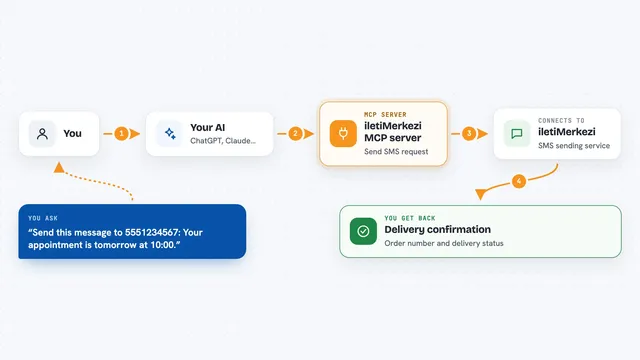
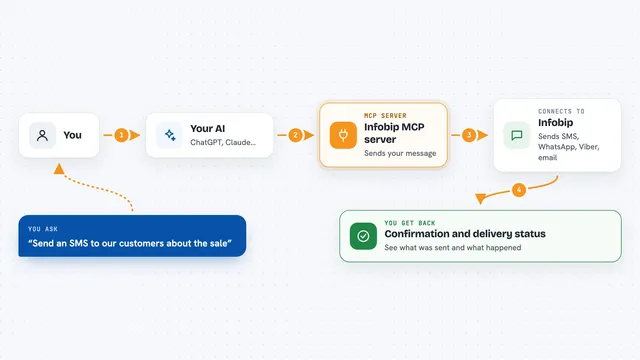
You ask your AI something in normal words, like send a message or show today's chats. The AI passes your request to this WAzion helper. The helper talks to your WAzion account, which is where your WhatsApp number and customer data live. WAzion does the work, like sending the message or pulling up the list. Then your AI tells you what happened in the chat.
 Click to zoom
What you can do with it
- Send a WhatsApp message to a customer
- Start a mass marketing campaign to a contact list
- Show your most recent conversations
- Create an auto-reply workflow for outside business hours
- Look up a customer's info, notes, and tags
- Get a summary of this week's activity and response times
- Upload a document to your knowledge base
Try asking your AI
- “Send a WhatsApp message to +34612345678 saying: Your order has been shipped!”
- “Show me my most recent conversations from today”
- “Create a workflow that auto-replies with AI when a customer messages outside business hours”
- “Give me a summary of this week's activity, messages, response times, and sentiment”
What it gives back to you
You get answers and lists right in the chat, like a list of recent conversations, a summary of the week, or a confirmation that a message was sent. When it changes something, it tells you what it did. For things like deleting a workflow or clearing a list, it asks you to confirm first before doing it.
Before you start
What you need
- A WAzion account (sign up at wazion.com)
- Your WhatsApp number connected to WAzion by scanning a QR code
- Your WAzion API key from Settings > Developer (a kind of password for apps)
- An AI app that supports MCP, like Claude Desktop, Claude Code, ChatGPT, Cursor, or Windsurf
Good to know
It can send real WhatsApp messages, start campaigns, and change or delete things in your account, so double check before you say yes, and note that campaigns may use account credits.
Install it with your AI
Add WAzion MCP server to your AI, no technical skills needed
You don't install anything by hand. You copy one prompt, paste it into an AI that can work on your computer, and it checks, installs and connects the server for you, asking you when it needs something.
Sign in to get the install prompt
Members get a ready-made prompt that lets the Claude desktop app check WAzion MCP server, install it and connect it for them, step by step. You don't need any technical skills: you copy, paste and answer a few questions. Your connected AI can also find and install any of the 4,361 MCP servers here for you.
Who it's for
Small business owners and support teams who run WhatsApp Business and want to handle messages, campaigns, and customers by chatting with their AI.