AI agent for veterinarians
Student and Trainee Supervision Log Agent
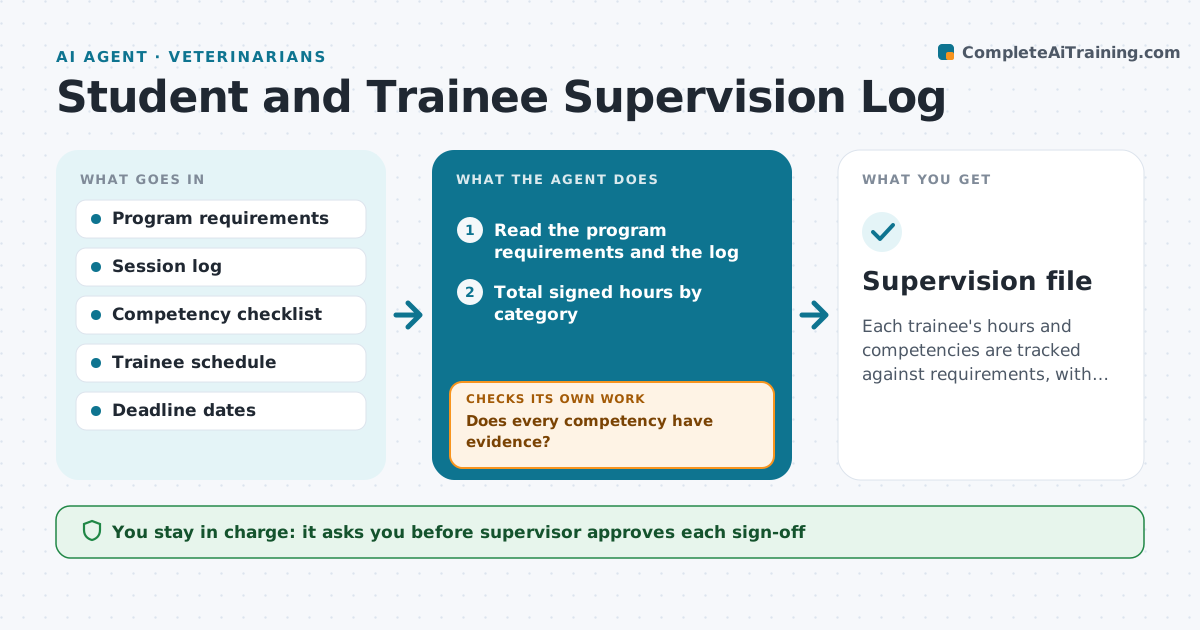
Each trainee's hours and competencies are tracked against requirements, with gaps flagged early and signed off by the supervisor.
What it does
Supervisors have to prove hours, competencies and sign-offs for each trainee, and it is usually pulled together the week before the deadline. The agent reads the program's requirements, logs each supervised session, and compares completed hours and competencies with what remains. If a competency has no recorded evidence, it suggests types of cases that would cover it. It rechecks totals after every new log entry and flags trainees at risk of missing the deadline. The supervisor approves each sign-off and the final report. Edge case: hours logged by a second supervisor in another site, which need a countersignature before they count.
How it works
Follow the arrows from top to bottom. The orange dashed arrow is the loop: when a check fails, the agent goes back and tries again.
Read the steps as a list
- Supervised session logged
- Read the program requirements and the log
- Total signed hours by category
- Match each competency to evidence in session notes
- Does every competency have evidence?If not: Suggest case types that would cover it and add it to the plan. Back to step 4.
- Project hours needed to reach the deadline
- Are totals on track for the deadline?If not: Recalculate with a new session schedule and flag the trainee. Back to step 3.
- Draft the progress note, sign-off requests and the final report when complete
- Supervisor approves each sign-off and the final reportThe agent waits here for your OK.
- Supervision file
How it decides
It counts only signed hours toward totals and treats a competency as covered only when a session note shows evidence.
- Count hours only when signed by a supervisor
- Flag when remaining hours exceed available sessions
- Require a countersignature for hours at another site
- Suggest only cases within the trainee's scope
Make it yours
Every agent is a starting point. You choose these settings for your own situation.
- Program requirements and totals
- Review schedule (default monthly)
- Warning lead time before the deadline
- Competency list
What keeps you in control
It always asks you first
- Supervisor approves each sign-off
- Supervisor approves the final report
Hard limits
- Never sign off on a competency itself
- Do not share trainee records outside the program
It stops when
- Done: requirements met and report approved
- Stop: the program changes requirements and the supervisor must confirm
Set it up
We guide you through the set-up, step by step
Members get the full set-up guide for this agent. No technical skills needed: you copy, paste and upload.
- One set of instructions to paste into your AI, with the clicks for ChatGPT, Claude, Microsoft 365 Copilot, Gemini and Grok
- The agent then walks you through connecting your own data, one source at a time
- A downloadable copy with the flow chart, the rules and the full guide