
Learning path
Learning AI as a Physiotherapist
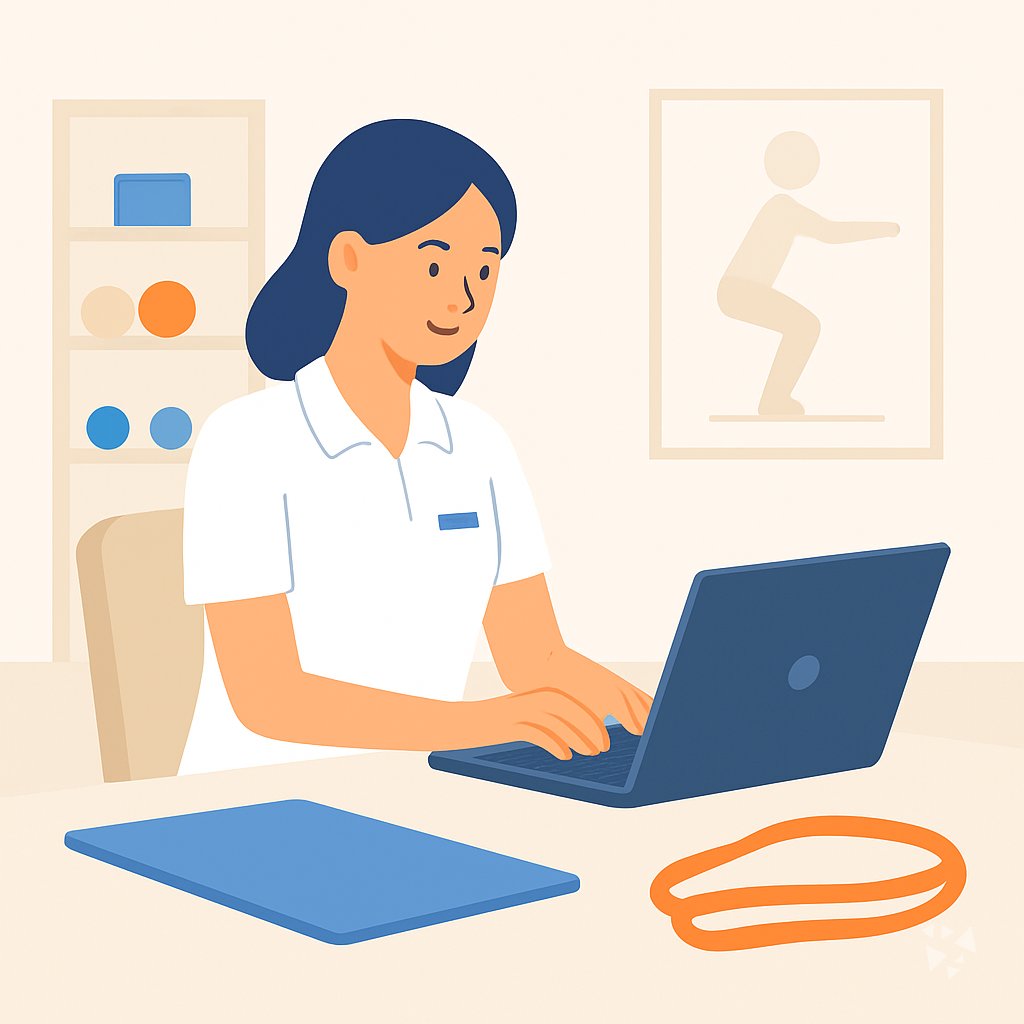
Physiotherapists can use AI to write clearer notes, explain conditions simply, and build home programs. This path shows how to set up AI, use prompts safely, and learn with job-focused video courses.
Your path
Everything in the Physiotherapist AI kit, in the order that makes sense. Members tick off each step and see their progress.
Set up your AI
We guide you through each click.
Let skills do your everyday tasks
Connect your apps and pick your AI apps
Hand whole tasks to AI agents
Build your own tools
Keep growing
Everything for physiotherapists
All the courses, certifications, AI tools, MCP servers and apps for physiotherapists, most relevant first. Open any list to see more.
Take the prompt courses
A short framework course to learn how to ask, then 9 lessons with ready-to-use prompts for physiotherapists.
Start with this framework: how to talk to AI
CARE fits physiotherapy because each patient case needs context, action, result, and a clear example, like documenting a knee replacement rehab plan.
Then your prompt course for physiotherapists- 1Patient Assessment Notes3 prompts
- 2Explaining Conditions Simply3 prompts
- 3Home Exercise Programs3 prompts
- 4Rehab Plan Drafting3 prompts
- 5Progress Monitoring3 prompts
- 6Clinician Communication3 prompts
- 7Prevention and Return to Activity2 prompts
- 8Clinic Admin and Client Messages2 prompts
- 9Learning and Clinical Reasoning2 prompts
Watch the video courses or add them to your Favorites for later
75 video courses our AI picked for physiotherapists, most useful first. Save the ones you want to watch later with the heart.
Favorites are saved to your account: sign in or get your AI kit first.
Show all 75 video courses
Get certified, or add certifications to your Favorites
Every course ends in an exam and a certificate you can add to LinkedIn. Save the certifications you are aiming for with the heart.
Favorites are saved to your account: sign in or get your AI kit first.
More certifications for physiotherapistsShow all 24 certifications
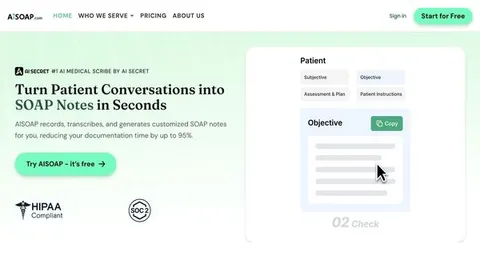
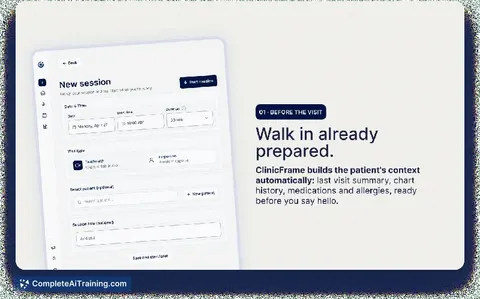
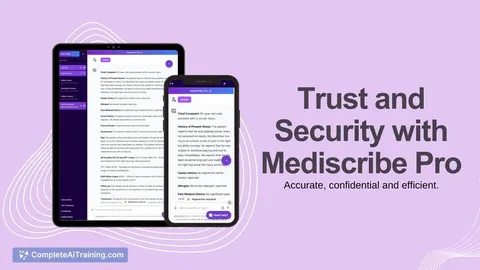
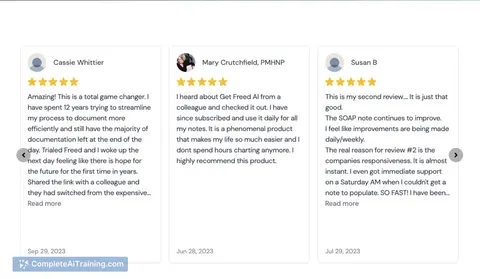
Try the AI tools for physiotherapists
13 AI tools our AI matched to the work of physiotherapists, best fit first. Each review shows what it does, its alternatives and the jobs it suits.
Favorites are saved to your account: sign in or get your AI kit first.
Show all 13 AI tools
Connect your AI to the apps physiotherapists use
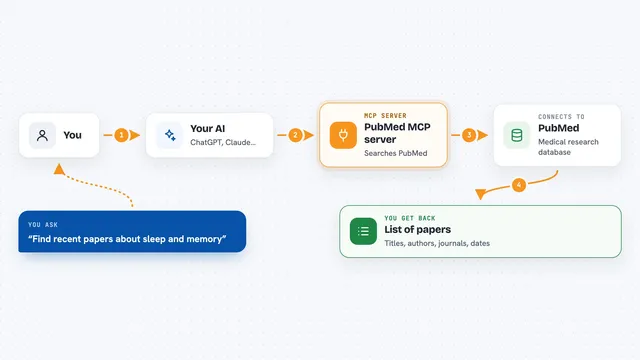
MCP servers let ChatGPT, Claude or Copilot look things up and get work done in other apps, like your email, calendar or bookkeeping software. These 12 fit the work of physiotherapists best, well-known apps first.
PubMed MCP server
by andybrandtLets your AI search medical and life sciences papers on PubMed and read their abstracts and full text.

PubMed Search MCP Server
by pubsproLet your AI search medical research papers on PubMed and give you plain-English summaries.

NCBI PubMed MCP server
by vitorpavinatoSearch PubMed's millions of research articles and get summaries, authors, and related papers through your AI.

CallChatSyn MCP server
by oneappsworldLet your AI answer customer questions from your business FAQs and book appointments for you.
Customer communication Official
Temporal Cortex MCP server
by temporal-cortexLet your AI check calendars, find free slots, and book meetings without double-booking.
ProductivityMeetingsNo install
Meet.bot MCP server
by poolside-venturesLet your AI check your Meet.bot calendar availability and book meetings for you.
ProductivityMeetings OfficialShow all 12 MCP servers

Bing Search MCP server
by leehanchungLets your AI search the web, news, and images through Microsoft Bing while you chat.

Google Calendar MCP server
by takumi0706Lets your AI read, create, change, and delete events in your Google Calendar for you.

Scholar MCP server
by Liyux3Your AI can search academic papers, read them, map citations, and save them into a personal library.

DuckDuckGo Search MCP server
by zhsamaLets your AI search the web through DuckDuckGo and bring back results for you.

Chronary calendar MCP server
by ChronaryLets your AI manage Chronary calendars, events, and meeting times for you in plain chat.
ProductivityMeetings Official
Research Hub MCP server
by WenyuChiouLets your AI search for papers, save them to Zotero, and write notes into your Obsidian vault for you.
Build your own AI apps for physiotherapists
Apps you build yourself with your own AI, no coding needed and no monthly fee. Our AI picked the 4 that fit the work of physiotherapists.
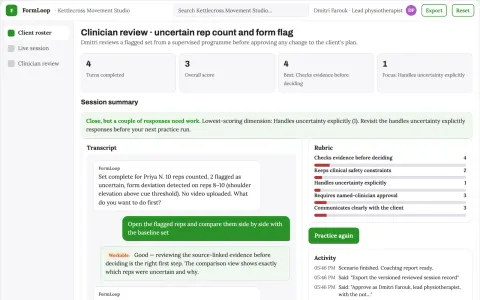
Interactive movement coaching and practice workshop platform
Extend qualified supervision between sessions while keeping the clinician's programme in control.
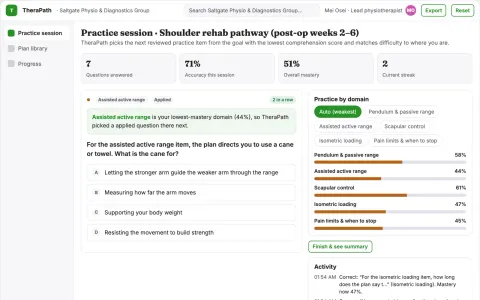
Therapy home-practice adherence workshop
Support understanding and execution of existing professional instructions.
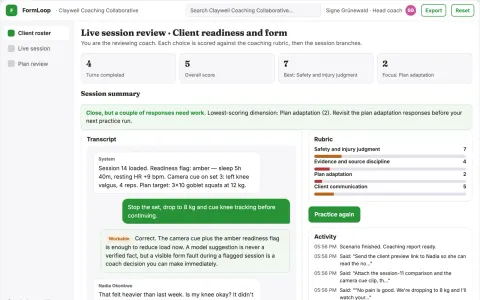
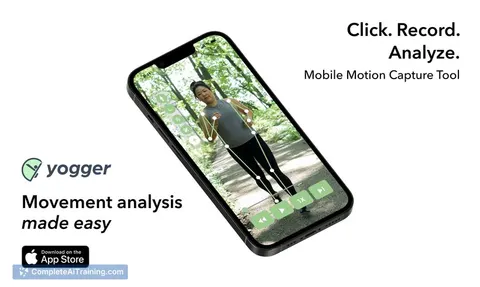
Camera-guided adaptive fitness coaching platform
Reduce coaching hours per client while keeping form and recovery under qualified review.
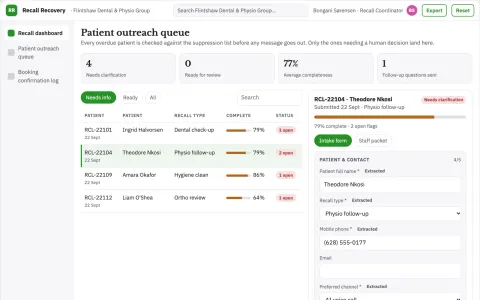
Recall List Recovery
The suppression list and human-first opt-out are built into every message, so the AI never contacts a bereaved family or a patient who has moved clinic.









































































About this learning path
6 topicsAI Skills for Physiotherapists: A Practical Learning Path
You already spend much of your day assessing movement, explaining pain, and writing notes that other people depend on. AI can help with the writing and planning parts, so you have more attention for hands-on care and patient questions.
This path is built for working physiotherapists who are not technical. You start with simple setup questions, connect your AI tool, then learn prompts for notes, home exercises, progress reviews, and clinician letters. Video courses chosen for physiotherapy work show how to use these skills in real settings, and each course lists the certification you receive.
Why AI matters for this job now
Physiotherapy work is physical and personal, but it also comes with a steady load of writing, planning, and coordination. Clear notes, patient-friendly explanations, and timely letters to GPs all affect how well care moves forward. AI can help you draft these pieces faster while you keep the clinical decisions and hands-on treatment in your hands.
When you know how to ask, AI becomes a quiet assistant for the parts of the job that follow you home. It does not replace your assessment or your judgment.
What this path includes
The path starts with setup questions that help you choose and connect an AI tool. Then it builds job skills inside your AI, moves through this prompt course for physiotherapy, and adds video courses selected for your role. Each video course shows the certification you can earn when you finish.
How it saves you time
Prompts for assessment notes, home exercise programs, progress notes, and clinician letters turn blank pages into first drafts. You still review and adjust, but you are not starting from nothing after a full day of patients. The time saved can go back into patient education, your own recovery, or simply leaving on time.
How it protects your career
Using AI well means knowing what to share, what to keep private, and what to check before it goes into a record. This path covers safe habits, consent, and professional standards for physiotherapists. It also keeps your skills current, so you are ready as clinics adopt new tools.
How to start
Begin with the setup questions and connect one AI tool you already have access to. Try the first prompt lesson on patient assessment notes, then pick one video course that matches your setting, such as outpatient, sports, or aged care. Small daily use builds confidence faster than waiting for the perfect moment.
Frequently asked questions
Do I need to be good with technology?
No. The path starts with plain setup steps and explains each tool in everyday language. You only need to be comfortable typing and reviewing text.Will AI write my patient notes for me?
AI can create a clear first draft from your bullet points or voice notes, but you remain responsible for accuracy and tone. Always check the details and add your clinical reasoning before saving.Is patient information safe to use?
You should follow your clinic rules and privacy laws, and avoid putting identifying details into tools that are not approved for health information. The course shows ways to work with examples that have names and personal details removed.How long does the learning path take?
Most people move through the core lessons in a few short sittings and return to the video courses as needed. You can go at your own pace and focus on the prompts you will use most.