AI tool
Bamboo
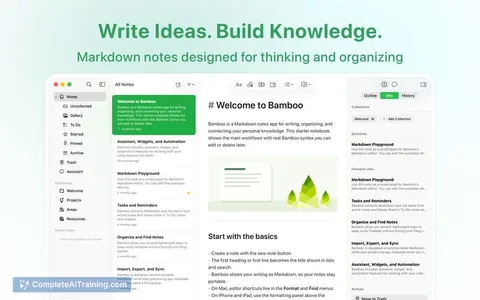
Bamboo is a Markdown notes app for users managing personal knowledge and tasks across Apple devices. Files remain portable and readable. Optional AI features let users draft, summarize, and rewrite text using connected models.
About Bamboo
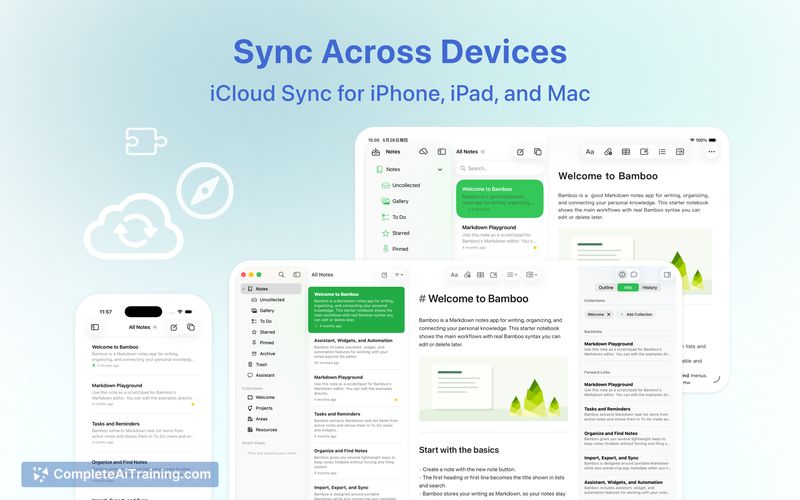
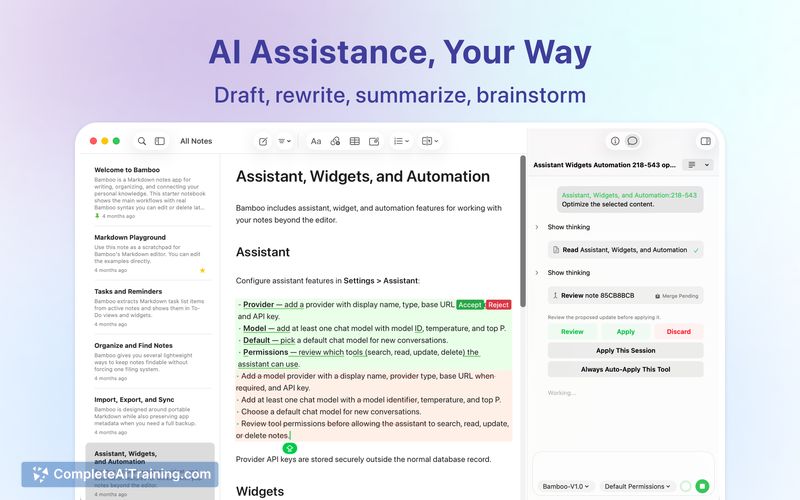
Bamboo is a Markdown-first notes application built for iPhone, iPad, and Mac. It stores notes as plain text and uses Apple iCloud for cross-device sync without routing data through proprietary servers. Users can optionally connect external AI providers to draft, rewrite, or summarize text directly within the editor.
Review
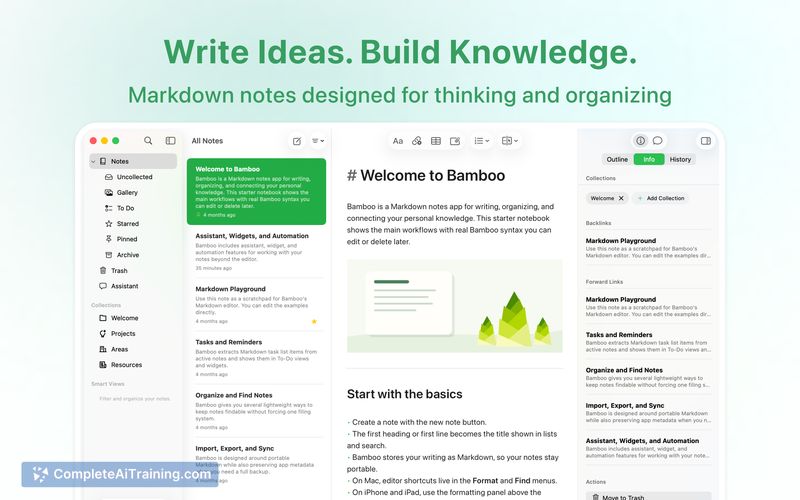
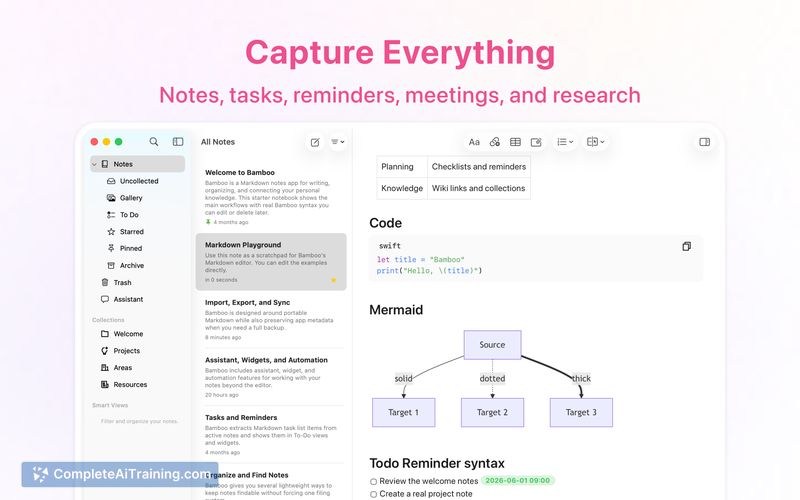
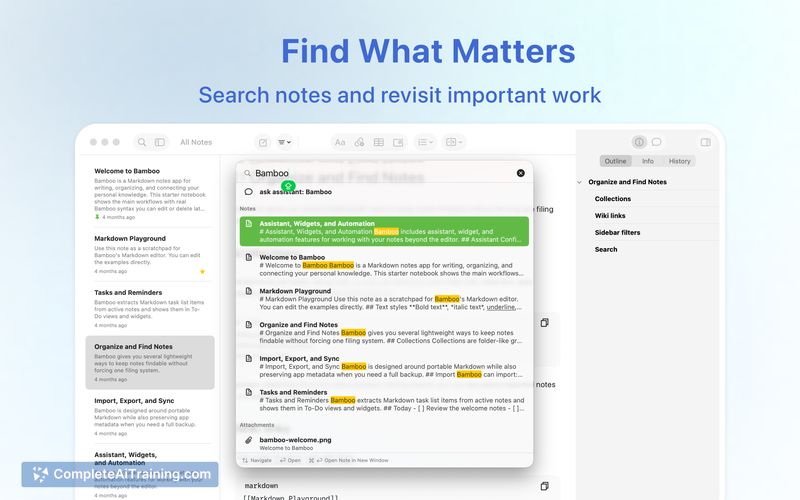
The application focuses on local file storage and standard Markdown syntax to maintain data portability. It integrates external AI models through a manual provider setup rather than embedding a proprietary AI engine. This approach keeps the core writing environment separate from automated generation tools.
Key Features
- Stores all notes and web clippings as standard Markdown files, preserving wiki links in a TextBundle export format.
- Routes cross-device synchronization entirely through the user's existing Apple iCloud account instead of a dedicated backend.
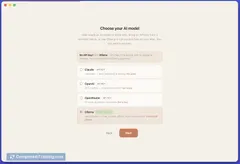
- Accepts external AI models via an OpenAI Compatible provider configuration, supporting both cloud APIs and local networks like Ollama.
- Executes AI commands such as drafting, rewriting, and summarizing using credentials encrypted and stored locally on the device.
Pricing and Value
The application has a free tier, while a Bamboo Pro subscription grants access to additional application features. The developers do not impose limits on note counts or storage capacity, as these depend entirely on the user's available iCloud storage. When using external AI models, billing operates on a pass-through basis where the chosen AI provider charges the user directly without any markup applied by the application.
Pros
- Data remains portable because notes are saved as plain Markdown and can be exported via TextBundle.
- Privacy is maintained by keeping API keys encrypted on the device and routing sync exclusively through personal iCloud accounts.
- The ability to use external AI models allows users to bring their own API keys for cloud or local setups without paying a platform markup.
Cons
- Local model configuration requires manual entry of the Base URL and model identifier, as automatic discovery for tools like Ollama is not yet implemented.
- Wiki links do not automatically rewrite to relative paths upon export, which may require manual adjustment when moving files to other editors.
- Teams requiring real-time collaborative editing or centralized cloud workspaces will find this tool unsuited for their needs, as it operates strictly on individual iCloud accounts.
This application fits users who prioritize plain text ownership and local-first data management over cloud-based collaboration. It serves researchers and individual writers who need to integrate external AI models into a standard Markdown workflow.
Jobs Bamboo suits
Useful in almost any job. We checked Bamboo against 500+ jobs; these get the most out of it.
Alternatives to Bamboo
Other tools that do the same main job. Our AI compared Bamboo with similar tools and kept the ones you could use instead.