
Learning path
Learning AI as an UX Writer
AI can help UX writers draft clearer interface words, audit screens, and keep teams consistent. This path shows you how to use it well without losing your voice or judgment.

Your path
Everything in the UX Writer AI kit, in the order that makes sense. Members tick off each step and see their progress.
Set up your AI
We guide you through each click.
Let skills do your everyday tasks
Connect your apps and pick your AI apps
Hand whole tasks to AI agents
Build your own tools
Everything for ux writers
All the courses, certifications, AI tools, MCP servers and apps for ux writers, most relevant first. Open any list to see more.
Take the prompt courses
A short framework course to learn how to ask, then 8 lessons with ready-to-use prompts for ux writers.
Start with this framework: how to talk to AI
As a UX Writer, CRAFT fits your job because it sets context, role, action, format, and tone for clear onboarding copy.
Then your prompt course for ux writersWatch the video courses or add them to your Favorites for later
70 video courses our AI picked for ux writers, most useful first. Save the ones you want to watch later with the heart.
Favorites are saved to your account: sign in or get your AI kit first.
Show all 70 video courses
Get certified, or add certifications to your Favorites
Every course ends in an exam and a certificate you can add to LinkedIn. Save the certifications you are aiming for with the heart.
Favorites are saved to your account: sign in or get your AI kit first.
More certifications for ux writersShow all 24 certifications
Try the AI tools for ux writers
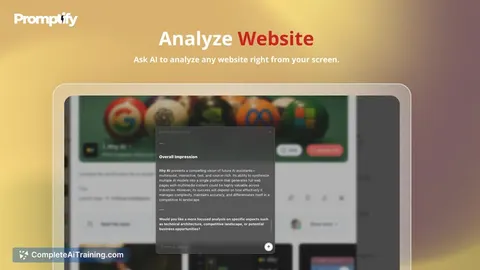
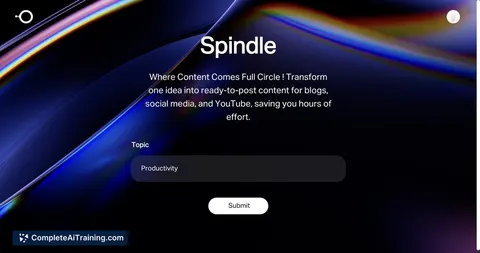
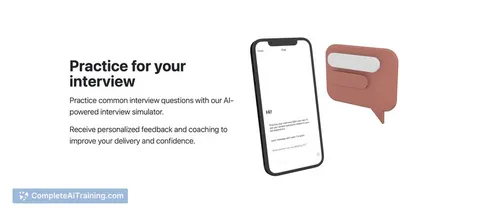
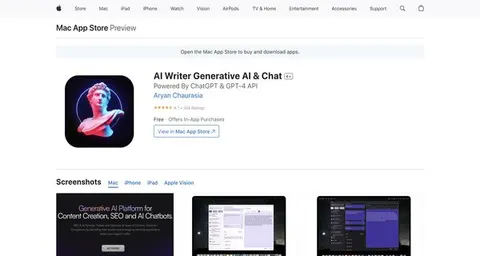
24 AI tools our AI matched to the work of ux writers, best fit first. Each review shows what it does, its alternatives and the jobs it suits.
Favorites are saved to your account: sign in or get your AI kit first.
Show all 24 AI tools
Connect your AI to the apps ux writers use
MCP servers let ChatGPT, Claude or Copilot look things up and get work done in other apps, like your email, calendar or bookkeeping software. These 12 fit the work of ux writers best, well-known apps first.

Google Docs MCP server
by A1-x-TechLet your AI read, summarize, edit and comment on your Google Docs without leaving the chat.

BrandKit MCP server
by ejwhite7Lets your AI read your company's brand colors, fonts, logos, voice and rules while it works.

Quip MCP server
by bug-breederLets your AI read, search, create, edit and delete your Quip documents and comments for you.
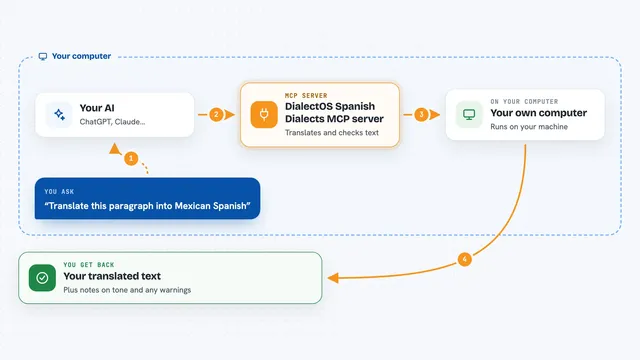
DialectOS Spanish Dialects MCP server
by KyaniteLabsTranslate and check your text in 25 regional Spanish variants, right from your AI chat.

Feishu MCP server
by ztxtxwdLet your AI read, search and edit your Feishu documents for you, after you log in with your Feishu account.

Brand System MCP server
by Brand-SystemYour AI can read your brand guidelines, make on-brand content, and check drafts against your rules.
Show all 12 MCP servers

VE Google Workspace MCP server
by HuntsDeskLet your AI read and write your Google Docs, Sheets, Slides, Drive, Gmail and Calendar for you.

Confluence MCP server
by tqiqbalLet your AI search, read, create, update and delete Confluence pages for you.

OpenAI MCP server
by pierrebrunelleAsk OpenAI's models questions straight from your AI chat, without switching apps.

Groundwork MCP server
by Rarefied-EarthLets your AI read your company's brand, voice, and priorities so its answers fit your business.
NotesNo install
Ragie MCP server
by ragieaiLet your AI search your Ragie knowledge base and pull back the right passages when you ask a question.

OpenAI Bridge MCP server
by jaspertvdmLets your AI assistant send questions to OpenAI models like GPT-4 and bring the answers back into your chat.
Build your own AI apps for ux writers
Apps you build yourself with your own AI, no coding needed and no monthly fee. Our AI picked the 3 that fit the work of ux writers.
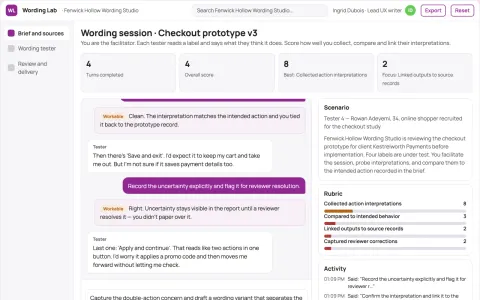
Prototype interaction wording tester
Test action expectations before implementation.
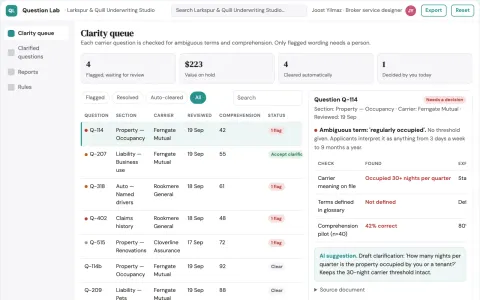
Insurance application question clarity lab
Clarify questions without changing underwriting meaning.
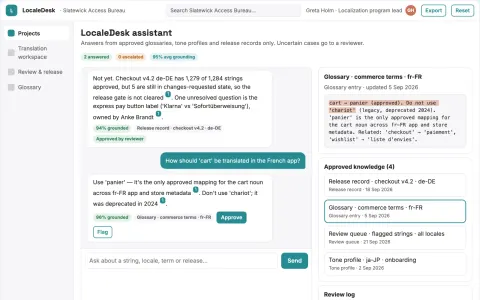
Multilingual app content translation and review portal
Reduce fragmented localization work while keeping terminology and brand voice consistent.










































































About this learning path
6 topicsA Practical AI Path for UX Writers
UX writers choose every word people see in a product, from a button label to a warning message. AI can help you explore options, spot patterns, and prepare clearer drafts, while you keep the final say.
This path brings together setup, prompt lessons, and short video courses chosen for UX writing work. It is practical and calm, built for busy professionals who are not technical.
Why AI Matters for UX Writers
Product teams move quickly, and copy is often needed before every detail is settled. AI can give you a first set of options, help you compare tone, and remind you what you already decided in other screens.
That leaves you more time for the judgment only you can bring, such as knowing what a worried user needs to read first.
What the Learning Path Includes
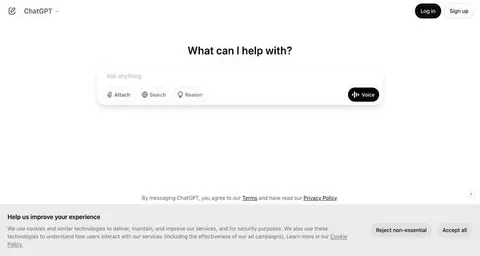
You start with setup questions and a short guide to connecting your AI assistant. Then you work through this prompt course, where each lesson covers a common UX writing task.
The path also includes video courses picked for UX writing work, plus the certifications those courses offer. You can move in order or go straight to the lesson you need.
How the Path Saves Time
Instead of starting at a blank page, you begin with a useful draft. You can ask for button labels, empty states, and error messages in one pass, then edit with clear intent.
The lessons also help you catch repeated wording problems early, so you spend less time in long review threads.
How It Protects Your Career
AI does not replace the need for a UX writer who understands users, product rules, and brand voice. It changes where your time goes, away from first drafts and toward judgment, strategy, and clear communication.
When you can show how you use AI well, you become more useful to your team and more ready for the way the role is changing.
How to Start the Path
Begin with the setup lesson and connect one AI assistant you already have access to. Then take the first prompt lesson and use a real screen you are working on.
Keep a small file of prompts that worked for you. Return to the path whenever a new task slows you down.
Frequently asked questions
Do I need to be technical?
No. If you can write in a document and paste text into a chat window, you can follow along. The path starts with setup and plain steps.Will AI take over UX writing?
AI can draft and sort options, but it does not know your users, your product rules, or your brand voice. Your editing and judgment stay at the center of the work.Can I use real product copy in an AI tool?
Check your workplace rules first. When you are unsure, use training data or public screens, and remove names, customer details, and private information before you paste anything.How long does the path take?
Most people move through it in a few focused sittings. You can also return to any lesson when a real project needs it.