AI tool
Construct Computer
Construct Computer is an AI coworker that automates business tasks by connecting to the tools your company already uses. It learns reliable workflows, executes them on command, and stores business context in a secure enclave. Built for founders an...
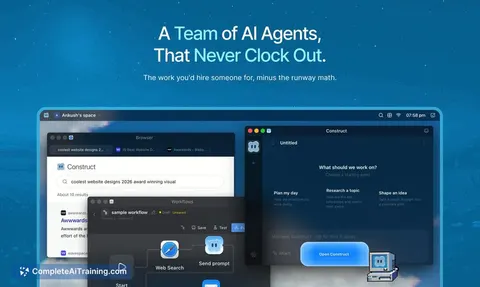
About Construct Computer
Construct Computer is an AI workforce platform for solo founders and small teams. It gives each AI agent its own cloud-based computer with a browser, terminal, files, email, and persistent memory. The product launched this week on Product Hunt and is positioned as a managed alternative to open-source agent infrastructure.
Review
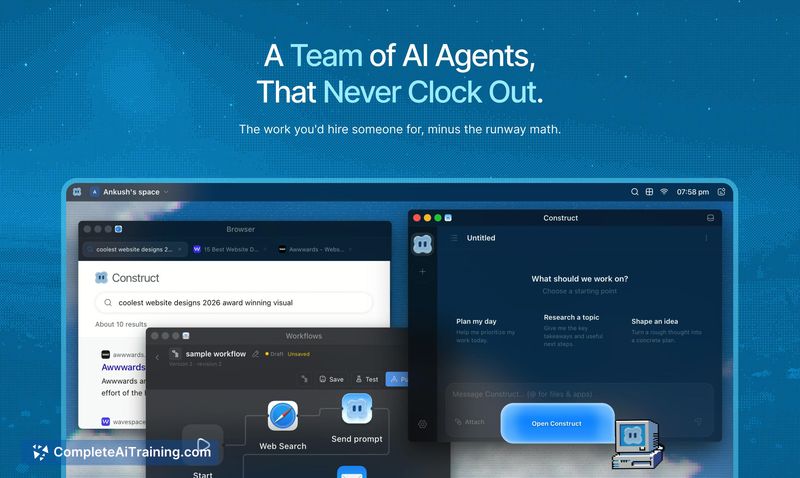
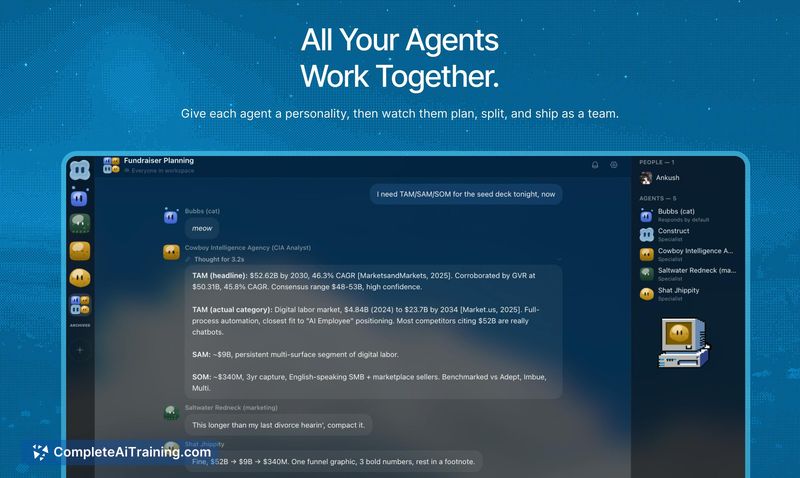
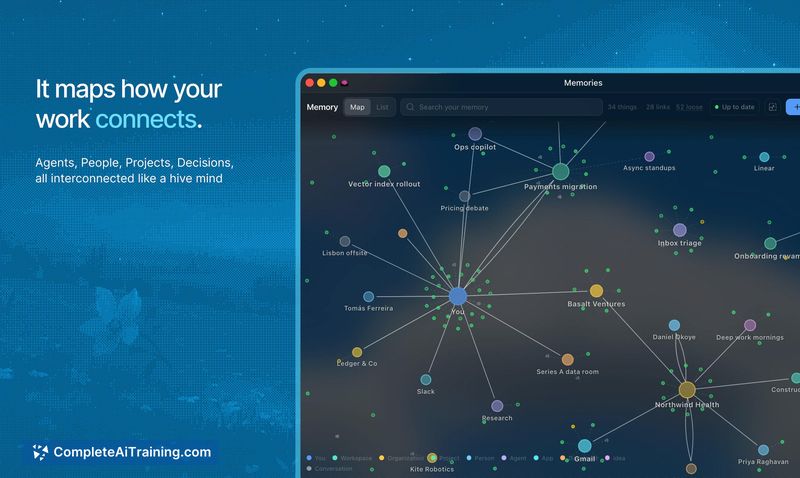
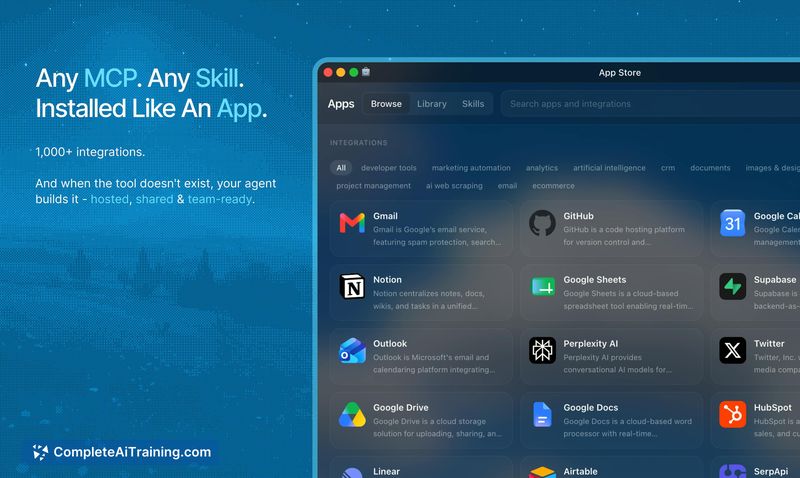
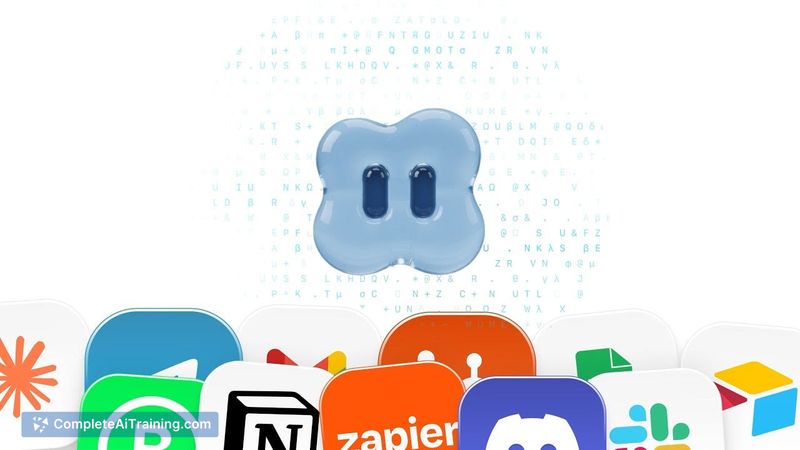
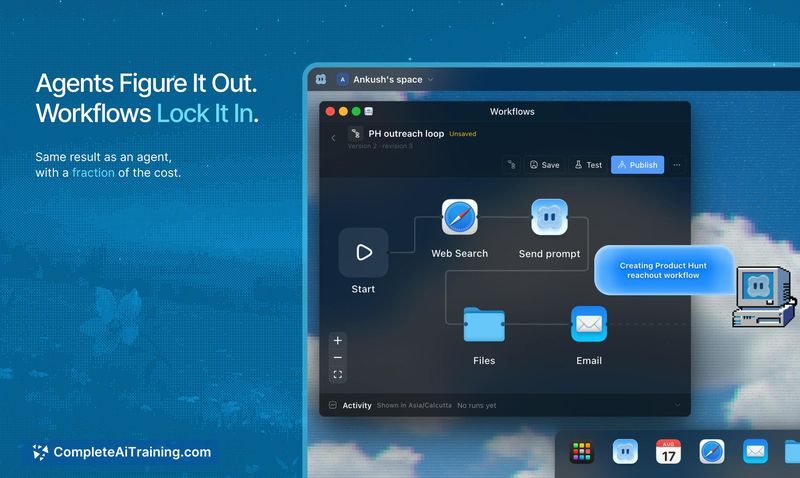
Construct Computer treats agents less like chatbots and more like remote hires who share a workspace with you. The core idea is that agents run on cloud infrastructure, not your local machine, so they can keep working after you close your laptop. The platform includes a cloud desktop OS that you can log into from any device to watch agents work or take over controls.
Key Features
- Cloud desktop environment for each agent, with browser, terminal, files, email, and calendar access
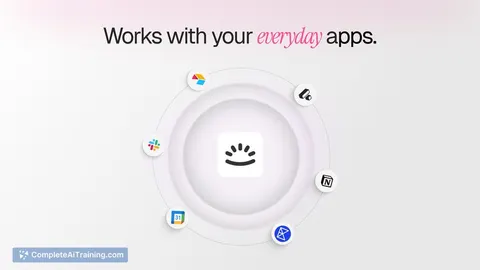
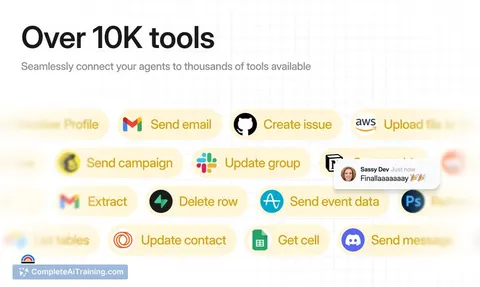
- App-style installation for MCPs and tools, similar to installing from an app store
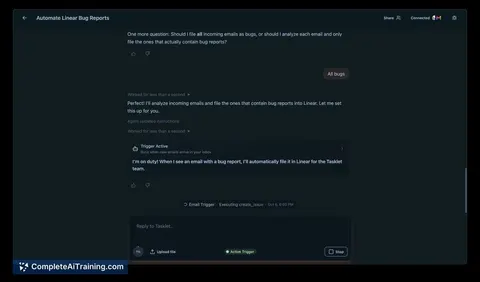
- Workflow locking, which converts successful agent runs into reusable workflows that don't require re-reasoning
- Multiplayer workspace where human teammates and multiple agents can collaborate, including sharing access to specific agents
- Internal app builder that lets agents create workspace-native tools when existing ones don't fit
Pricing and Value
The Product Hunt launch includes a 7-day free trial on the Pro plan, followed by 40% off for the first year. Monthly subscribers get 20% off for the first three months. The full pricing structure beyond this launch offer is not yet defined on the public page. The platform runs on Cloudflare Workers infrastructure, using Durable Objects, R2 storage, and Workers AI as bindings rather than separate vendors.
Pros
- Locked workflows reduce token spend by skipping reasoning loops on repeated tasks
- Agents run on cloud infrastructure, so they continue executing after you log off
- Non-technical users can install tools and manage agents without deep engineering knowledge
- Failure notifications route to the workspace owner, who can then direct the agent to fix the issue
- Workspaces are multiplayer, letting teams share agents, tools, and workflows
Cons
- When a locked workflow breaks due to an external API change, the agent doesn't automatically re-plan; it notifies the user and waits for direction
- The desktop companion feature, where cloud agents hand off tasks to a local app, is still experimental and not shipped
- Not well suited for organizations that need to self-host or customize their agent infrastructure, since Construct is a fully managed platform
Construct Computer fits best for solo founders and small teams who want a managed AI workforce without hiring engineers to maintain agent infrastructure. The workflow locking and cloud execution model address the common pain point of token waste on repeated tasks. Teams that need deep customization or on-premise deployment should look elsewhere, as should those who prefer to build their own agent stack from open-source components.
Jobs Construct Computer suits
We checked Construct Computer against 500+ jobs; these get the most out of it.
Alternatives to Construct Computer
Other tools that do the same main job. Our AI compared Construct Computer with similar tools and kept the ones you could use instead.