AI tool
Filect
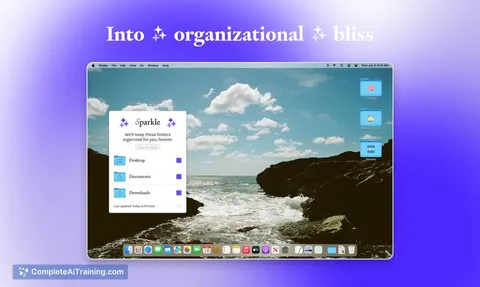
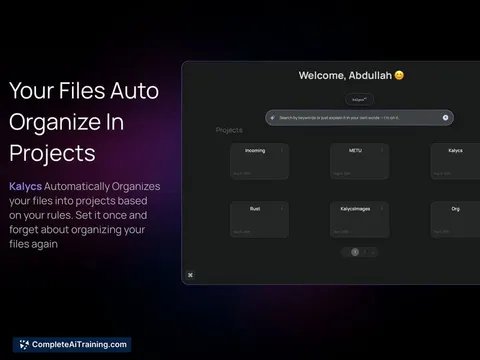
Filect automatically organizes files into clean folders in the background with no setup. Search by natural language-e.g., "invoice for client X last Tuesday"-and find files instantly. Works on Mac and Windows.
About Filect
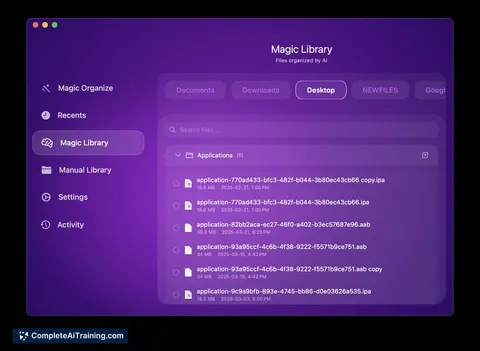
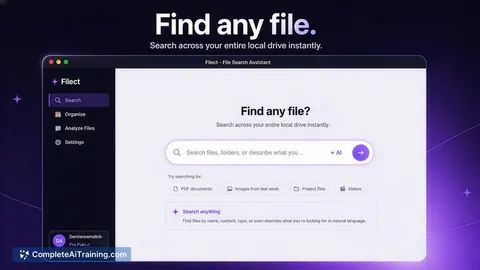
Filect is a desktop app that automatically organizes files into tidy folder structures using AI. It offers an autopilot mode and custom rule options, plus a plain-English search to find files without needing exact filenames.
Review
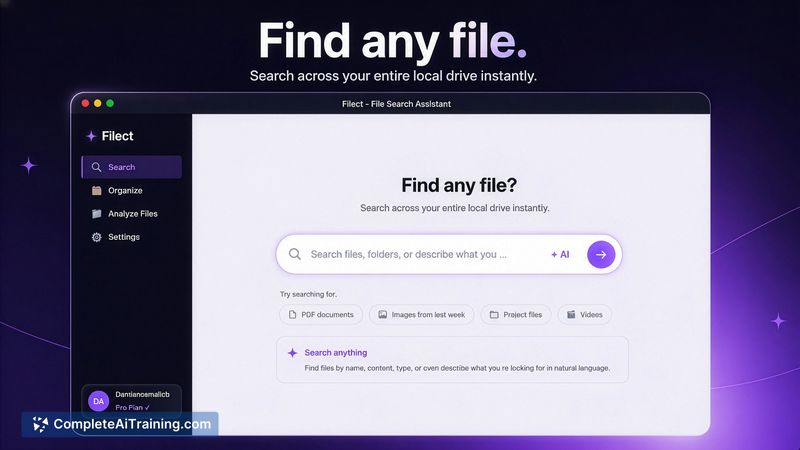
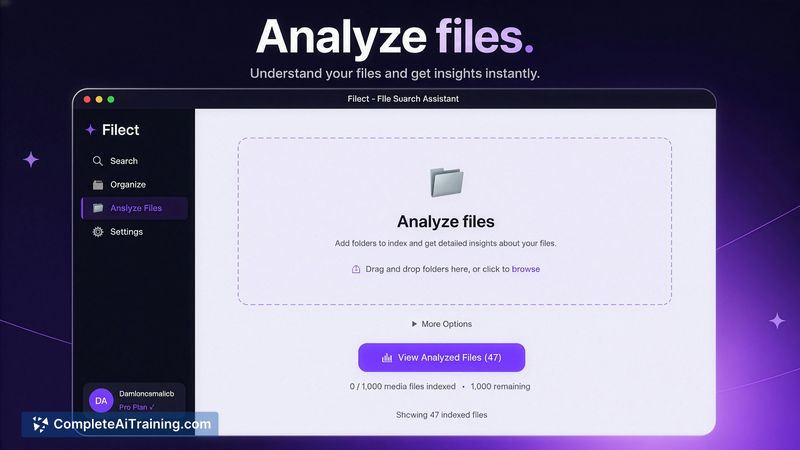
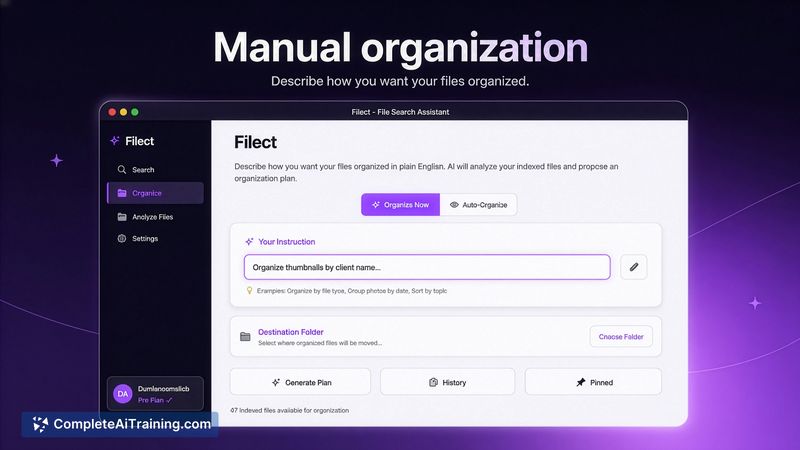
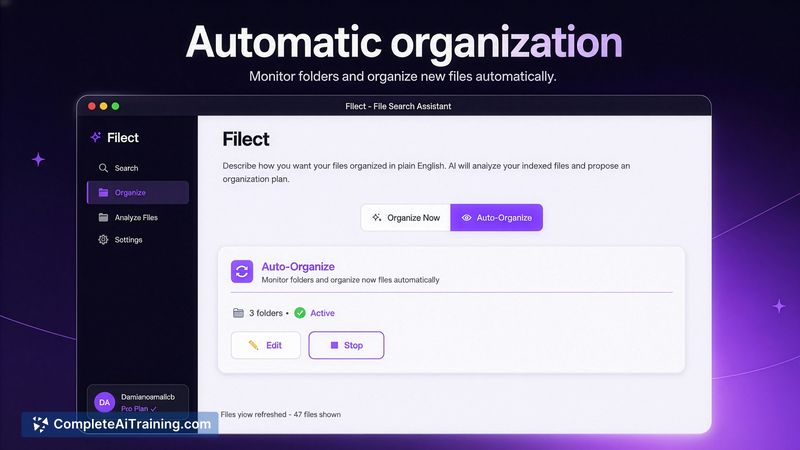
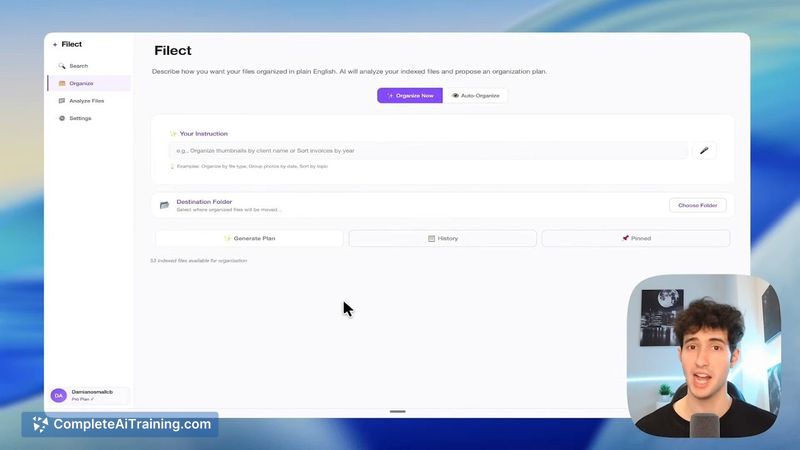
Filect focuses on reducing file clutter for creators, developers, designers, and editors by sorting items in Desktop, Downloads, Documents or any user-selected folder. It balances automatic sorting with controls like previews, an undo history, and exclusion options, making it useful both for hands-off users and those who want oversight.
Key Features
- Autopilot organization that runs in the background to keep folders clean.
- Custom rules and a manual preview mode so you can see planned moves before they happen.
- Plain-language search - describe a file (for example, "that invoice I made for client X last Tuesday") and the app will locate it.
- Audit log and undo history to revert changes made by the app.
- Selectable folders and exclusion options so you control which files are analyzed and moved; available for Mac and Windows.
Pricing and Value
Filect offers a free 10-day trial so you can test organization and search features. Reported subscription pricing is around $15 per month, but users should confirm current rates on the official site before subscribing. For people who spend time searching for files or repeatedly clean up Downloads and project folders, the time saved can justify a modest monthly fee - especially given the preview and undo safeguards that reduce risk.
Pros
- Significantly reduces visible clutter with minimal setup required.
- Natural-language search makes locating specific items fast and intuitive.
- Preview and undo features give control and reduce the chance of unwanted moves.
- Can target any folder and lets you exclude sensitive locations from analysis.
- Works on both Mac and Windows, aimed at creative and technical workflows.
Cons
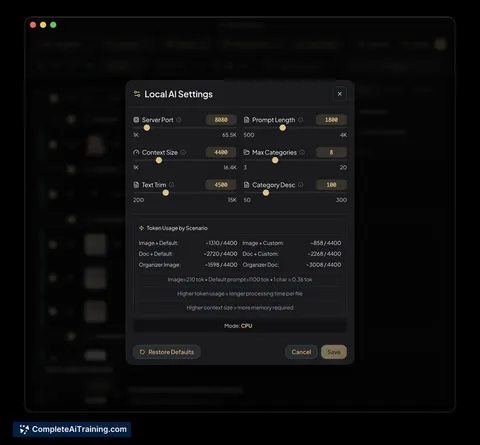
- Analysis involves external AI API calls, which may be a concern for users with strict privacy requirements; review the privacy policy before use.
- No built-in cross-device sync at launch, so tags and organization are currently local to each machine unless the vendor adds sync later.
- Some pricing details were not prominently displayed on the website at first, which can be inconvenient for prospective users.
Filect is best for freelancers, creators, developers, and editors who manage large numbers of files and want faster access with less manual sorting. Try the free trial to see how its autopilot and preview features fit your workflow, and review privacy settings if you handle sensitive documents.
Jobs Filect suits
We checked Filect against 500+ jobs; these get the most out of it.
Alternatives to Filect
Other tools that do the same main job. Our AI compared Filect with similar tools and kept the ones you could use instead.