AI tool
Lazy 2.0
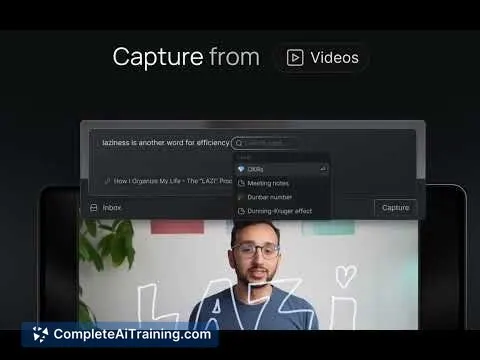
Lazy 2.0 lets you quickly capture ideas from anywhere and interact with your notes using AI. It links your thoughts to your ongoing work through a simple shortcut, streamlining your workflow across your desktop.
About Lazy 2.0
Lazy 2.0 is an AI-powered capture tool designed to help users quickly take notes and manage information without interrupting their workflow. It offers a streamlined shortcut that allows capturing ideas, insights, and content from various sources directly on the desktop.
Review
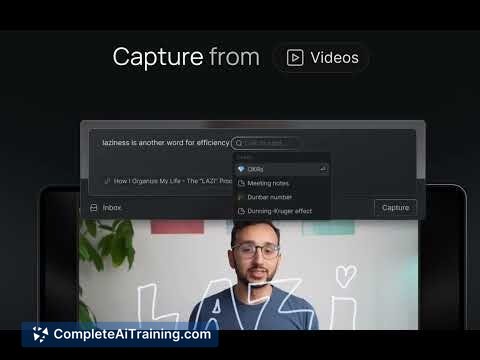
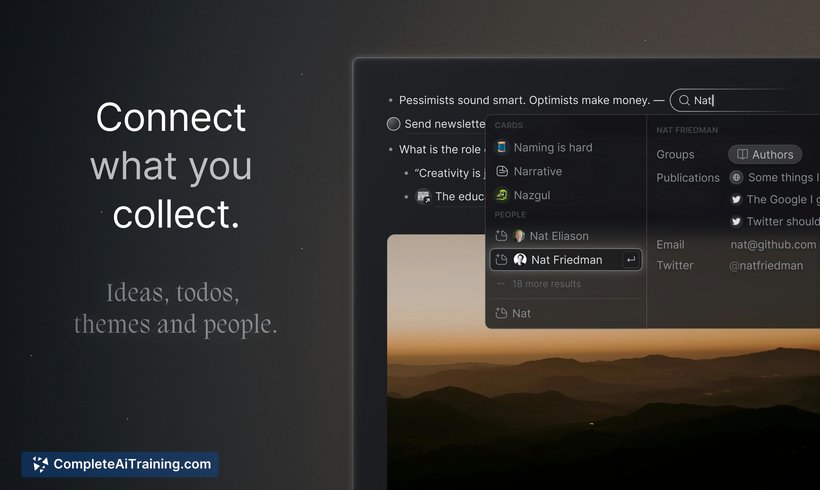
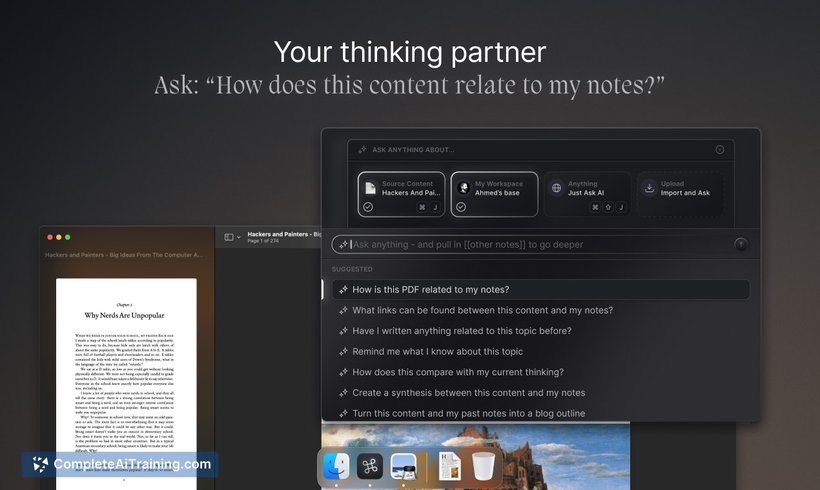
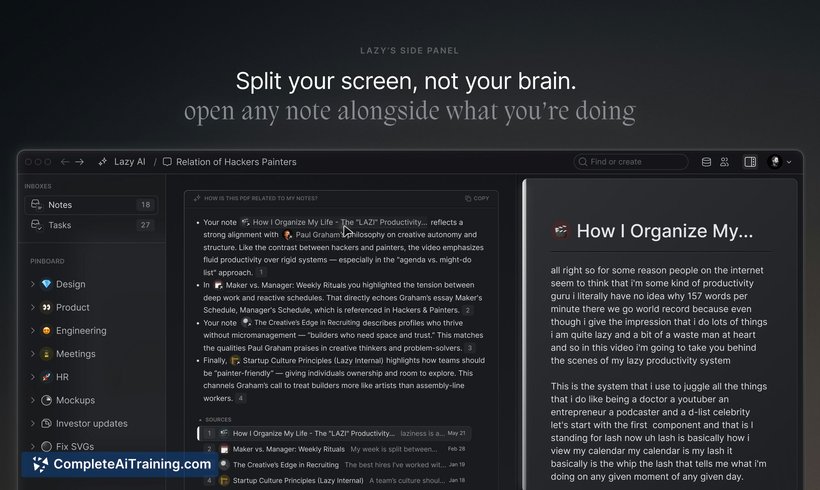
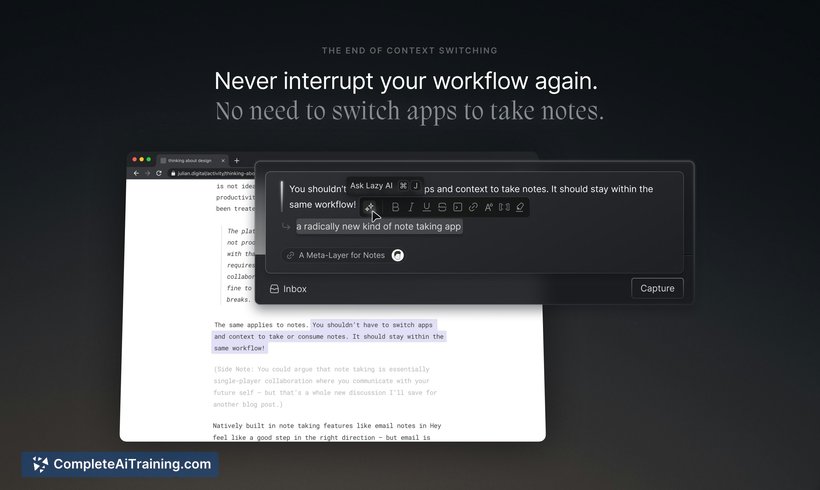
Lazy 2.0 builds on the original concept of fast and context-aware note-taking by integrating AI to interact with your captured knowledge. This tool is particularly useful for those who need to stay focused while collecting and revisiting notes throughout their workday. It aims to reduce distractions caused by app switching and helps users keep their thoughts organized in one accessible place.
Key Features
- One global shortcut to capture notes instantly from any application or tab.
- AI-powered chat interface that allows querying and interacting with your notes for deeper insights.
- Context-aware linking that connects new captures with existing notes to provide relevant information.
- Support for capturing content from diverse sources including emails, PDFs, videos, and social media.
- Seamless desktop integration designed to minimize disruptions during work.
Pricing and Value
Lazy 2.0 requires a paid subscription, though specific pricing details are available on the official website. The value offered lies in its ability to streamline note-taking and knowledge management processes, saving time and reducing cognitive load. For professionals who deal with a high volume of information and frequent context switching, the subscription can be a worthy investment.
Pros
- Efficient and quick capture method with a universal shortcut.
- AI assistance helps in finding connections and recalling past notes effortlessly.
- Reduces the need to switch between multiple apps, improving focus.
- Works well for various content types, including videos and documents.
- Supports knowledge workers, executives, and creatives facing information overload.
Cons
- Access is limited by invitation or subscription, which may delay onboarding.
- Some users may need time to adapt to the AI chat interface and fully utilize its capabilities.
- Pricing details are not prominently disclosed, requiring a visit to the website for full information.
Overall, Lazy 2.0 is ideal for individuals who frequently capture and organize diverse information and prefer to maintain focus without breaking their workflow. It serves well knowledge workers and creatives who value quick note-taking combined with AI-enhanced organization and retrieval. Those looking for a simple yet powerful tool to manage their ideas and insights in real time will find this product beneficial.
Jobs Lazy 2.0 suits
Useful in almost any job. We checked Lazy 2.0 against 500+ jobs; these get the most out of it.
Alternatives to Lazy 2.0
Other tools that do the same main job. Our AI compared Lazy 2.0 with similar tools and kept the ones you could use instead.