AI tool
PIP
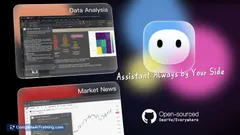
Pip is a desktop assistant that sees your screen when you hold a key, offering context-aware help for tasks, errors, or navigation. It is for anyone who wants immediate, in-place guidance without switching to a chat window.
About PIP
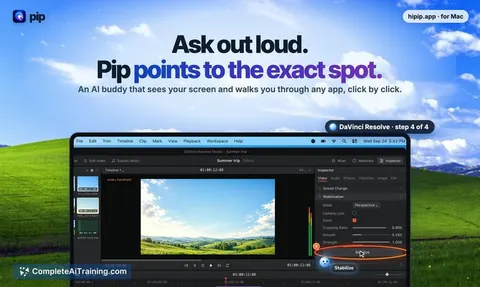
PIP is an AI assistant that runs on macOS. It sees your screen, understands the context of what you're looking at, and can point to where you need to click - even across multiple steps. The tool was built on the open-source foundation of HeyClicky, with additional work on UX and daily usability.
Review
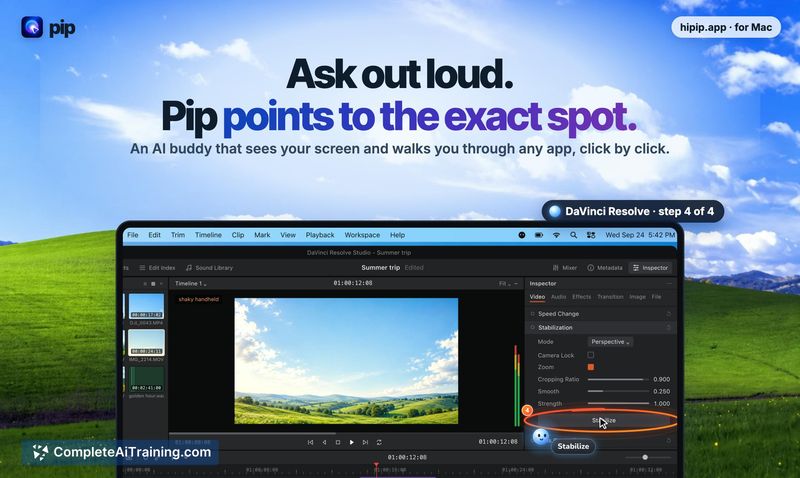
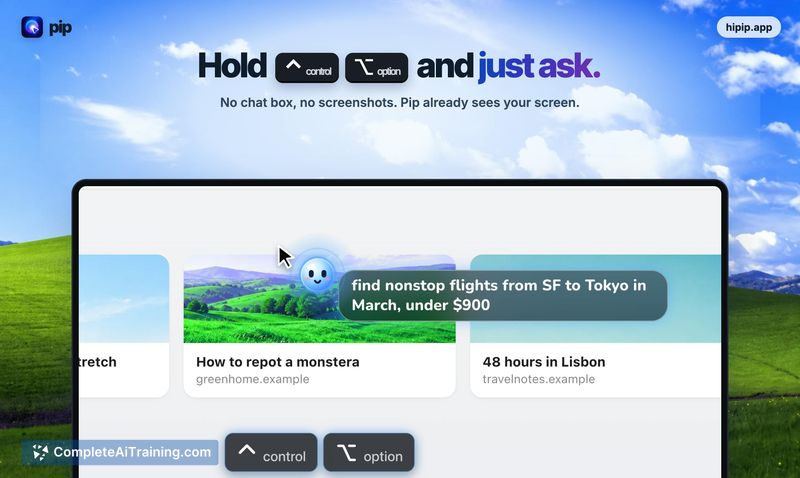
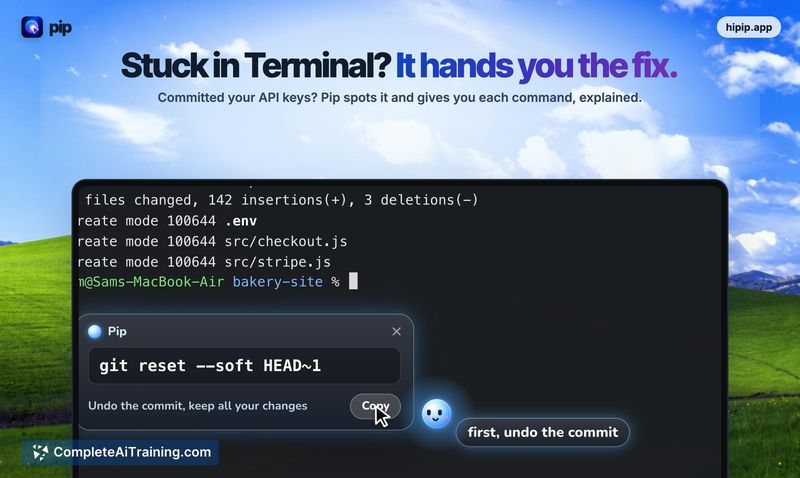
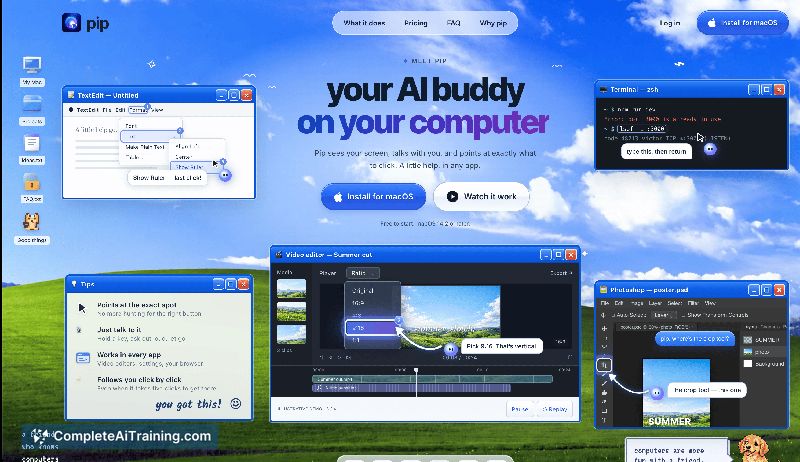
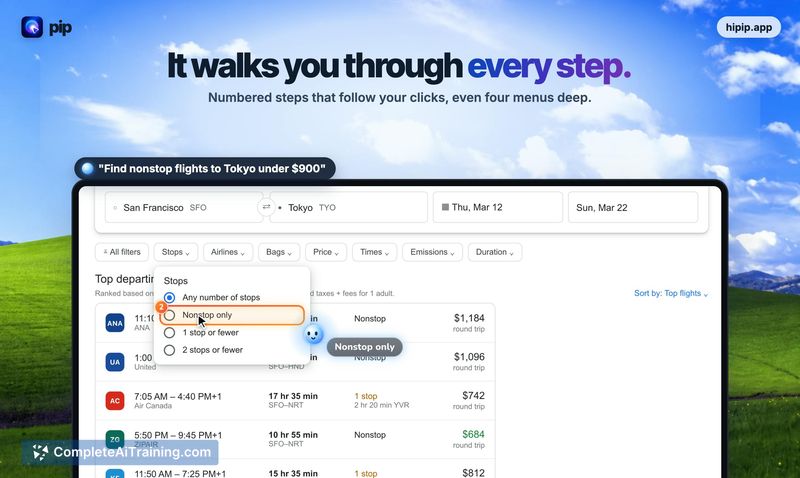
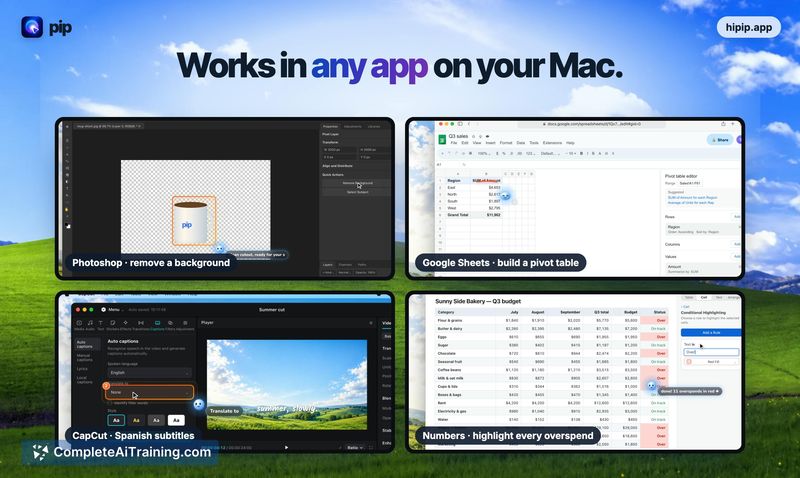
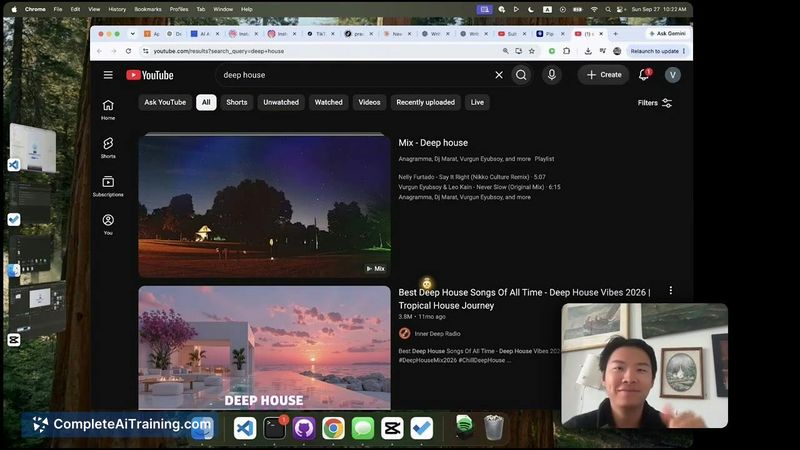
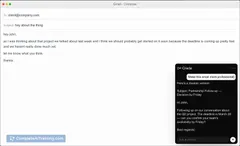
PIP takes a different approach from chat-based AI tools. Instead of requiring you to screenshot, switch windows, and explain your situation, it sits on your desktop and activates when you hold a key. It then analyzes what's on your screen and can talk you through a task or visually indicate where to click.
Key Features
- Screen-aware assistance that reads what you're looking at without manual screenshots or context-switching
- Click-pointing capability that shows exactly where to interact, even for multi-click workflows
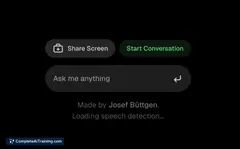
- Keyboard-triggered activation via a hold-to-talk mechanism
- Multi-click task walkthroughs counted as a single question against usage limits
- Built on the open-source HeyClicky project with additional UX refinements
Pricing and Value
PIP is listed as free at launch. The maker has confirmed that multi-click guidance counts as one question against a monthly limit, which suggests a usage-based quota system is in place. Exact plan tiers, monthly question caps, or future pricing models have not been detailed yet.
Pros
- Eliminates the screenshot-and-switch loop common with browser-based AI tools
- Visual click-pointing reduces ambiguity when following instructions
- Multi-step tasks only consume one question from the monthly allowance
- Desktop-native presence means it can help across any application on your Mac
- Free tier available at launch for users to evaluate the tool
Cons
- macOS-only, so Windows and Linux users are excluded entirely
- Monthly question limits exist, though the exact cap hasn't been published
- Not well suited for users who prefer text-based, research-oriented AI interactions that don't involve screen sharing or click guidance
PIP fits best for Mac users who frequently run into on-screen blockers - error messages, unfamiliar interfaces, or multi-step processes - and want help that points instead of just describing. It's less relevant for those doing long-form writing, data analysis, or other tasks that don't involve navigating UI elements. The free launch period gives a practical window to test whether the screen-aware, click-pointing approach actually saves time in daily workflows.
Jobs PIP suits
Useful in almost any job. We checked PIP against 500+ jobs; these get the most out of it.
Alternatives to PIP
Other tools that do the same main job. Our AI compared PIP with similar tools and kept the ones you could use instead.