MCP server · Notes
Synapse memory vault MCP server
Give your AI a private, local Markdown memory it can search and read when you ask.
Synapse is a small helper that turns your saved chats and notes into a searchable Markdown vault on your own computer. Once connected, your AI can look things up in that vault instead of you pasting old conversations into every chat. It is handy for anyone who wants their AI to remember past work without sending their history to a cloud service.
What is an MCP server? The 30-second version
On its own, your AI can only chat with what is in front of it. An MCP server is a small helper program that gives your AI a new skill or a connection to something outside the chat. This one connects your AI to a local folder of Markdown files called a vault, where your imported chats and notes live. When you ask a question, the AI searches that vault and reads the one page that matters, so it answers with your own history.
What this MCP server does
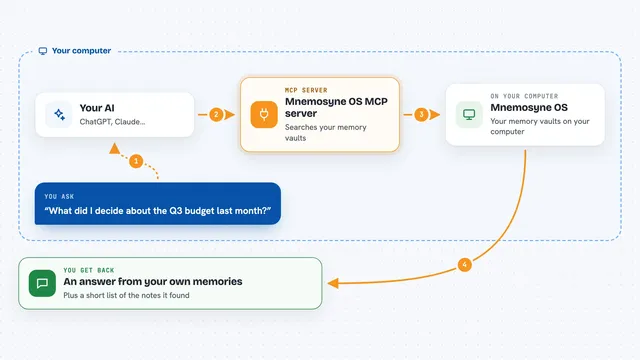
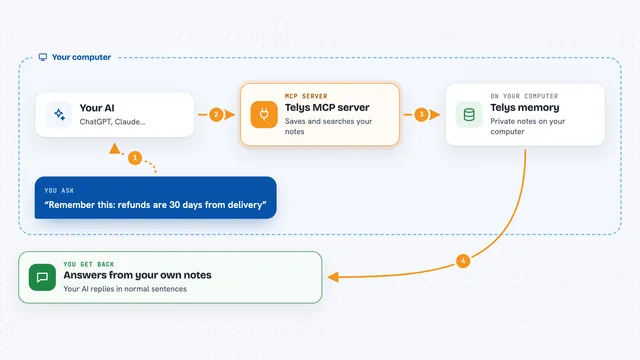
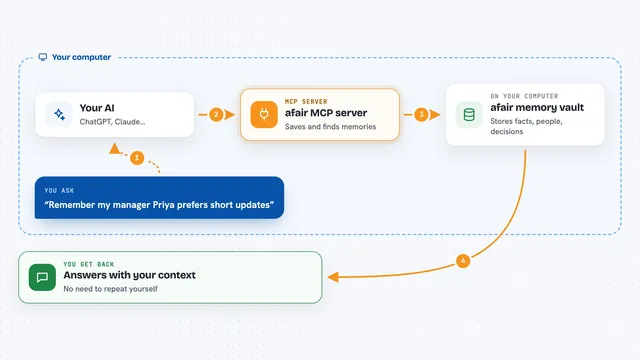
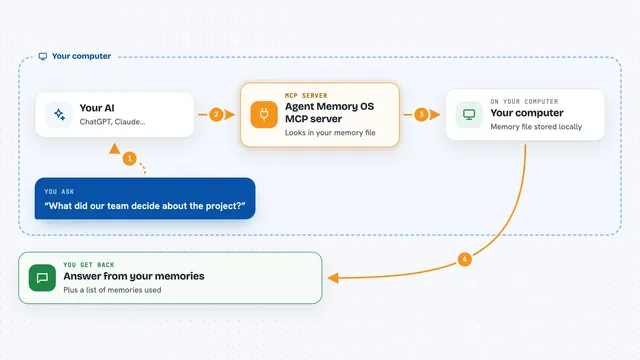
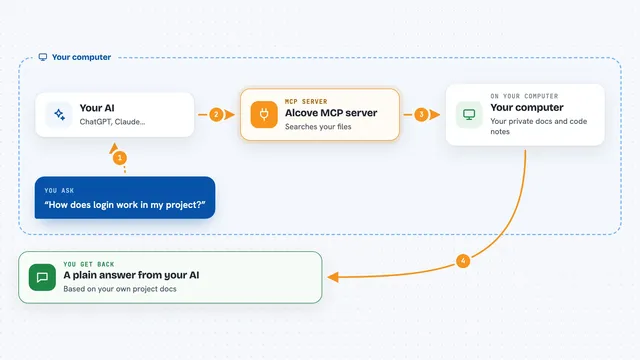
You ask your AI something that relates to your past work or saved chats. The AI uses this helper to search your local vault, which is a folder of Markdown files plus a small search index. The helper finds the most relevant page and hands it back to the AI. The AI then reads that page and answers you in the chat. Nothing from your vault is sent into the prompt unless the AI actually looks it up, so unopened pages cost nothing.
What you can do with it
- Search your imported ChatGPT or Claude history by keyword or phrase
- Read one relevant Markdown page from your vault when you ask a question
- Propose a new note for you to review and approve later
- Keep a linked wiki of your knowledge as plain Markdown files
- Run a local demo vault to see how it works before importing anything
- Ingest a ChatGPT or Claude export zip into your own folder
- Use optional semantic search when keyword search misses the point
Try asking your AI
- “What did I decide about the launch date last month?”
- “Find my notes about handling growth and summarize them.”
- “Search my vault for the phrase I remember about pricing.”
- “Propose a note about today's meeting and show me the diff.”
What it gives back to you
You get answers in the chat based on pages from your own vault. The AI may quote a short passage or summarize what it found. If it proposes a note, you see a diff you can approve or reject outside the chat. Search results come back as a list of matching pages with short snippets.
Before you start
What you need
- Python and the uv tool installed on your computer
- A folder to use as your vault, or a ChatGPT or Claude export zip to import
- An OpenAI-compatible API key only if you want to build wiki pages or use semantic search
Good to know
Your AI can only propose notes, not change or delete your files, but you should still review every proposal before approving it.
Install it with your AI
Add Synapse memory vault MCP server to your AI, no technical skills needed
You don't install anything by hand. You copy one prompt, paste it into an AI that can work on your computer, and it checks, installs and connects the server for you, asking you when it needs something.
Sign in to get the install prompt
Members get a ready-made prompt that lets the Claude desktop app check Synapse memory vault MCP server, install it and connect it for them, step by step. You don't need any technical skills: you copy, paste and answer a few questions. Your connected AI can also find and install any of the 4,611 MCP servers here for you.
Who it's for
Anyone who saves a lot of AI chats or notes and wants their AI to remember them without pasting history into every prompt.