MCP server · Developer tools
Suvadu MCP server
by AppachiTech
Let your AI search your terminal history, spot risky commands, and see what your coding agents changed.
Suvadu is a tool that remembers every command you type in your terminal, along with details like whether it worked and how long it took. It also keeps track of what AI coding agents do in your projects. This MCP server lets your AI assistant look through all that history for you, so you can ask questions in plain English instead of digging through old commands yourself.
What is an MCP server? The 30-second version
On its own, your AI can only chat based on what it already knows. An MCP server is a small helper program that gives your AI a new skill or a connection to something on your computer. Here, the helper connects your AI to Suvadu, which stores your terminal history and agent sessions locally. Once connected, your AI can look things up in Suvadu and tell you what it finds, all without sending your data anywhere.
What this MCP server does
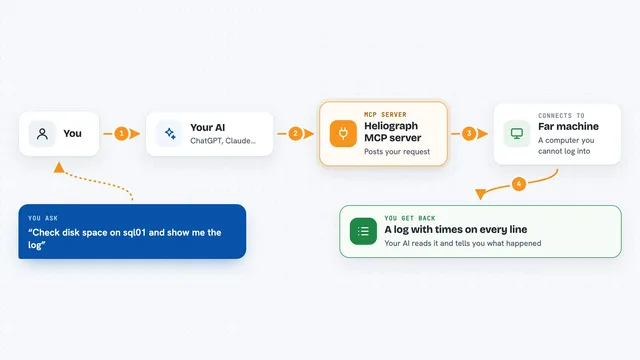
You ask your AI a question about your terminal history or your coding agent sessions. The AI uses this MCP server to talk to Suvadu on your machine. Suvadu searches its local database of commands, exit codes, directories, and agent activity. The AI then gives you back a clear answer, like a list of recent failures or a summary of what an agent changed. Everything stays on your computer.
What you can do with it
- Search your shell history for specific commands or patterns
- Find recent commands that failed and see why
- Spot risky commands you might want to review
- See what each AI coding agent session changed in git
- Browse prompts that triggered certain commands
- Look up your saved command templates with placeholders filled
- Check stats about your command usage over time
Try asking your AI
- “What commands did I run today that failed?”
- “Show me the last 10 commands I ran in this project.”
- “What did the Claude Code session change in git yesterday?”
- “Find any risky commands I ran this week.”
What it gives back to you
You get back plain answers in the chat, like a list of commands with their exit codes, a summary of failures, or a description of what an agent changed. It might also show you a timeline or a set of bookmarked commands. The AI presents this in a readable way, so you do not have to parse raw logs.
Before you start
What you need
- Suvadu installed on your computer (the MCP server is part of it)
- Your AI assistant set up to use MCP servers (like Claude Desktop or Cursor)
- The Suvadu shell hooks added to your shell so it records commands
Good to know
This server is read-only by default, but it can see your entire command history and agent activity, so be mindful if you share your screen or logs.
Install it with your AI
Add Suvadu MCP server to your AI, no technical skills needed
You don't install anything by hand. You copy one prompt, paste it into an AI that can work on your computer, and it checks, installs and connects the server for you, asking you when it needs something.
Sign in to get the install prompt
Members get a ready-made prompt that lets the Claude desktop app check Suvadu MCP server, install it and connect it for them, step by step. You don't need any technical skills: you copy, paste and answer a few questions. Your connected AI can also find and install any of the 4,609 MCP servers here for you.
Who it's for
Developers, system administrators, and anyone who spends a lot of time in the terminal and wants their AI to help make sense of their command history and agent activity.