MCP server · Coding
MATLAB MCP server
by HanSur94
Let your AI write and run MATLAB code, make interactive plots, and run long jobs for you.

This is a small helper program that connects your AI assistant to MATLAB, the maths and engineering software. Once it is set up, you can just ask your AI in plain words to run a calculation, make a chart, or start a long simulation, and it will do the MATLAB work for you. It is handy if you use MATLAB at work and want your AI to handle the typing and waiting.
What is an MCP server? The 30-second version
On its own, your AI can only chat with you. An MCP server is a small helper program that gives your AI a new skill or a connection to another app. This one connects your AI to MATLAB, so when you ask for a calculation or a plot, the AI can actually run it in MATLAB and bring the answer back to your chat. You do not need to touch MATLAB yourself.
What this MCP server does
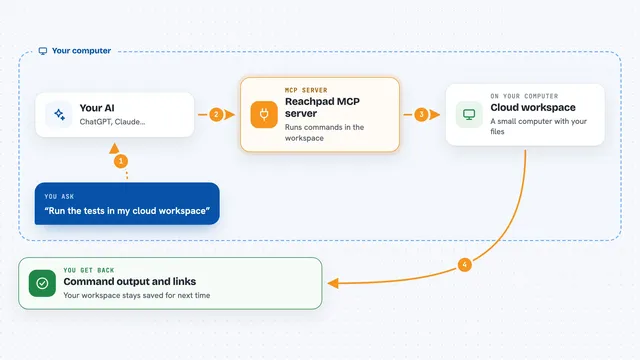
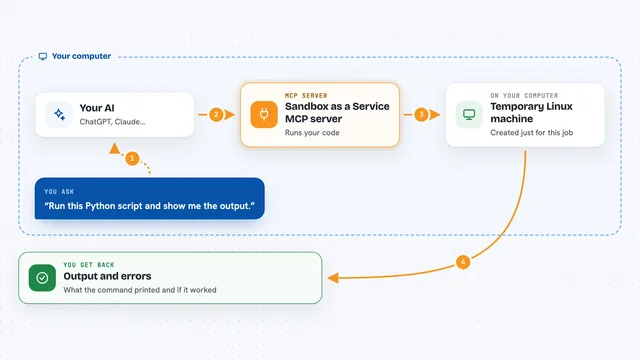
You ask your AI something in normal words, like working out eigenvalues or filtering a signal. The AI writes the MATLAB code and sends it to this helper program. The helper runs that code inside a real MATLAB installation on your computer. If the job is quick, you get the answer right away in the chat. If it is long, the helper starts it in the background and keeps you posted on progress until it is done.
 Click to zoom
What you can do with it
- Run MATLAB code and get the results in your chat
- Make charts that come back as interactive plots you can zoom and hover over
- Start long simulations in the background and check on their progress
- Check your MATLAB code for warnings and errors before running it
- See which variables are currently sitting in the MATLAB workspace
- Look up installed toolboxes, their functions, and help text
- Upload data files and read them back as summaries or raw values
Try asking your AI
- “Calculate the eigenvalues of a 3x3 magic square in MATLAB”
- “Generate a 1kHz sine wave, add noise, filter it with a low-pass Butterworth filter and plot both”
- “Run a Monte Carlo simulation with 1 million trials and tell me the mean”
- “Check this MATLAB code for errors before I run it”
What it gives back to you
You get answers as text in the chat, like numbers, lists, or short explanations. Charts come back as interactive plots you can zoom into, plus a plain image version. For long jobs you get a job ID first, then progress updates, and the full result when it finishes. You can also get summaries of data files and images shown right in the chat.
Before you start
What you need
- MATLAB R2022b or newer installed on your computer
- Python 3.10 or newer
- The MATLAB Engine API for Python installed (a small add-on that lets Python talk to MATLAB; the README shows the one command to install it)
Good to know
This runs real MATLAB code on your computer, so it can change or delete files and use a lot of memory or time, especially with long simulations.
Install it with your AI
Add MATLAB MCP server to your AI, no technical skills needed
You don't install anything by hand. You copy one prompt, paste it into an AI that can work on your computer, and it checks, installs and connects the server for you, asking you when it needs something.
Sign in to get the install prompt
Members get a ready-made prompt that lets the Claude desktop app check MATLAB MCP server, install it and connect it for them, step by step. You don't need any technical skills: you copy, paste and answer a few questions. Your connected AI can also find and install any of the 4,361 MCP servers here for you.
Who it's for
Engineers, scientists, students, and analysts who already use MATLAB and want their AI assistant to run the code and long jobs for them.