MCP server · Productivity
Google Sheets MCP server
Let your AI read, create, and update your Google Sheets for you, right from the chat.
This is a small helper that connects your AI assistant to Google Sheets. Once it is set up, you can ask your AI in plain words to look something up in a spreadsheet, add a row, or make a new sheet, and it will do it for you. It is handy for anyone who spends time copying numbers in and out of spreadsheets by hand.
What is an MCP server? The 30-second version
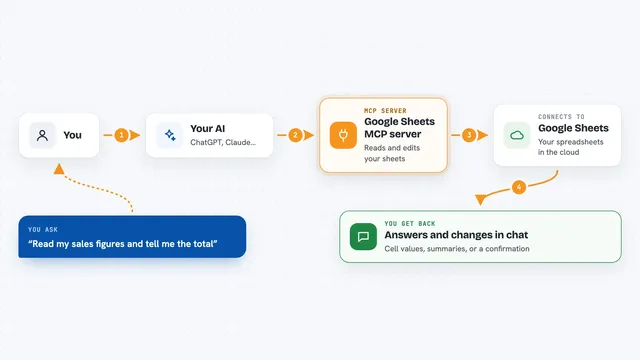
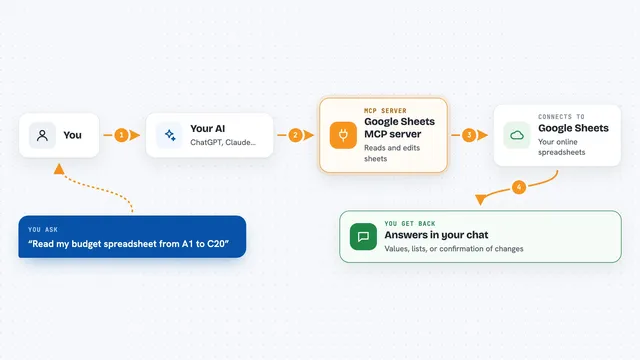
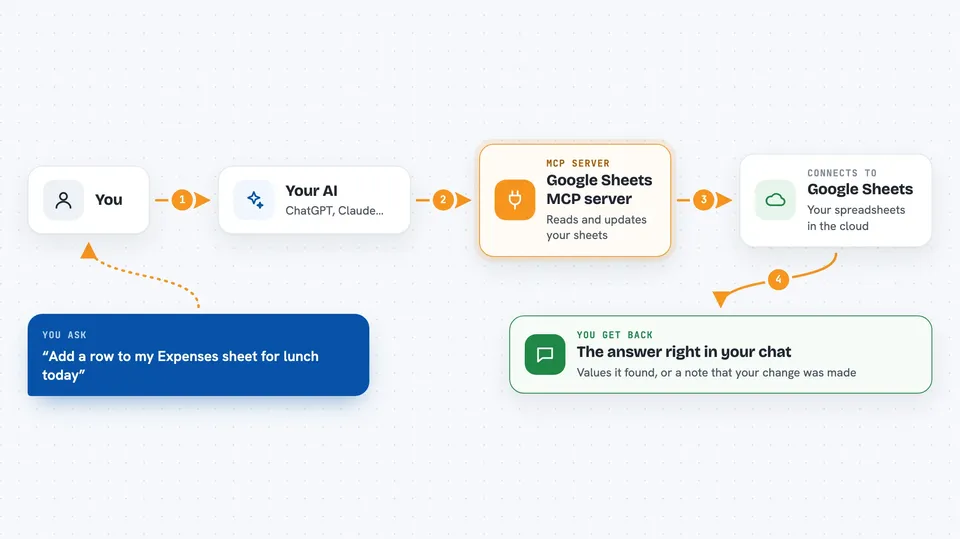
On its own, your AI can only chat. It cannot open your Google Sheets or change anything there. An MCP server is a small helper program that gives your AI a new skill, and this one gives it a connection to Google Sheets. When you ask a question about a sheet, your AI passes the request to this helper, the helper talks to Google, and the answer comes back to your chat.
What this MCP server does
You ask your AI something about a spreadsheet, like reading a range of cells or adding a new row. The AI sends that request to this helper running quietly on your computer. The helper signs in to Google using a special account you set up, then reads or changes the sheet you told it about. The result, like the values it found or a note that the change was made, comes back into your chat window. You never have to open the spreadsheet yourself unless you want to check it.
 Click to zoom
What you can do with it
- Read values from any range in a spreadsheet you shared
- Add new rows or update existing cells
- Create a brand new spreadsheet
- Add a new sheet or tab inside a spreadsheet
- Delete a sheet or clear a range of cells
- List the sheets inside a spreadsheet
Try asking your AI
- “Read the Sales tab in my Q3 spreadsheet and tell me the total for column C”
- “Add a new row to my Expenses sheet with today's date and a note about lunch”
- “Create a new spreadsheet called Team Tracker with a sheet named Tasks”
- “Clear the old data in the Draft tab of my planning sheet”
What it gives back to you
You get answers in plain text right in the chat, like the values from the cells you asked about or a short summary of what it found. When it makes a change, it tells you what it did, for example that a row was added or a sheet was created. It does not show you the whole spreadsheet unless you ask for it.
Before you start
What you need
- Python 3.10 or newer
- The uv tool installed (the README shows a one-line install command)
- A Google Cloud project with a service account and its JSON key file
- An MCP client such as Claude Desktop or Continue.dev
Good to know
This helper can change or delete data in any spreadsheet you shared with it, so be careful with delete and clear requests and keep a backup of important sheets.
Install it with your AI
Add Google Sheets MCP server to your AI, no technical skills needed
You don't install anything by hand. You copy one prompt, paste it into an AI that can work on your computer, and it checks, installs and connects the server for you, asking you when it needs something.
Sign in to get the install prompt
Members get a ready-made prompt that lets the Claude desktop app check Google Sheets MCP server, install it and connect it for them, step by step. You don't need any technical skills: you copy, paste and answer a few questions. Your connected AI can also find and install any of the 4,361 MCP servers here for you.
Who it's for
Anyone who works with Google Sheets often and wants to read or update them by just asking their AI, without clicking around.