MCP server · Chat
OpenAI Bridge MCP server
by jaspertvdm
Lets your AI assistant send questions to OpenAI models like GPT-4 and bring the answers back into your chat.
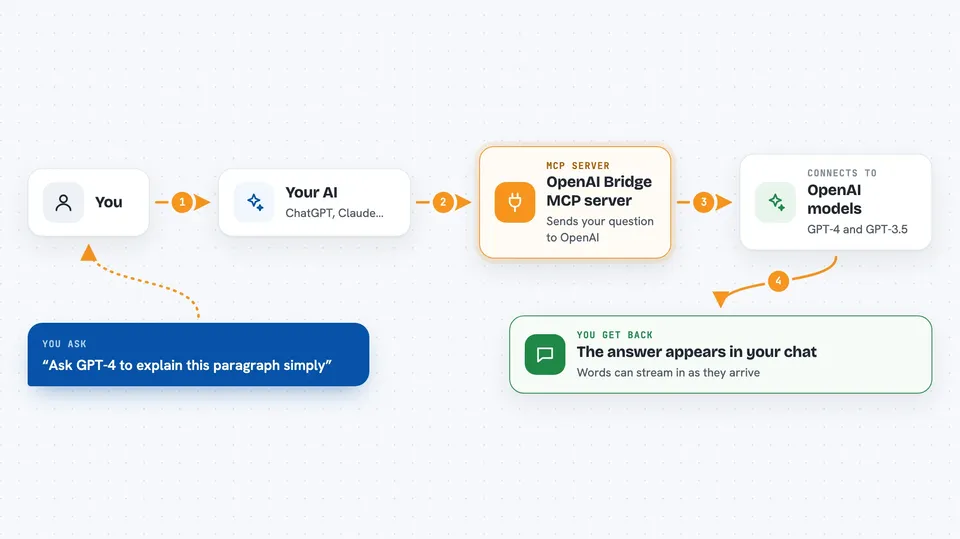
This is a small helper that connects your AI assistant to OpenAI's models, such as GPT-4 and GPT-3.5. It is handy if you already use an assistant like Claude and sometimes want a second opinion from a different model without switching apps. You just ask in your normal chat, and the answer comes back there.
What is an MCP server? The 30-second version
On its own, your AI can only chat with you using what it already knows. An MCP server is a small helper program that gives your AI a new skill or a connection to another service. This one connects your AI to OpenAI, so it can pass your question along to a model like GPT-4 and bring the reply back. You do not need to understand how it works; you just need it set up once.
What this MCP server does
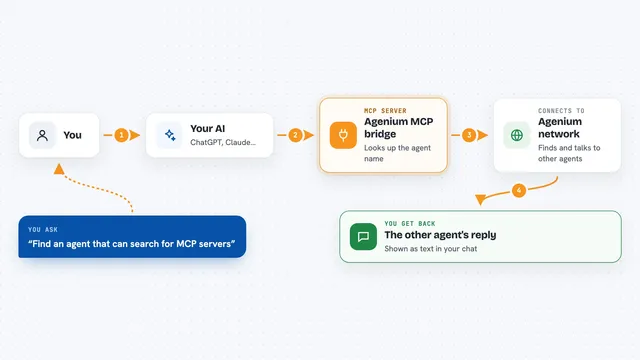
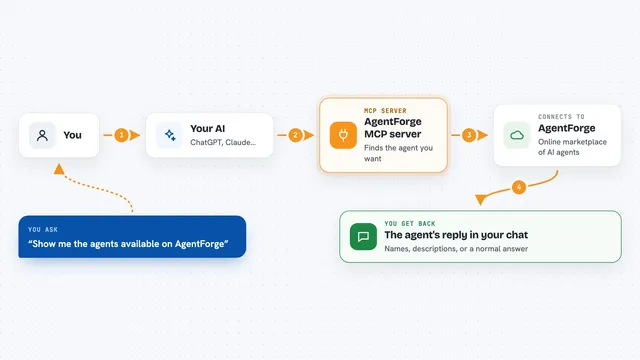
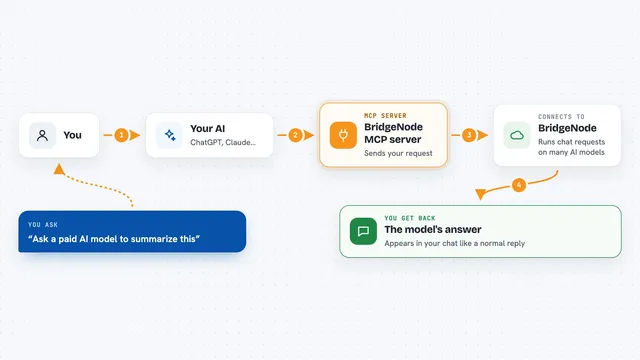
You type a question in your usual AI chat. Your AI notices you want an answer from OpenAI, so it hands the question to this helper. The helper sends it to OpenAI using your personal key, waits for the reply, and passes it back. Your AI then shows you the answer right in the same conversation. It can also stream the reply so words appear as they arrive.
 Click to zoom
What you can do with it
- Ask GPT-4 a question and read the answer in your chat
- Compare an answer from your usual AI with one from an OpenAI model
- Get help drafting or rewriting text using GPT-3.5 or GPT-4
- Use OpenAI models for quick brainstorming without leaving your chat
- Send a longer prompt to OpenAI and get the full reply back
Try asking your AI
- “Ask GPT-4 to explain this paragraph in simple words”
- “Send this draft to an OpenAI model and ask it to make it shorter”
- “What would GPT-3.5 say about this idea”
- “Use OpenAI to give me three title options for this article”
What it gives back to you
You get the model's reply as text in your chat, just like a normal message. If streaming is on, the words appear as they are written. There are no files or charts unless the model writes them out as text. You stay in the same conversation the whole time.
Before you start
What you need
- An OpenAI account with an API key (a long password that starts with sk-)
- A way to add MCP servers to your AI app, such as the Claude desktop app
- Python installed if you use the pip install method
Good to know
Your OpenAI API key is billed per use, so long or frequent requests can cost money on your OpenAI account.
Install it with your AI
Add OpenAI Bridge MCP server to your AI, no technical skills needed
You don't install anything by hand. You copy one prompt, paste it into an AI that can work on your computer, and it checks, installs and connects the server for you, asking you when it needs something.
Sign in to get the install prompt
Members get a ready-made prompt that lets the Claude desktop app check OpenAI Bridge MCP server, install it and connect it for them, step by step. You don't need any technical skills: you copy, paste and answer a few questions. Your connected AI can also find and install any of the 4,361 MCP servers here for you.
Who it's for
People who already chat with an AI assistant and want easy access to OpenAI models like GPT-4 without switching apps.