MCP server · Notes
Memanto MCP server
by moorcheh-ai
Give your AI a shared memory that remembers facts, decisions, and preferences across chats.
Memanto is a memory helper for AI assistants. It keeps track of the things your AI should remember, like decisions, preferences, and facts, and hands them back when they are useful. It is handy if you use ChatGPT or Claude for ongoing work and are tired of repeating yourself.
What is an MCP server? The 30-second version
On its own, your AI can only chat with what is in front of it. An MCP server is a small helper program that gives your AI a new skill or a connection to another service. This one connects your AI to Memanto, a memory service. Once it is connected, your AI can save notes to Memanto and look them up later when you ask.
What this MCP server does
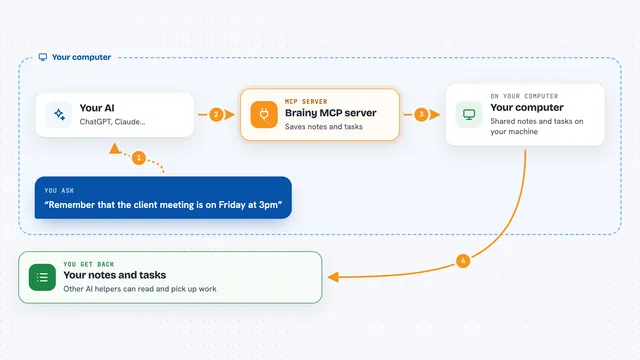
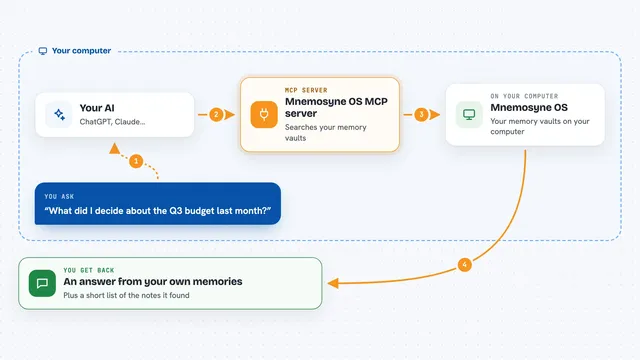
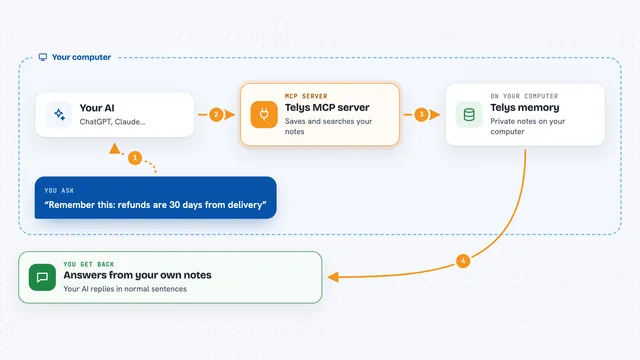
You ask your AI something, or tell it something worth remembering. Your AI passes that along to Memanto through this helper. Memanto stores it in a memory space, sorted by type, like a fact or a preference. Later, when you ask a related question, your AI asks Memanto for the relevant memories and uses them to answer. You get answers that stay consistent instead of starting from scratch each time.
What you can do with it
- Save a decision or preference so your AI remembers it later
- Search your saved memories by topic or type
- Ask questions and get answers grounded in what was saved before
- Upload files like PDFs or notes into a memory space
- See which memories conflict with each other
- Export your memories as plain Markdown files
- Set rules for when old memories should expire
Try asking your AI
- “Remember that we decided to switch to JWT for authentication”
- “What do you know about our deployment policy?”
- “Recall my preferences about how I like answers formatted”
- “Summarize what changed in our project notes this week”
What it gives back to you
You get back short answers, lists of memories, or summaries, shown right in your chat. If you ask for a search, you see the matching memories with their type and when they were saved. If you ask a question, you get a plain answer built from those memories. If you upload a file, it becomes searchable like the rest.
Before you start
What you need
- Python installed on your computer (the README says pip install memanto)
- Either Docker for a fully local setup, or a free API key from console.moorcheh.ai for the cloud option
Good to know
Memanto can save, change, and delete memories, so check before letting it forget or overwrite something important.
Install it with your AI
Add Memanto MCP server to your AI, no technical skills needed
You don't install anything by hand. You copy one prompt, paste it into an AI that can work on your computer, and it checks, installs and connects the server for you, asking you when it needs something.
Sign in to get the install prompt
Members get a ready-made prompt that lets the Claude desktop app check Memanto MCP server, install it and connect it for them, step by step. You don't need any technical skills: you copy, paste and answer a few questions. Your connected AI can also find and install any of the 4,611 MCP servers here for you.
Who it's for
Anyone who uses an AI assistant for ongoing work and wants it to remember context between sessions, like writers, project managers, and support teams.