MCP server · Research
Internet Archive Books MCP server
by smeet666
Search the Internet Archive, Library of Congress and BnF at once, including the text inside scanned books.

This is a small helper that lets your AI search three big library archives in one go: the Internet Archive, the Library of Congress and the Bibliothèque nationale de France. You ask a question in plain words, and it looks through catalogues and inside scanned pages for you. It is handy if you research old books, newspapers, photographs or authors and do not want to open three separate websites.
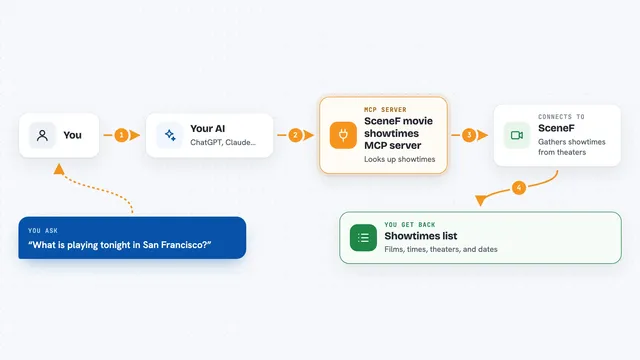
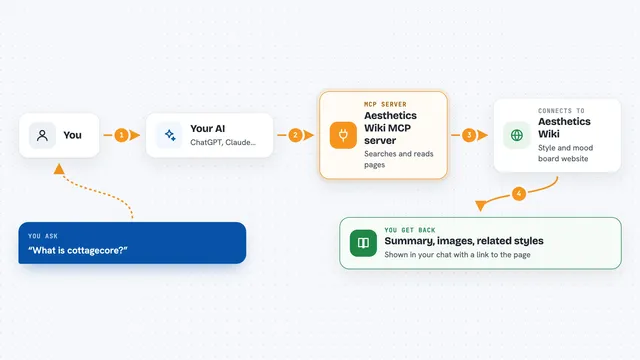
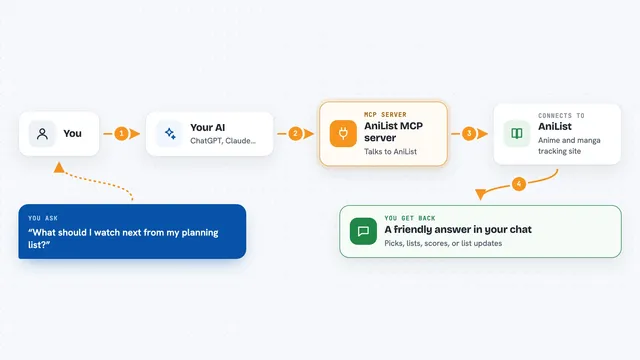
What is an MCP server? The 30-second version
On its own, your AI can only chat with you using what it already knows. An MCP server is a small helper program that gives your AI a new skill or a connection to a service. This one connects your AI to three library archives, so it can actually look things up there instead of guessing. You do not need an account or a key, and the AI just uses it when you ask a question about books or documents.
What this MCP server does
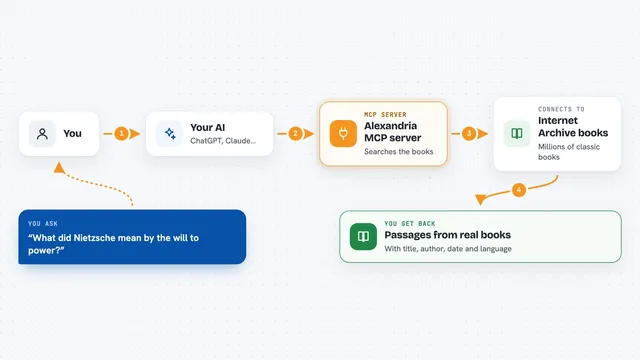
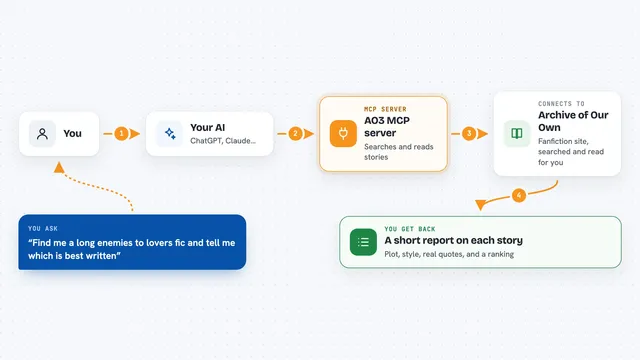
You ask your AI something like which books mention a certain lighthouse. The AI sends that question to this helper. The helper then asks the Internet Archive, the Library of Congress and the BnF, each in its own way. It gathers what each archive sends back and hands your AI a tidy list of matches, with titles, creators, years and short passages. Your AI then explains the results to you in the chat.
 Click to zoom
What you can do with it
- Search inside scanned books and documents for a phrase
- Search library catalogues by title, author or subject
- Read one record in the same shape no matter which archive holds it
- Limit a search to one archive, or ask all three at once
- Filter results by year or by kind of material
- See short excerpts from scanned pages where your words appear
- Check which archives answered, failed or found nothing
Try asking your AI
- “Which books mention the Beaumont light-house?”
- “Find me anything on the 1906 San Francisco earthquake.”
- “What does the BnF have on that author?”
- “Search the photographs rather than the books.”
What it gives back to you
You get a list of matches, each with a title, a creator, a year and a short passage from the scanned text when there is one. Every match has an id you can reuse to ask for the full record. The answer also tells you, archive by archive, how many results came from each and whether any archive failed. It all shows up as normal text in your chat, like a small research report.
Before you start
What you need
- Node.js 24 or newer if you install it with npx
- Docker if you prefer the Docker version
- An internet connection, since the archives are online
Good to know
The text inside scanned books comes from machine reading, so it can contain misread words, and an answer can take several seconds because three archives are asked.
Install it with your AI
Add Internet Archive Books MCP server to your AI, no technical skills needed
You don't install anything by hand. You copy one prompt, paste it into an AI that can work on your computer, and it checks, installs and connects the server for you, asking you when it needs something.
Sign in to get the install prompt
Members get a ready-made prompt that lets the Claude desktop app check Internet Archive Books MCP server, install it and connect it for them, step by step. You don't need any technical skills: you copy, paste and answer a few questions. Your connected AI can also find and install any of the 4,361 MCP servers here for you.
Who it's for
Anyone who researches old books, newspapers, photographs or authors, such as historians, librarians, students or curious readers.