AI tool
AVE
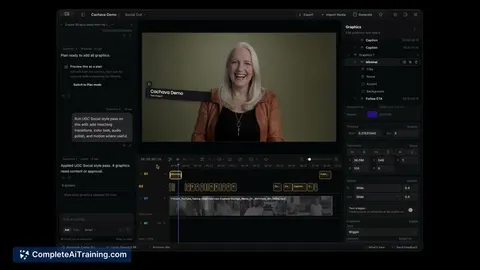
AVE is a Mac-first, local-first video editor that uses asset intelligence to analyze imported footage. It helps creators search clips by intent and build reviewable timeline edits.
About AVE
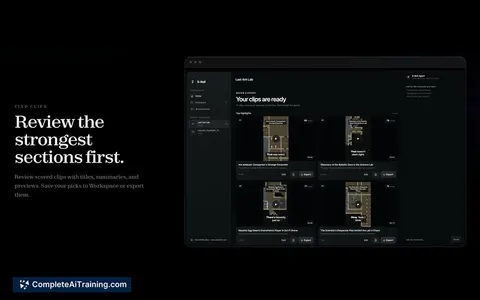
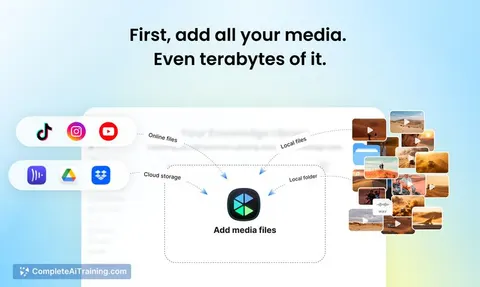
AVE is a local-first AI video editor built for Mac. It processes imported footage by analyzing transcripts and visual notes, then lets you search clips by what appears or is spoken. The tool converts selected moments into a reviewable timeline edit while keeping all project data and media on the Mac by default.
Review
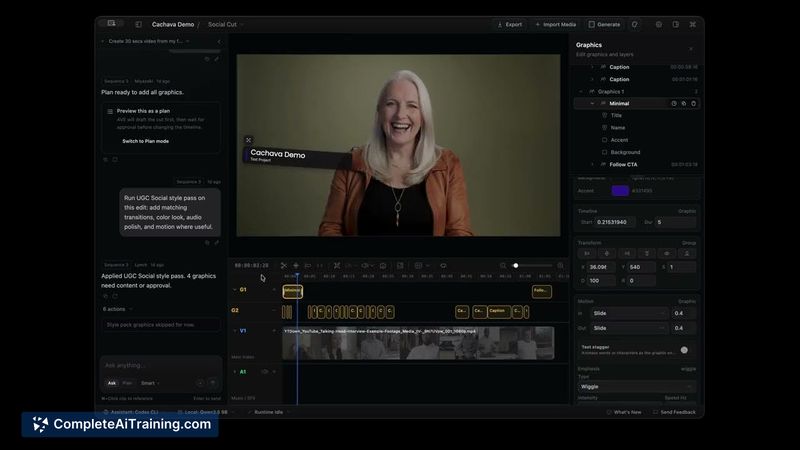
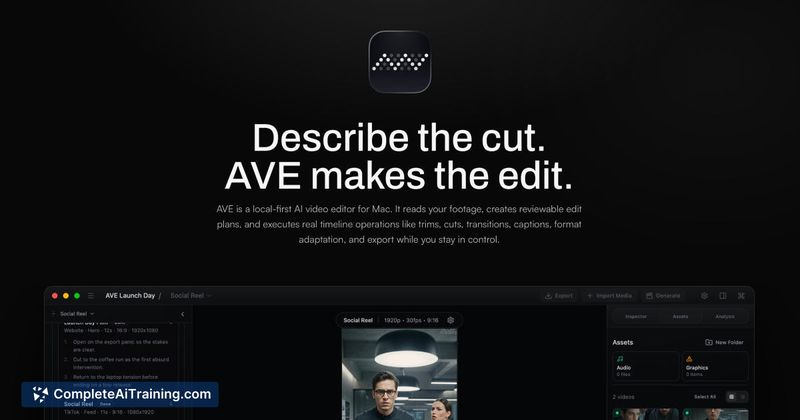
AVE takes a different approach to AI-assisted editing by focusing on asset intelligence before assembly. The interface is built around a search-driven workflow: you import clips, let the tool generate text and visual annotations, then query the material to find the shots you need. It's early software, so the available editing capabilities are deliberately narrow right now.
Key Features
- Local import of footage with automatic transcript and visual note generation
- Intent-based search across clips using spoken words or visual content
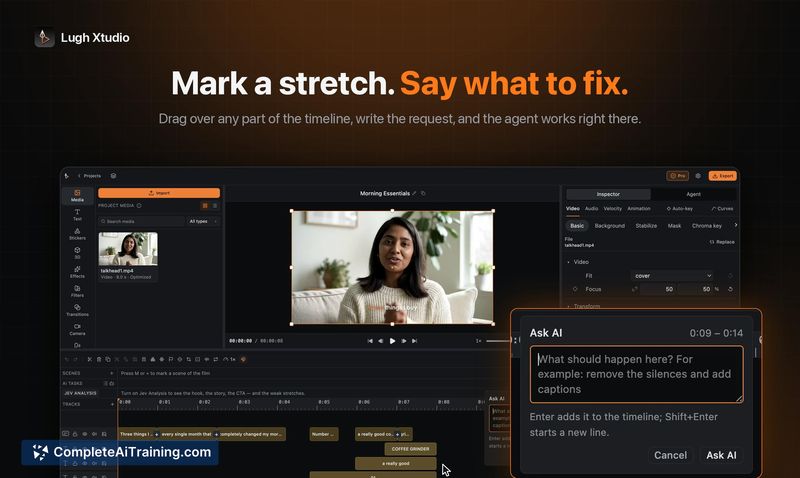
- Selection of relevant shots and assembly into a timeline for review
- All processing, analysis, and exports remain on the Mac-no cloud dependency
- Private, local-first project structures that keep media and edits offline by default
Pricing and Value
AVE currently has a free option and a 50% launch discount active. Ongoing pricing beyond the launch period has not been detailed. The value hinges on the local-first architecture: users who need to keep sensitive footage off cloud services will find the offline model directly addresses that requirement.
Pros
- Keeps media, transcripts, and edits stored locally, which suits privacy-conscious workflows
- Transcript and visual note analysis runs on-device without requiring uploads
- Search by what was said or shown in clips reduces manual scrubbing time
- Quick assembly of rough-cut timelines from selected search results
- Mac-native design that avoids cloud subscription dependencies
Cons
- AVE is not suited for teams that need cloud collaboration or cross-platform (Windows) workflows
- The editing toolset is minimal; detailed trimming, transitions, and multi-track work are not yet present
- Mac-only availability limits the user base to a single operating system
AVE fits solo creators who work on Mac, handle private or sensitive footage, and want to quickly locate and assemble clips using search instead of manual browsing. Use cases like B-roll retrieval, interview highlight extraction, and first-pass assembly of launch videos align with the current feature set. Teams needing shared projects or deep editing capabilities will find the tool too narrow at this stage.
Jobs AVE suits
We checked AVE against 500+ jobs; these get the most out of it.
Alternatives to AVE
Other tools that do the same main job. Our AI compared AVE with similar tools and kept the ones you could use instead.