AI tool
Filo Mail for iOS
Filo Mail for iOS transforms email into a to-do list by clearing clutter, turning requests into tasks, and generating context-aware replies from full threads—helping you focus on action instead of sorting through messages.
About Filo Mail for iOS
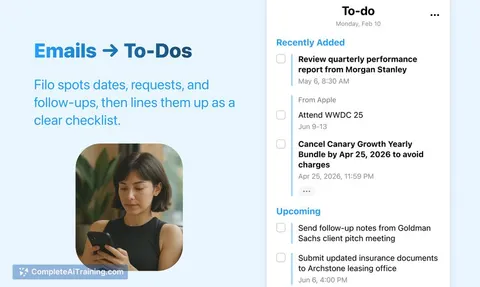
Filo Mail for iOS is an AI-powered email application that transforms your inbox into an actionable to-do list. It streamlines email management by automatically identifying tasks and providing smart summaries, helping users focus on what needs attention rather than sorting through cluttered messages.
Review


Filo Mail offers a fresh approach to email by integrating artificial intelligence to convert incoming messages into clear, manageable tasks. This app is particularly useful for those who find traditional email overwhelming and prefer to organize their workflow directly from their inbox. Its privacy-focused design adds confidence for users concerned about data security.
Key Features
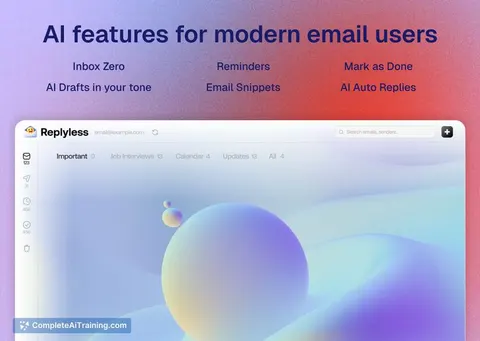
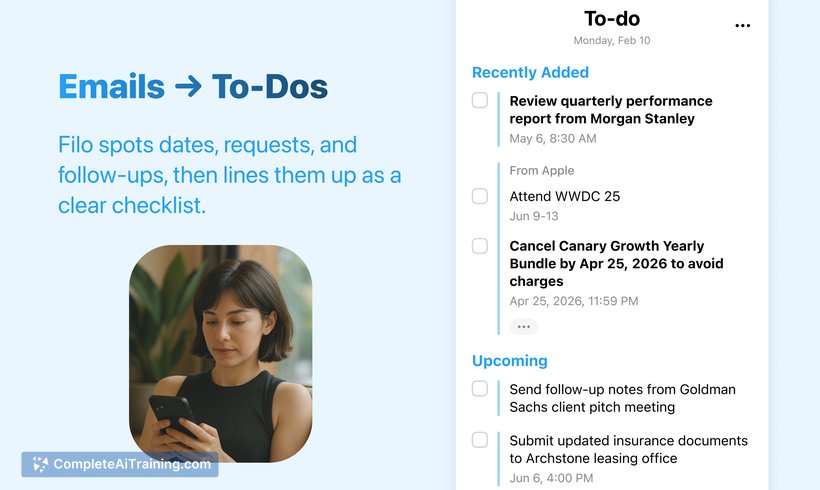
- Inbox to To-Do List: Automatically extracts and labels actionable tasks from emails to ensure nothing is overlooked.
- Global Search & Context Jump: Enables quick access to entire conversation threads, even if they span several weeks.
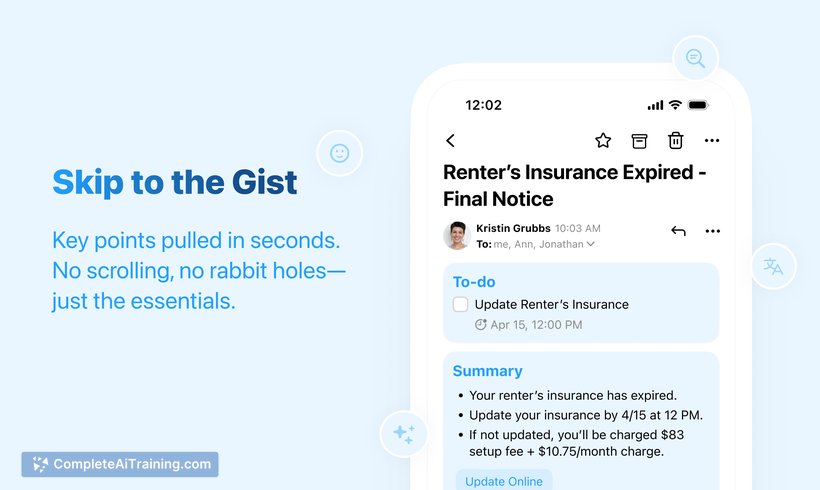
- Smart Summaries: Highlights important details such as dates, deadlines, and key decisions with a single click.
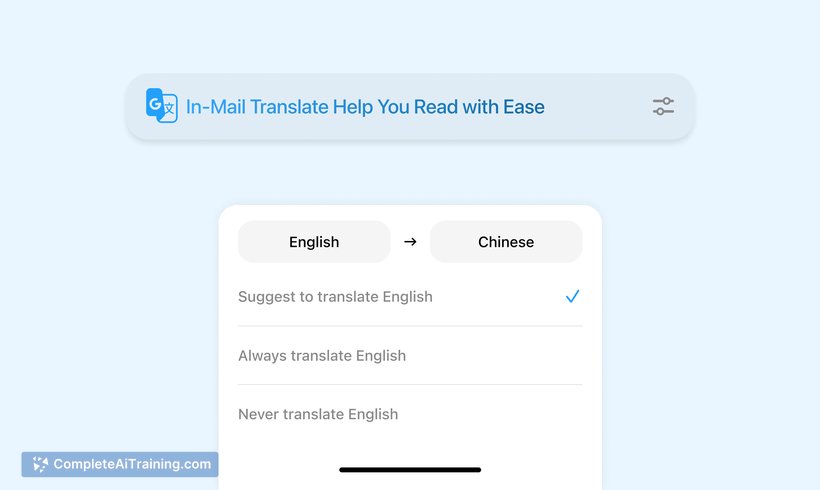
- In-Mail Translation: Allows reading and replying in multiple languages without leaving the conversation thread.
- Auto-Reply Suggestions: Generates draft responses in your tone, making replying faster and easier.
- Privacy-First Design: Uses end-to-end encryption and processes AI tasks in RAM only, without storing message bodies.
Pricing and Value
Filo Mail for iOS offers a free version with essential features that should satisfy most casual users. Additionally, there is a Pioneer Pass providing access to Pro perks through the year-end, which includes enhanced AI capabilities and productivity tools. This pricing approach offers good value for users seeking a more efficient and privacy-conscious email experience without heavy investment.
Pros
- Transforms emails into clear, actionable to-dos, reducing inbox overwhelm.
- Comprehensive AI features like smart summaries and auto-reply suggestions save time.
- Strong emphasis on privacy with end-to-end encryption and minimal data retention.
- Supports multiple languages with built-in translation inside email threads.
- Clean and user-friendly interface tailored to iOS devices.
Cons
- Notification options for to-dos are limited, with only one daily push notification available currently.
- Some advanced features are behind a paid plan, which may deter budget-conscious users.
- May require a brief adjustment period for users accustomed to traditional email clients.
Overall, Filo Mail for iOS is well-suited for professionals and productivity enthusiasts who want to reduce email clutter and manage tasks more effectively. Its privacy safeguards make it appealing for those who handle sensitive information, while its AI features offer practical time-saving benefits. Users looking for an intelligent inbox that helps them focus on action rather than sifting through emails will find this tool particularly useful.
Jobs Filo Mail for iOS suits
Useful in almost any job. We checked Filo Mail for iOS against 500+ jobs; these get the most out of it.
Alternatives to Filo Mail for iOS
Other tools that do the same main job. Our AI compared Filo Mail for iOS with similar tools and kept the ones you could use instead.