AI tool
Inbox AI
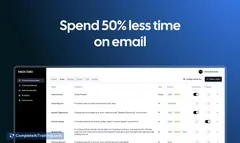
Inbox AI is a MacOS app that streamlines email management by automating tasks with custom AI workflows. It supports cloud or on-device AI, syncs with Apple Reminders, and integrates with any app via API or file commands for seamless productivity.
About Inbox AI
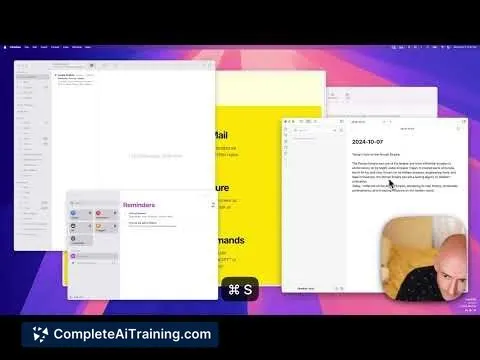
Inbox AI is a macOS application designed to help users manage their email and automate daily tasks through custom AI-powered workflows. It offers both cloud-based and privacy-focused on-device AI options, seamlessly integrating with Apple Reminders and other applications via API or file-based commands.
Review
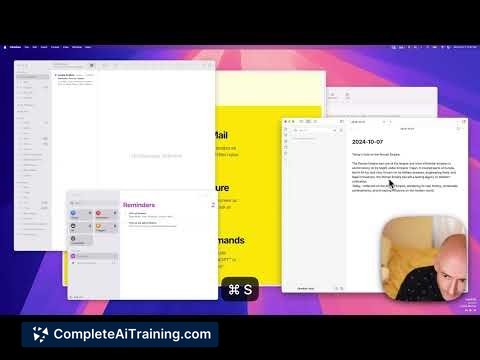
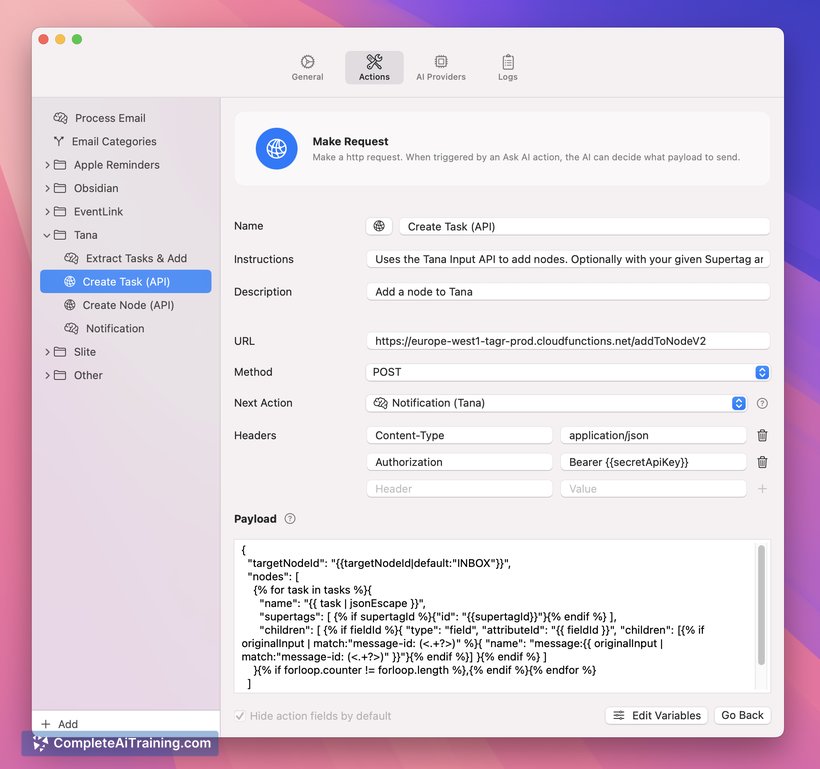
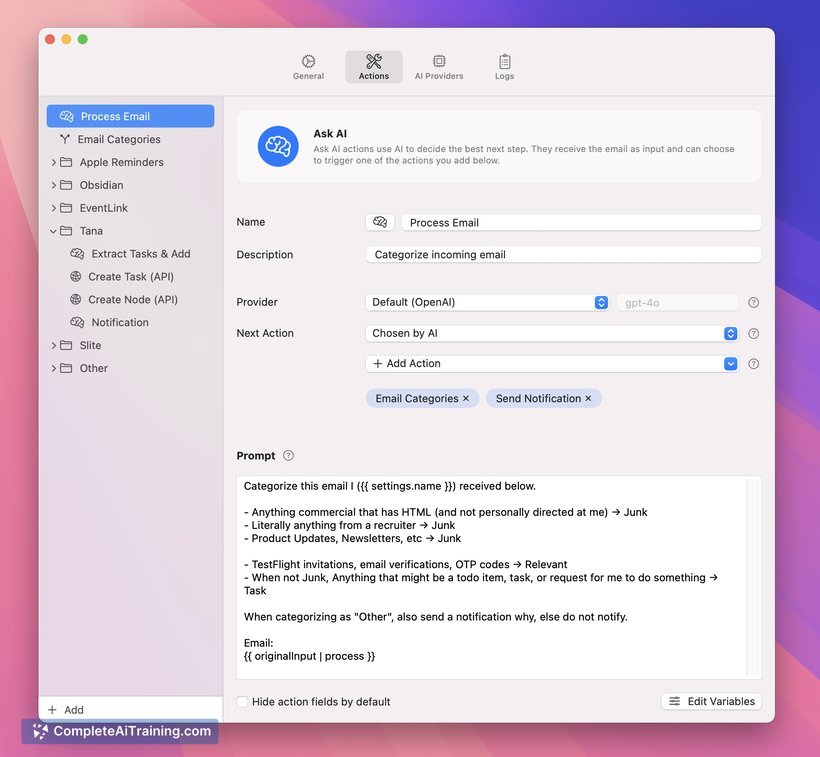
Inbox AI provides a flexible approach to personal productivity by combining email management with automation capabilities. Its ability to connect with a variety of apps and execute complex commands makes it a versatile tool for users looking to streamline routine tasks. The focus on privacy with an on-device AI option is a notable advantage for those concerned about data security.
Key Features
- Custom AI-powered workflows to automate email handling and everyday tasks
- Native integration with Apple Reminders for task management
- Supports connections with multiple third-party apps via API or file-based commands
- Offers both cloud-based and privacy-first on-device AI processing
- Compatibility with popular task managers like Notion, Obsidian, and Tana
Pricing and Value
Inbox AI requires a paid subscription, reflecting its specialized capabilities in combining AI automation with email and task management. Considering its extensive integration options and custom workflows, the pricing aligns with users who need a higher level of productivity and automation on macOS. For those who rely heavily on connected apps and seek privacy-conscious AI processing, the value proposition is compelling.
Pros
- Flexible automation through customizable AI workflows
- Strong integration with Apple Reminders and other popular productivity apps
- Choice between cloud or on-device AI for better privacy control
- Ability to run advanced commands directly from other platforms like Raycast
- Supports a wide range of third-party apps, enhancing workflow versatility
Cons
- Requires Apple Mail setup for email processing, which may not suit all users
- Currently limited to macOS, excluding users on other operating systems
- Pricing may be a consideration for casual users or those with simpler needs
Inbox AI is well-suited for macOS users who want to enhance their productivity by automating email and task workflows. It particularly benefits those who use multiple productivity apps and prefer having control over their data with on-device AI options. Users looking for a comprehensive, integrated tool to streamline daily tasks will find Inbox AI a valuable addition to their toolkit.
Jobs Inbox AI suits
We checked Inbox AI against 500+ jobs; these get the most out of it.
Alternatives to Inbox AI
Other tools that do the same main job. Our AI compared Inbox AI with similar tools and kept the ones you could use instead.