AI tool
Framer
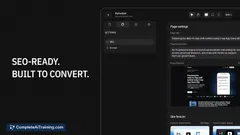
Framer is a no-code web designer that builds and publishes responsive, fast-loading landing pages in hours-freeing backend engineers from CSS tweaks so they can focus on core product development.
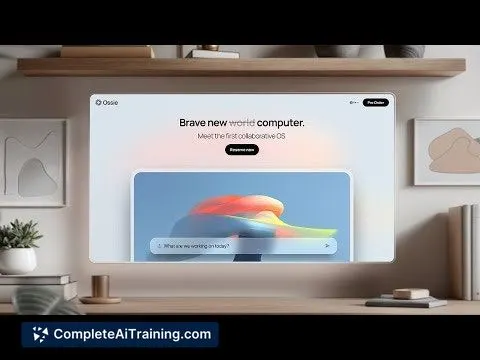
About Framer
Framer is a no-code website builder that lets users design and publish responsive pages with text, media, and motion. It focuses on a visual canvas and quick deployment, making it a popular choice for landing pages and marketing sites.
Review
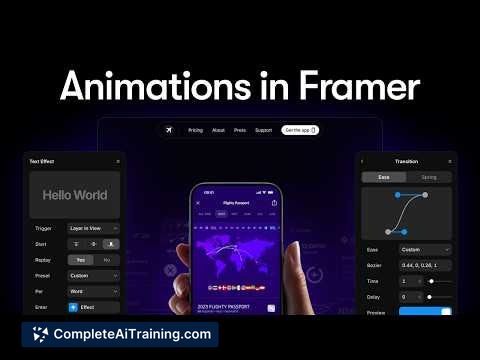
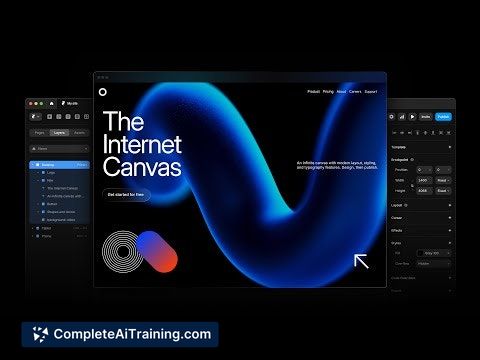
This review examines Framer's main strengths and limitations based on product capabilities and user feedback. The tool is praised for a design-first interface, smooth animation controls, and fast live performance, while common drawbacks include a learning curve, constrained CMS options for complex projects, occasional editor lag, and pricing or support concerns.
Key Features
- Visual canvas for designing responsive pages with drag-and-drop layout and styling.
- Animation and interaction tools for smooth transitions and motion-based UI elements.
- No-code publishing workflow that can deploy sites quickly to production.
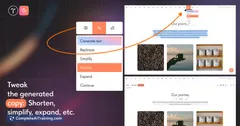
- AI-assisted site starters and localization features to speed initial setup and reach multiple languages.
- Built-in CMS and community templates suitable for simpler content-driven sites and showcases.
Pricing and Value
Framer uses tiered pricing that can include per-site or per-team plans; specifics vary by plan and needs. Its value proposition is strongest for teams or designers who need to produce polished landing pages and marketing sites quickly, since the visual workflow often shortens time-to-launch. For indie developers or projects that require many small sites or advanced CMS capabilities, costs can add up and may warrant a careful comparison with other hosting or CMS options.
Pros
- Fast to prototype and publish polished, responsive pages without code.
- Design-friendly interface that mirrors modern design tool workflows.
- Powerful animation and interaction controls that feel intuitive to use.
- No-code approach reduces time spent on frontend engineering for marketing sites.
- Active community resources and templates that help accelerate project starts.
Cons
- Steeper-than-expected learning curve for users new to production-focused design tools.
- CMS and integration options are limited for highly data-driven or complex sites.
- Editor performance can slow on animation-heavy pages, and some users report pricing or support concerns.
Framer is best suited for designers, agencies, and product teams that need to move from concept to live landing pages or marketing sites quickly while keeping a high level of visual polish. It is less well suited for large, complex content platforms that require advanced CMS relationships or extensive third-party integrations; evaluate editing performance and pricing against your project scale before committing.
Jobs Framer suits
We checked Framer against 500+ jobs; these get the most out of it.
Alternatives to Framer
Other tools that do the same main job. Our AI compared Framer with similar tools and kept the ones you could use instead.