AI tool
Polygram
Polygram is an AI-native product studio that clarifies ideas, generates product plans and multi-screen designs on an infinite canvas, then converts selected screens into production-ready code.
About Polygram
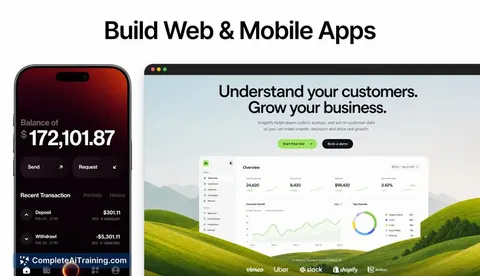
Polygram is an AI-native design and coding app for building mobile and web applications. It converts an initial idea into a product plan, generates multi-screen designs on an infinite AI canvas, and produces production-ready code to accelerate delivery.
Review
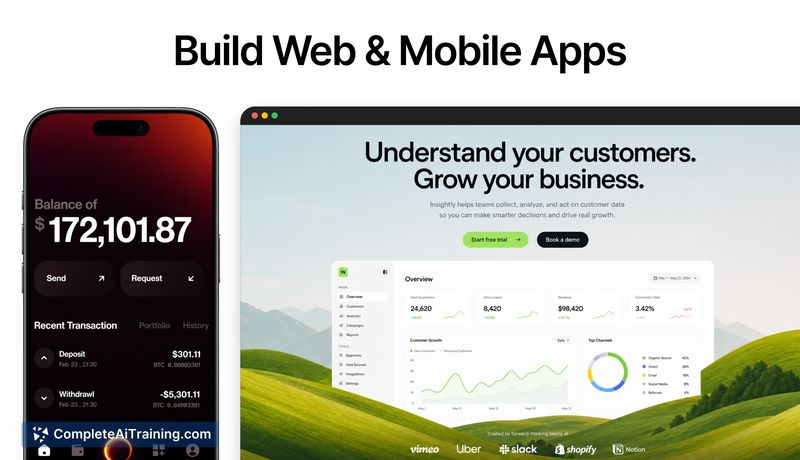
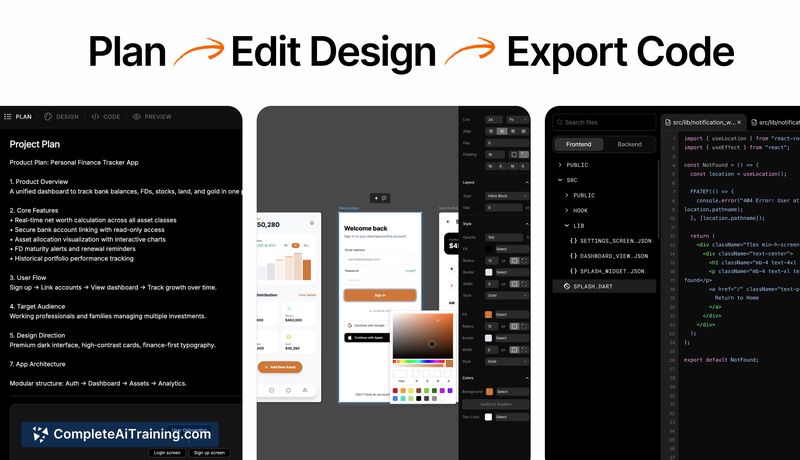
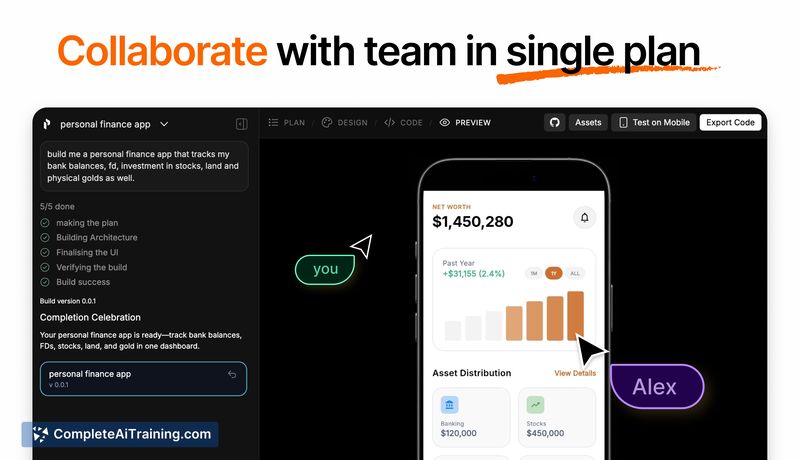
Polygram follows a structured workflow that emphasizes planning and design before generating code, which aims to reduce wasted work and repeated iterations. The tool bundles product planning, UI generation, and design-to-code conversion in a single environment, making it easier to move from concept to a working prototype or app.
Key Features
- AI product planning with follow-up questions to clarify requirements.
- Infinite AI canvas for multi-screen UI generation and design variations.
- Design-to-code workflow that produces production-ready code for web and mobile apps.
- Collaborative editing and iteration for teams working on the same product.
- Support for a wide range of outputs: mobile apps, web apps, dashboards, SaaS tools and more.
Pricing and Value
Polygram offers free options alongside paid plans; at launch there is a promotional 50% off for first-time users. The value proposition centers on reducing wasted model calls and rework by clarifying scope and designs before coding, which can save time and cost for small teams and solo creators. Pricing details for higher-tier or enterprise use should be checked on the official site for limits on seats, app exports, and build minutes.
Pros
- Clear planning-first workflow that reduces guesswork before generating code.
- Fast multi-screen design generation on an endless canvas that helps visualize flows.
- Produces production-ready code, shortening the handoff between design and development.
- Collaboration features make it practical for teams and agencies to iterate together.
- Useful for a broad set of outputs: MVPs, dashboards, internal tools, and more.
Cons
- Newly launched, so some advanced integrations and edge-case polish may still be evolving.
- Details on long-term pricing tiers and limits are limited at launch and may affect scaling costs.
- For highly custom or complex back-end logic, manual engineering will still be required after code export.
Polygram is best suited for startup founders, product designers, and small engineering teams who want a faster path from idea to prototype or initial release. It works well for MVPs, client projects, and internal tools where speed and visual clarity matter, while teams with large-scale, highly customized systems should treat it as an accelerator rather than a complete replacement for engineering effort.
Jobs Polygram suits
We checked Polygram against 500+ jobs; these get the most out of it.
Alternatives to Polygram
Other tools that do the same main job. Our AI compared Polygram with similar tools and kept the ones you could use instead.