AI tool
Prism Videos
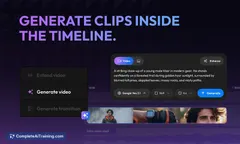
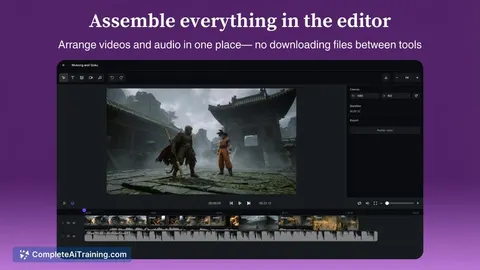
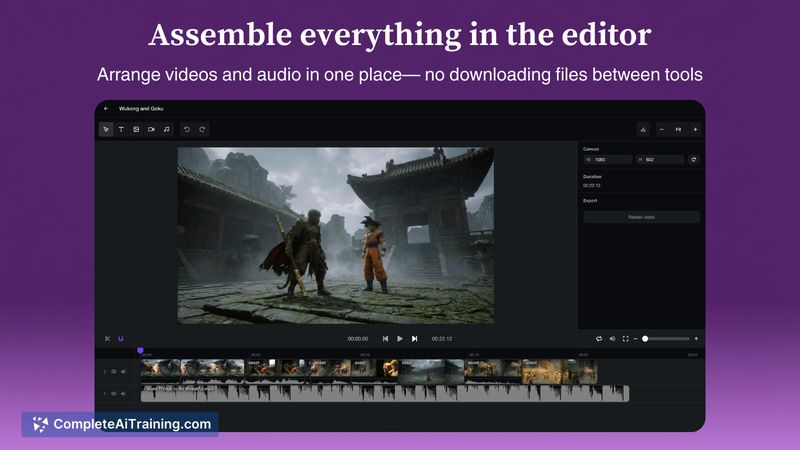
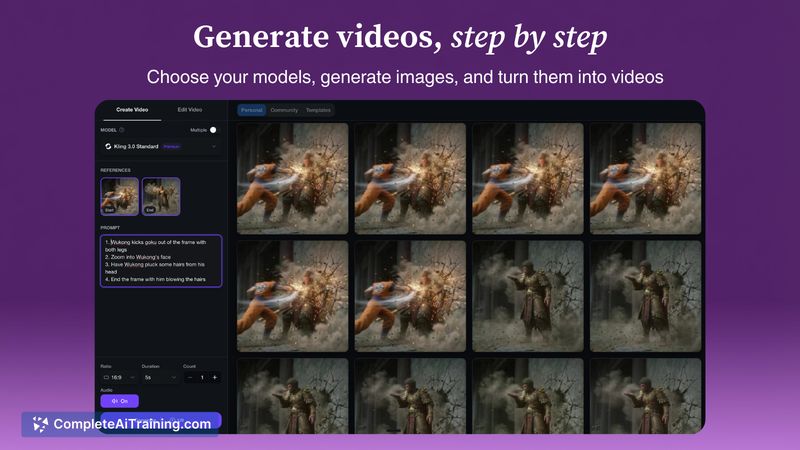
Prism Videos is an all-in-one AI video studio: generate assets, choose the best model per shot, and assemble clips in a timeline editor-no downloads or tool juggling, so multi-clip projects stay organized and iterative.
About Prism Videos
Prism Videos is an AI video creation platform that brings asset generation and editing into a single web-based workspace. It helps creators generate image and video assets, organize them in projects, and assemble clips in a timeline editor without juggling multiple tools or downloading files locally.
Review
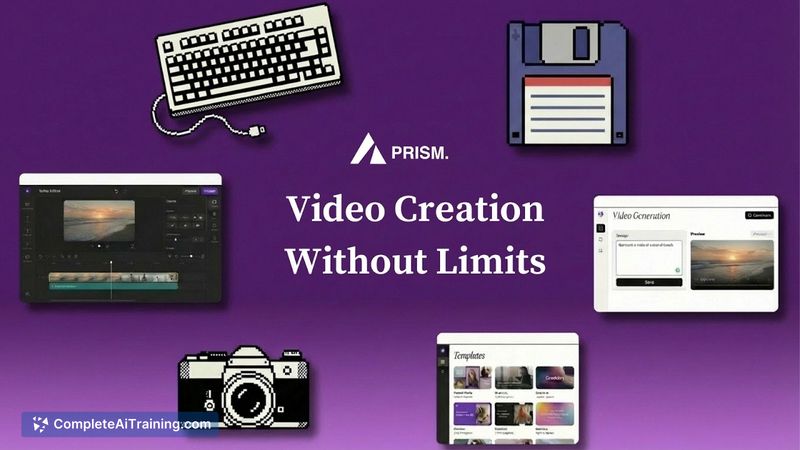
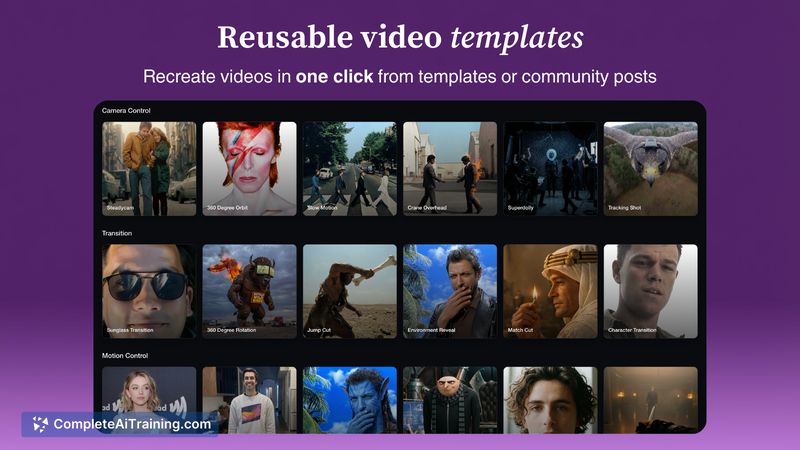
Prism Videos aims to simplify short-form video production by combining generation, asset management, and editing features in one place. The interface emphasizes reusable templates and one-click asset recreation, which can speed up iterative workflows for content creators and small teams.
Key Features
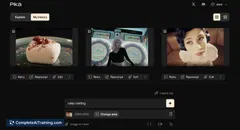
- Integrated asset generation for images and video, selectable across multiple generation engines.
- Project-based organization with an in-browser timeline editor so you can assemble clips without local downloads.
- Templates and one-click asset recreation for reusing presets or community-shared setups.
- Ability to mix generated scenes with stock footage and voiceover tracks for explainers or ads.
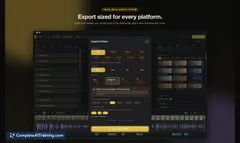
- Export and iteration workflow focused on quick shot replacement and pacing adjustments.
Pricing and Value
Pricing uses a mix of free options and usage-based billing, with costs depending on the generation models and the length of output. Some generation settings can produce tens of seconds of video for a few dollars, while lighter use can be covered by a free tier. The core value is time saved by keeping generation, organization, and editing inside a single tool rather than switching between multiple apps.
Pros
- Consolidates generation and editing into one workspace, reducing tool switching.
- Templates and one-click recreation speed up iterations and reuse of successful assets.
- Browser-based timeline editing avoids the need for local file management.
- Flexible selection of generation models per shot gives control over style and cost.
- Good fit for short-form content workflows and rapid experimentation.
Cons
- Generation quality varies by model and prompt, so some trial and error is required to get consistent results.
- Pricing can be opaque at first because costs depend on model choices and length of generated clips.
- Prompt recognition and some editing behaviors may feel rough for users expecting polished, turnkey results.
Overall, Prism Videos is best suited for short-form content creators, marketing teams, and indie producers who want to iterate quickly without juggling multiple tools. It works well when you need fast prototypes, social clips, or template-driven campaigns, though users should budget some time for model testing and prompt tuning.
Jobs Prism Videos suits
We checked Prism Videos against 500+ jobs; these get the most out of it.
Alternatives to Prism Videos
Other tools that do the same main job. Our AI compared Prism Videos with similar tools and kept the ones you could use instead.