AI tool
Visual Usability Checker
Visual Usability Checker provides instant AI recommendations to improve designs: detect cognitive load, map user focus, spot issues early, and compare variations with data-backed insights to support and defend design decisions.

About Visual Usability Checker
Visual Usability Checker is an AI-trained Figma plugin that predicts where users will look and highlights potential usability issues in visual designs. It provides attention maps, scores, and actionable recommendations to help validate design choices before user testing or development.
Review
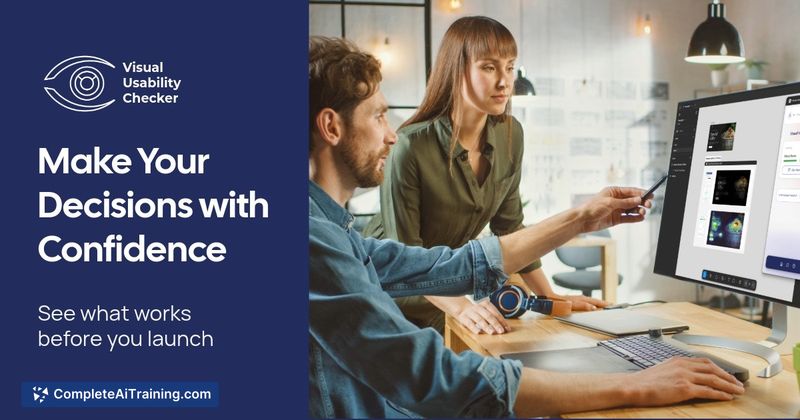
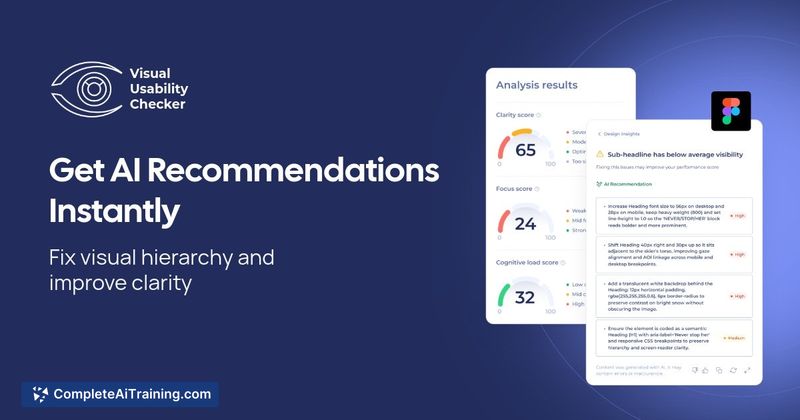
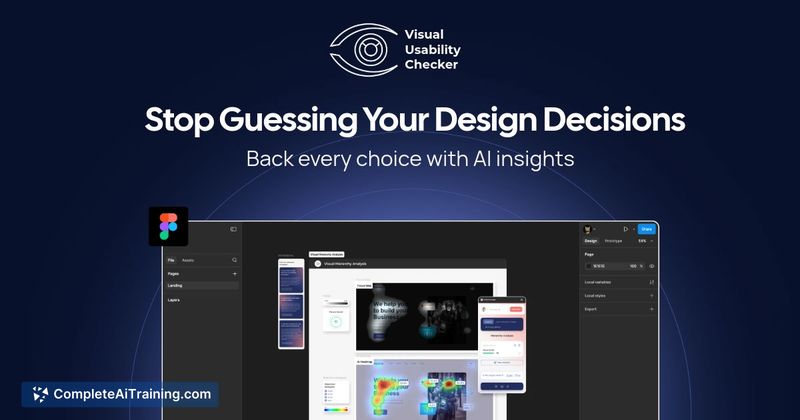
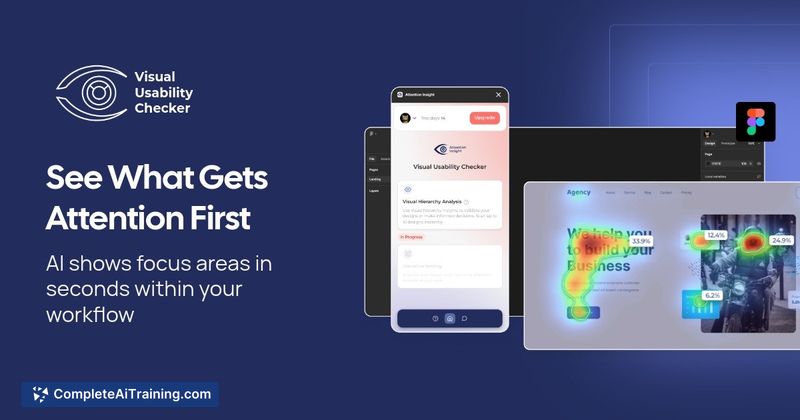
The tool is aimed at UX and product designers who want quick, data-informed feedback inside Figma. It delivers near-instant attention predictions and cognitive load indicators so teams can iterate faster and make clearer design decisions backed by model-based insights.
Key Features
- Attention prediction trained on millions of eye‑tracking fixations to show likely gaze areas.
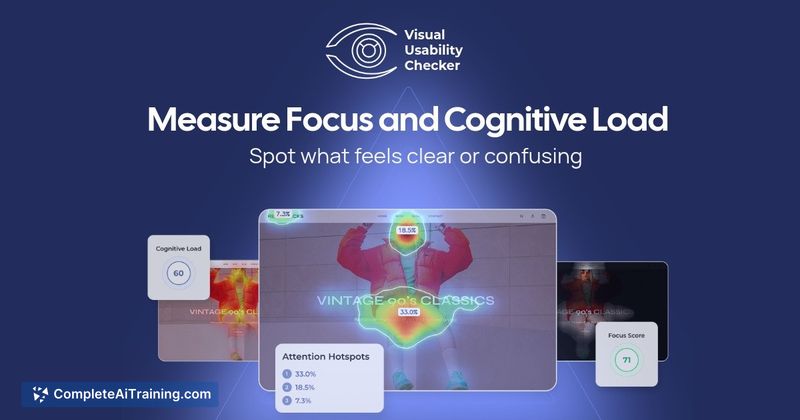
- Cognitive load detection that highlights areas that may confuse or slow users.
- Attention maps and numeric scores for frames to quantify visual clarity.
- Side-by-side comparison of design variations to see how changes affect attention.
- Simple Figma workflow: run the plugin, select a frame, and get insights in seconds.
Pricing and Value
Visual Usability Checker uses a subscription model and requires payment to access full functionality. The product integrates with common billing systems for recurring plans and occasionally runs promotional discounts (for example, a limited-time 40% off for 12 months promotion was offered). For teams that need to reduce guesswork and justify design choices to stakeholders, the subscription can pay for itself by catching issues earlier and reducing rework downstream.
Pros
- Fast, in‑Figma feedback that fits into existing design workflows.
- Clear visual outputs (heatmaps, scores) that are easy to share with stakeholders.
- Helps surface weak visual hierarchy and areas of high cognitive load before development.
- Comparison tools make A/B iterations more objective and quicker to evaluate.
Cons
- Predictions are model-based and cannot fully replace live user testing or behavioral research.
- Requires a paid subscription for full access, which may be a barrier for very small teams or individual freelancers.
- May be less accurate for interactive prototypes or context-dependent tasks that a static frame cannot represent.
Overall, Visual Usability Checker is well suited for UX designers, product teams, and design reviewers who want rapid, evidence-based feedback during the early design stages. Use it as a validation and triage tool alongside usability testing and analytics to make more confident, data-informed design decisions.
Jobs Visual Usability Checker suits
We checked Visual Usability Checker against 500+ jobs; these get the most out of it.
Alternatives to Visual Usability Checker
Other tools that do the same main job. Our AI compared Visual Usability Checker with similar tools and kept the ones you could use instead.