AI tool
Willow on IOS
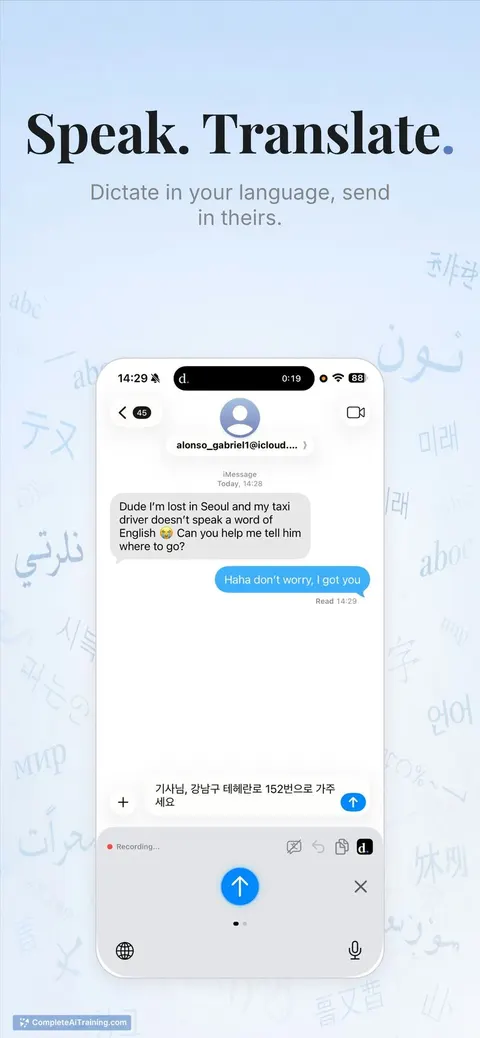
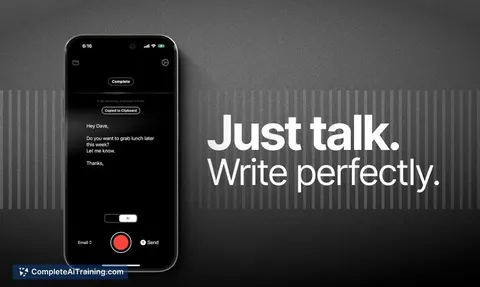
Willow on iOS: a custom keyboard for dictation anywhere on iPhone. Instant, auto-formatted speech-to-text with full-key access, autocorrect, custom dictionary, AI rewrite and context-aware style matching. 3× faster and more accurate than Apple.

About Willow on IOS
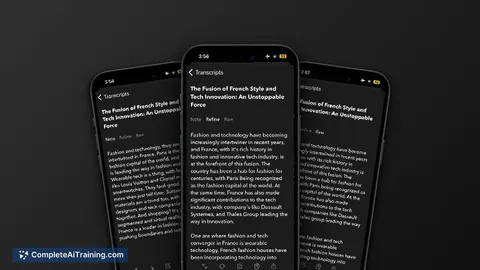
Willow on IOS is a voice-first custom keyboard that converts speech to text across apps on an iPhone. It offers instant speech-to-text with auto-formatting, autocorrect, and a custom dictionary to speed up everyday writing.
Review





This iOS release brings the core dictation features from the desktop app into a keyboard that works in Gmail, Slack, Notes, and any other text field. Accuracy, in-keyboard AI rewriting, and context-aware tone adjustments are the main selling points compared with built-in dictation.
Key Features
- Instant speech-to-text with low latency and automatic formatting for punctuation and paragraphs.
- Full custom keyboard with a complete letter layout plus access to autocorrect and a user-managed dictionary.
- Context-aware style-matching that adjusts tone based on the app or target (e.g., casual text vs. email).
- AI rewrite button to polish dictated text into different tones or clearer phrasing without retyping.
- Privacy and security compliance (SOC 2 and HIPAA) and cross-platform account sync with the Mac app.
Pricing and Value
There is a free option to try basic functionality, and a subscription unlocks the full feature set such as advanced AI rewriting and dictionary syncing. At launch the product page advertised a limited-time discount (for example, a promotional percentage off for initial months). For heavy dictation users-people who frequently write emails, messages, or notes-the subscription can pay for itself in saved time; lighter users may find the free tier sufficient for occasional use.
Pros
- High accuracy and fast transcription that reduces the need to correct dictated text manually.
- Works inside any app via a custom keyboard, so dictation is available where you type most.
- Useful editing features like an AI rewrite and custom dictionary improve consistency for names and technical terms.
- Enterprise-grade privacy and cross-device syncing make it viable for professional workflows.
- Responsive development team and active updates reported by early users.
Cons
- Requires keyboard permissions and a subscription for advanced features, which may be a blocker for privacy-conscious users or budget-minded individuals.
- Some users report persistent reminder notifications that cannot yet be disabled in settings.
- Performance can degrade in very noisy environments where microphone input is challenging.
Overall, Willow on IOS is best suited for frequent mobile writers, professionals who send lots of messages or emails from their phone, and anyone who prefers speaking over typing. Casual users who rarely dictate may prefer to try the free tier first before committing to a subscription.
Jobs Willow on IOS suits
We checked Willow on IOS against 500+ jobs; these get the most out of it.
Alternatives to Willow on IOS
Other tools that do the same main job. Our AI compared Willow on IOS with similar tools and kept the ones you could use instead.