
Learning path
Learning AI as a Clinical Research Coordinator
This path helps clinical research coordinators use AI for screening, consent, scheduling, data queries, and compliance. You will set up your tools, learn prompts for your daily work, and watch video courses chosen for trial coordinators.

Your path
Everything in the Clinical Research Coordinator AI kit, in the order that makes sense. Members tick off each step and see their progress.
Set up your AI
We guide you through each click.
Let skills do your everyday tasks
Connect your apps and pick your AI apps
Hand whole tasks to AI agents
Build your own tools
Keep growing
Everything for clinical research coordinators
All the courses, certifications, AI tools, MCP servers and apps for clinical research coordinators, most relevant first. Open any list to see more.
Take the prompt courses
A short framework course to learn how to ask, then 8 lessons with ready-to-use prompts for clinical research coordinators.
Start with this framework: how to talk to AI
TIDD-EC fits your clinical research coordinator role because its do, don't, and precise instructions help you draft accurate IRB protocol deviation reports.
Then your prompt course for clinical research coordinatorsWatch the video courses or add them to your Favorites for later
90 video courses our AI picked for clinical research coordinators, most useful first. Save the ones you want to watch later with the heart.
Favorites are saved to your account: sign in or get your AI kit first.
Show all 90 video courses
Get certified, or add certifications to your Favorites
Every course ends in an exam and a certificate you can add to LinkedIn. Save the certifications you are aiming for with the heart.
Favorites are saved to your account: sign in or get your AI kit first.
More certifications for clinical research coordinatorsShow all 24 certifications
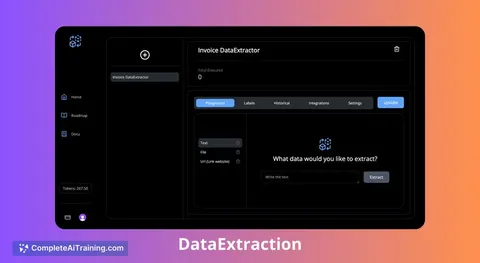
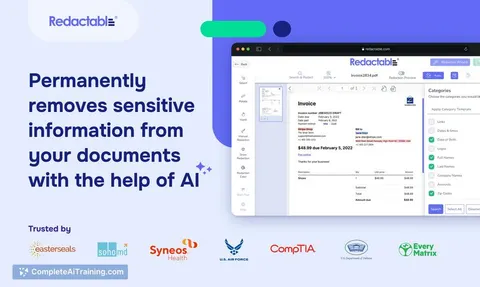
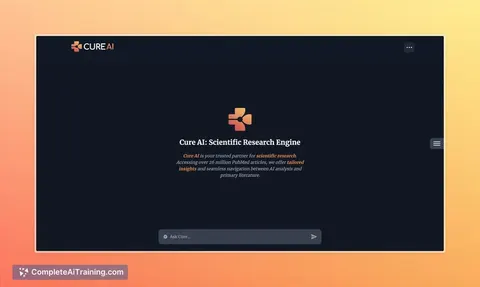
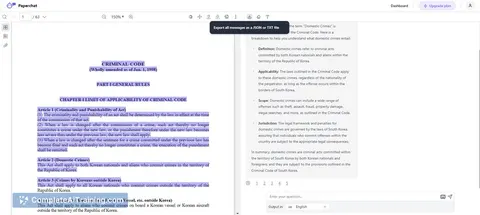
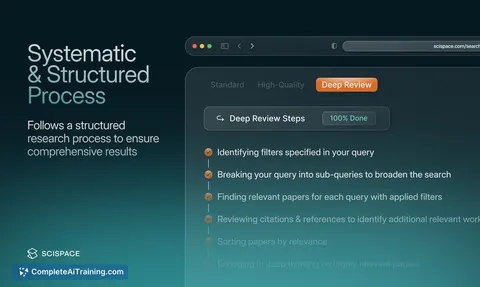
Try the AI tools for clinical research coordinators
18 AI tools our AI matched to the work of clinical research coordinators, best fit first. Each review shows what it does, its alternatives and the jobs it suits.
Favorites are saved to your account: sign in or get your AI kit first.
Show all 18 AI tools
Connect your AI to the apps clinical research coordinators use
MCP servers let ChatGPT, Claude or Copilot look things up and get work done in other apps, like your email, calendar or bookkeeping software. These 12 fit the work of clinical research coordinators best, well-known apps first.
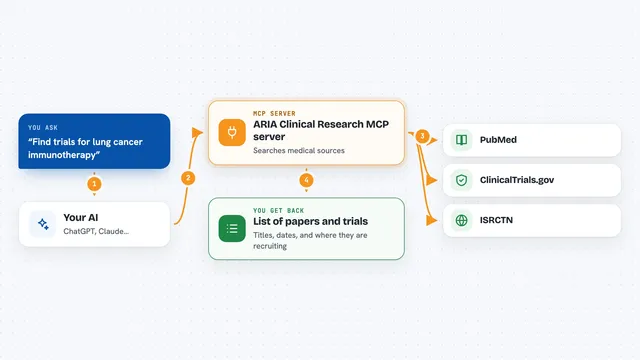
ARIA Clinical Research MCP server
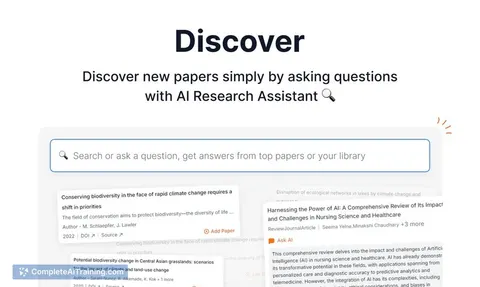
by pkotecha-engLets your AI search medical papers on PubMed and find clinical trials on ClinicalTrials.gov and ISRCTN.

OfficeAgent MCP server
by ilia-sokolovLet your AI edit Word, PowerPoint and Excel files, with changes you can review before saving.
Productivity Official
Box MCP server
by boxLet your AI search your Box files, answer questions about them, and pull out details for you.
Productivity Official
KitchenSink4Word MCP server
by nometalalchemistLet your AI edit real Word documents: text, tables, tracked changes, citations and more.
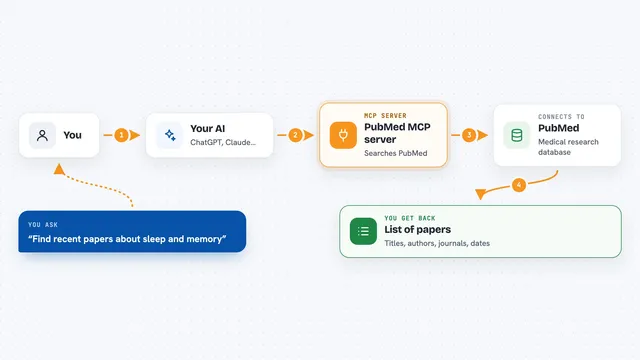
PubMed MCP server
by andybrandtLets your AI search medical and life sciences papers on PubMed and read their abstracts and full text.

Redacta MCP server
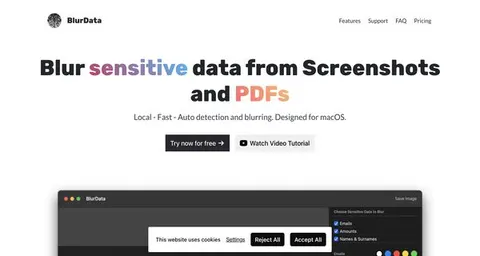
by nickjlambHide patient names and NHS numbers in medical text before your AI reads it, then put them back later.
Show all 12 MCP servers

Google Drive MCP server
by A1-x-TechLet your AI search, organize, upload, download, export and share your Google Drive files for you.

SignWell MCP server
by BidsketchSend documents for e-signature, track who signed, and download the signed PDFs, all from your AI chat.
Productivity Official
NCBI PubMed MCP server
by vitorpavinatoSearch PubMed's millions of research articles and get summaries, authors, and related papers through your AI.

Temporal Cortex MCP server
by temporal-cortexLet your AI check calendars, find free slots, and book meetings without double-booking.
ProductivityMeetingsNo install
Bing Search MCP server
by leehanchungLets your AI search the web, news, and images through Microsoft Bing while you chat.

Ragie MCP server
by ragieaiLet your AI search your Ragie knowledge base and pull back the right passages when you ask a question.
Build your own AI apps for clinical research coordinators
Apps you build yourself with your own AI, no coding needed and no monthly fee. Our AI picked the 5 that fit the work of clinical research coordinators.
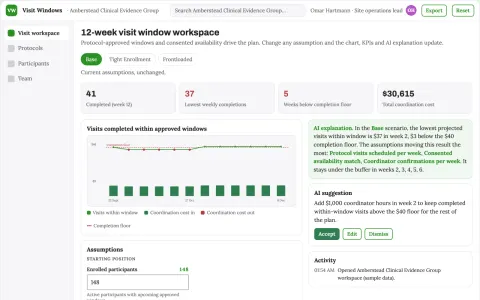
Clinical study visit window coordinator
Improve completion of already-approved study logistics.
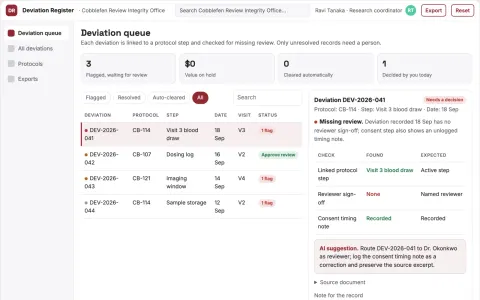
Study deviation evidence register
Trace recorded deviations without judging validity.
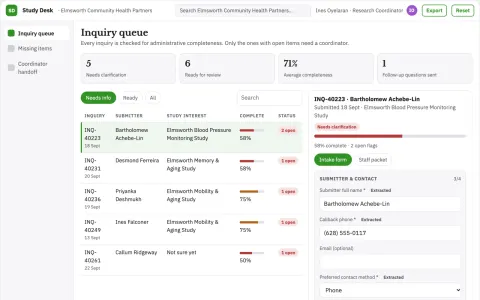
Clinic research participation admin desk
Make study inquiries organized without screening medical eligibility.
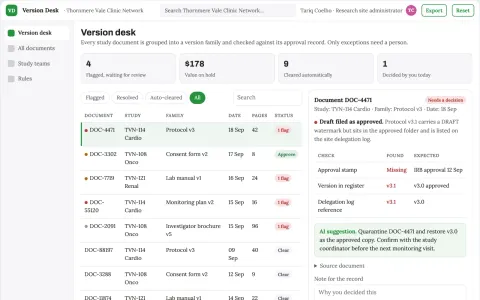
Clinic research document version desk
Clear administrative version status.
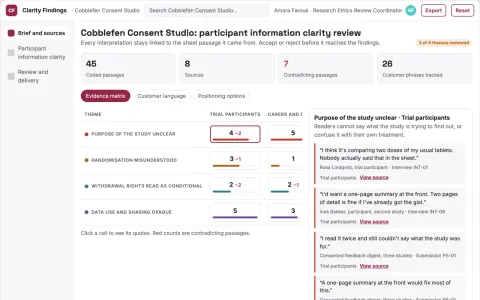
Study participant information clarity
Test understanding without approving consent.

























































































About this learning path
6 topicsAI Skills for Clinical Research Coordinators
You already manage protocols, participants, and paperwork with care. This path adds AI to that work, starting with simple setup questions and helping you connect the AI tools you choose.
You will practice prompts for screening, consent, visits, data, and safety. Then you can take short video courses chosen for clinical research coordinators, including what their certificates cover, so you know which ones are worth your time.
Why AI matters for this job now
Trials ask for more documentation, faster replies, and careful communication. AI can help you draft and check routine text so you can spend more attention on participants and protocol decisions.
Sponsors and ethics boards still expect human judgment. Using AI well means you stay in control and keep the record accurate.
What the learning path includes
The path begins with setup questions and a short guide to connecting your AI account, whether you use ChatGPT, Claude, or Gemini. Then you work through skills inside your AI for clinical research tasks, followed by this prompt course.
The prompt course walks through eight lessons, from protocol eligibility to sponsor updates. You also get video courses picked for this job, with details about the certifications each course offers.
How this path saves you time
You can turn a dense protocol section into a screening checklist, draft a recruitment email, or prepare a consent discussion guide in minutes. The time saved goes back to phone calls, monitoring visits, and the parts of the job that need your judgment.
The lessons focus on first drafts, not final answers. You still review, edit, and document your work, but you start with something useful instead of a blank page.
How it protects your career
AI will not replace the coordinator who knows the protocol and the participant. It will replace some routine drafting and searching. This path helps you become the person who guides AI safely, checks its output, and keeps trials compliant.
You learn to keep private details out of prompts, verify every fact, and document what you used. Those habits make you more valuable, not less.
How to start
Start with the setup questions and choose one AI tool you can access at work. Then take the first prompt lesson on protocol and eligibility, and try one prompt with a sample or de-identified case.
Set aside a short block each week for the next lesson and one video course. Keep a simple log of what worked and what you had to change.
Frequently asked questions
Do I need technical skills to use AI as a coordinator?
No. You need to know your protocol and your site rules. The path starts with setup questions and plain prompts you can copy and adjust.Can AI make decisions about eligibility or safety?
No. AI can help you organize criteria and draft questions, but the coordinator and investigator make the final call. Always check against the protocol and your team's guidance.How do I protect participant privacy?
Keep names, dates, medical record numbers, and other identifiers out of prompts. Use de-identified details or fake examples when you practice. Follow your site's privacy rules and never paste confidential documents into a tool that is not approved.What if my site blocks AI tools?
Follow your site's rules first. You can still learn the prompt skills and use approved tools if they become available. The course helps you understand safe use so you can ask good questions about what is allowed.