MCP server · Research
Gavelin MCP server
by gavelin-ai
Lets your AI search US state bills and find what legislators actually said in hearings.
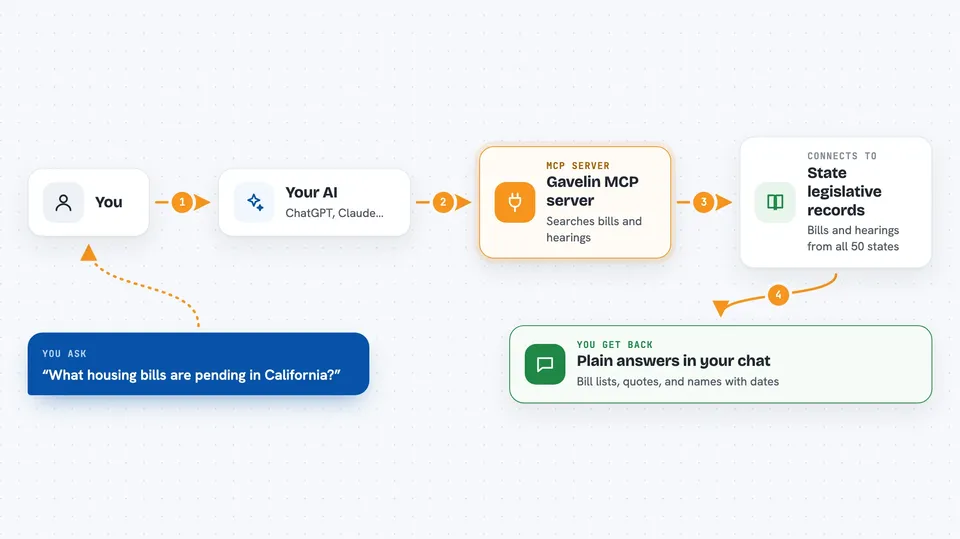
This is a helper that connects your AI assistant to Gavelin, a searchable archive of US state legislative records. Once it is connected, you can ask your AI about bills and hearing testimony in plain English instead of digging through state websites yourself. It is handy for policy researchers, journalists, lobbyists, and anyone who tracks what state lawmakers are doing.
What is an MCP server? The 30-second version
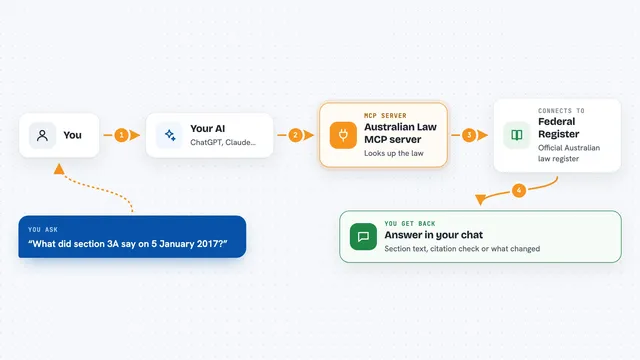
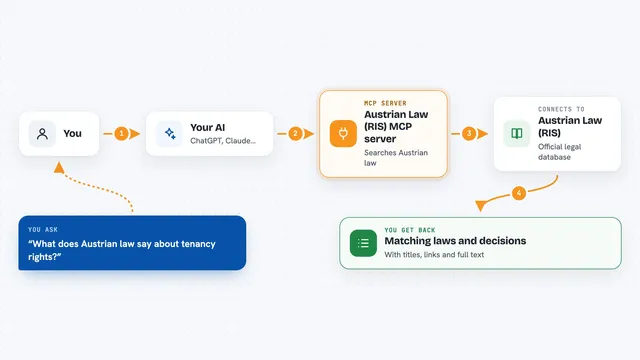
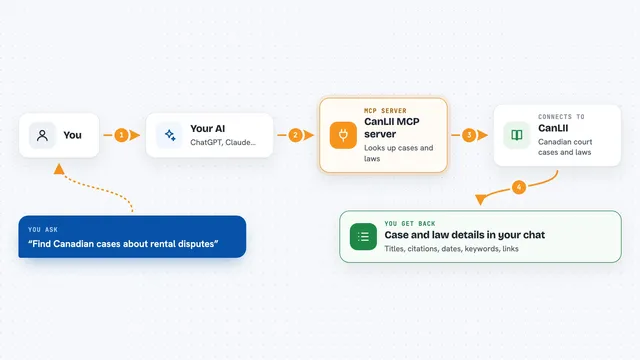
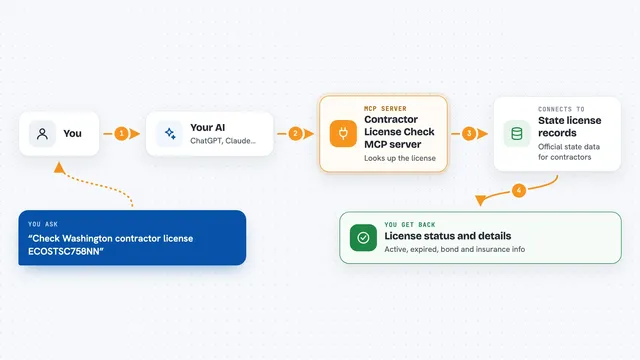
On its own, your AI can only chat with you using what it already knows. An MCP server is a small helper program that gives your AI a new skill or a connection to an outside service. This one connects your AI to Gavelin, so it can look up state bills and hearing transcripts for you. You just ask a question, and your AI reaches out to Gavelin behind the scenes to find the answer.
What this MCP server does
You ask your AI something like which housing bills are pending in California. Your AI sends that request to the Gavelin helper, which searches its archive of state legislative records. Gavelin looks across bills from all 50 states and hearing transcripts where available, then sends the matching results back. Your AI reads those results and explains them to you in the chat, often with names, dates, and short quotes. You never have to visit a state website or learn a search tool.
 Click to zoom
What you can do with it
- Search bills across all 50 states and DC by keyword, sponsor, committee, status, or chamber
- Find what a specific legislator or witness said about a topic in a hearing
- Get full details on a single bill, including sponsors and legislative history
- Pull up everything a particular person has said in hearings and floor sessions
- Browse committee and public hearings by topic, committee, or date range
- Read a full hearing transcript with every speaker labeled by name
- Check which states have bill data, transcripts, or both
Try asking your AI
- “What housing bills are pending in California right now?”
- “Find bills sponsored by Rivera in New York.”
- “What has Senator Krueger said about affordable housing?”
- “Search for cannabis legislation that passed in 2025.”
What it gives back to you
You get back plain answers in the chat, built from real records: lists of bills with their status and sponsors, quotes from hearings with the speaker's name and role, or a summary of what one person has said over time. If you ask for a full transcript, your AI can show you the text with speakers labeled. Everything comes back as readable text you can copy into your own notes or documents.
Before you start
What you need
- A free Gavelin account at gavelin.ai
- An API key from your Gavelin Account page under Developer API (a kind of password for apps)
- An AI tool that supports MCP servers, such as Claude Desktop, Claude Code, Cursor, or Windsurf
Good to know
The API key is free but rate-limited, so very heavy use may slow down or stop until the limit resets; email hello@gavelin.ai if you need higher limits.
Install it with your AI
Add Gavelin MCP server to your AI, no technical skills needed
You don't install anything by hand. You copy one prompt, paste it into an AI that can work on your computer, and it checks, installs and connects the server for you, asking you when it needs something.
Sign in to get the install prompt
Members get a ready-made prompt that lets the Claude desktop app check Gavelin MCP server, install it and connect it for them, step by step. You don't need any technical skills: you copy, paste and answer a few questions. Your connected AI can also find and install any of the 4,361 MCP servers here for you.
Who it's for
Policy researchers, journalists, lobbyists, legislative staff, and anyone who follows what US state lawmakers are proposing and saying.