MCP server · Health and learning
Practice Fusion MCP server
by kushaim
Lets your AI look up patients, visits, medications and lab results in a Practice Fusion health record.
This is a small helper that connects your AI assistant to a Practice Fusion electronic health record. Once it is set up, you can ask your AI plain questions about patients and it will look up the answers for you. It is made for people who work with health records and want a faster way to review information.
What is an MCP server? The 30-second version
On its own, your AI can only chat with you. An MCP server is a small helper program that gives your AI a new skill or a connection to an app or service. This one connects your AI to Practice Fusion, a health record system, so the AI can look things up there when you ask. You stay in the chat, and the helper does the fetching behind the scenes.
What this MCP server does
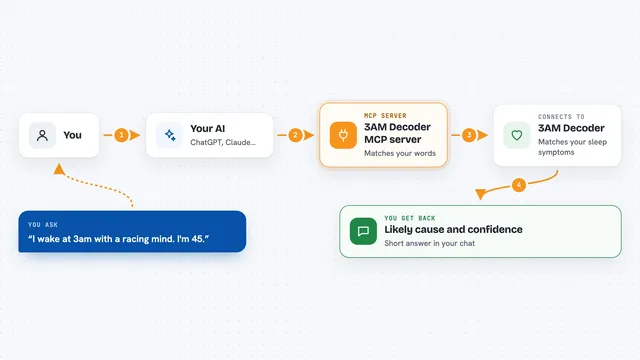
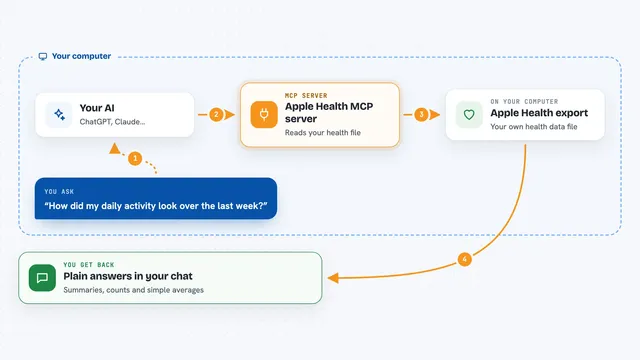
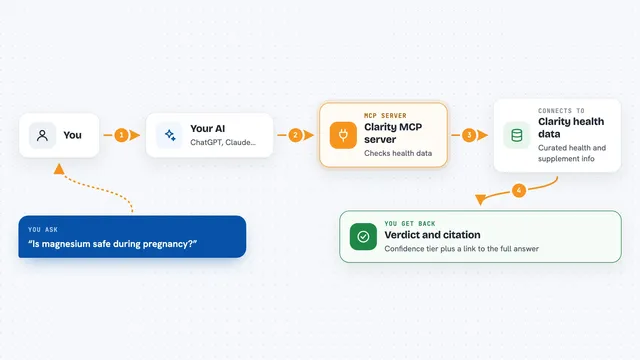
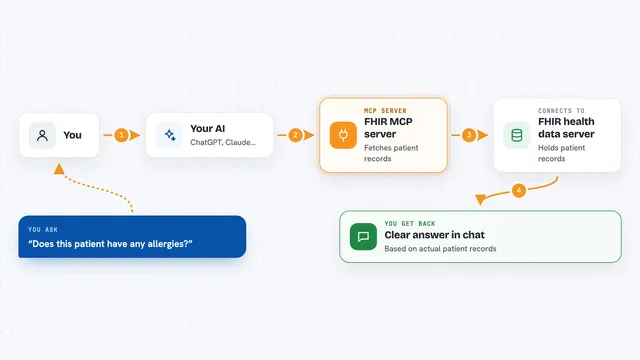
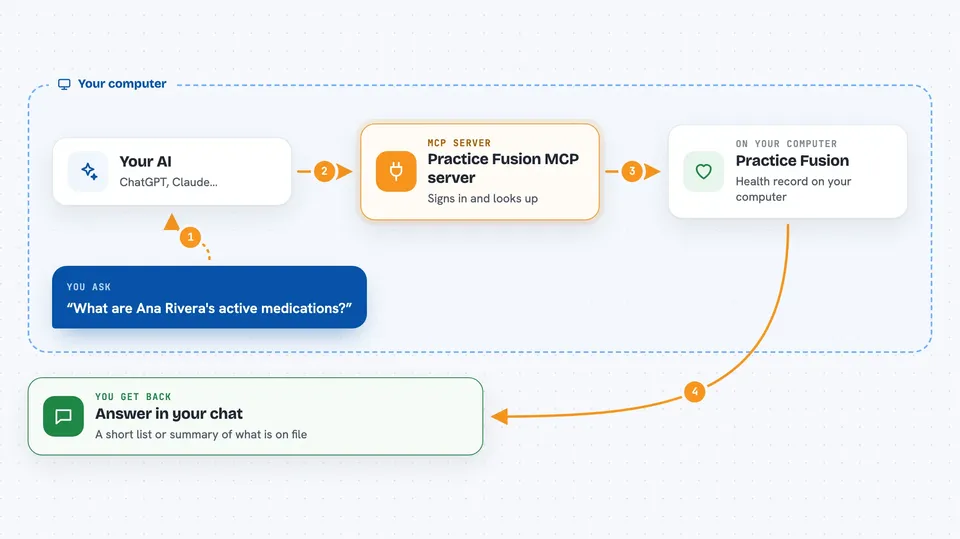
You ask your AI a question about a patient, like what medications they take. The AI sends that request to this helper program on your computer. The helper signs in to Practice Fusion and asks for just the information you need. Practice Fusion sends it back, and the helper passes it to your AI. Your AI then shows you the answer in the chat, in plain words.
 Click to zoom
What you can do with it
- Search for a patient by name, birthdate or gender
- Review a patient's active medications and conditions
- Check lab results and vital signs
- See upcoming or past appointments
- Look up allergies and immunizations
- Read insurance coverage details
- Get a quick pre-visit summary for one patient
Try asking your AI
- “What are Ana Rivera's active medications?”
- “Show me the recent lab results for patient id abc123”
- “Does this patient have any allergies listed?”
- “Give me a pre-visit summary for Ana Rivera”
What it gives back to you
You get answers in the chat, usually as a short list or a summary. For example, it might say a patient has two active medications and name them. Some answers come as structured details your AI can read, so it can chain a few lookups together. You can also ask for a fuller summary of everything on file for one patient.
Before you start
What you need
- A free Practice Fusion Open FHIR developer account
- A System or backend-services app set up in that account, with a public key registered
- Your FHIR base URL, token URL and client id from that account
- A private key file that matches the public key you registered
Good to know
This helper can only read information, never change or delete anything, but the patient details it shows are private health information, so treat your chat and any saved logs with care.
Install it with your AI
Add Practice Fusion MCP server to your AI, no technical skills needed
You don't install anything by hand. You copy one prompt, paste it into an AI that can work on your computer, and it checks, installs and connects the server for you, asking you when it needs something.
Sign in to get the install prompt
Members get a ready-made prompt that lets the Claude desktop app check Practice Fusion MCP server, install it and connect it for them, step by step. You don't need any technical skills: you copy, paste and answer a few questions. Your connected AI can also find and install any of the 4,361 MCP servers here for you.
Who it's for
Clinicians, care coordinators, medical office staff and health data analysts who want to review patient information through their AI assistant.