
Learning path
Learning AI as a Nurse Practitioner
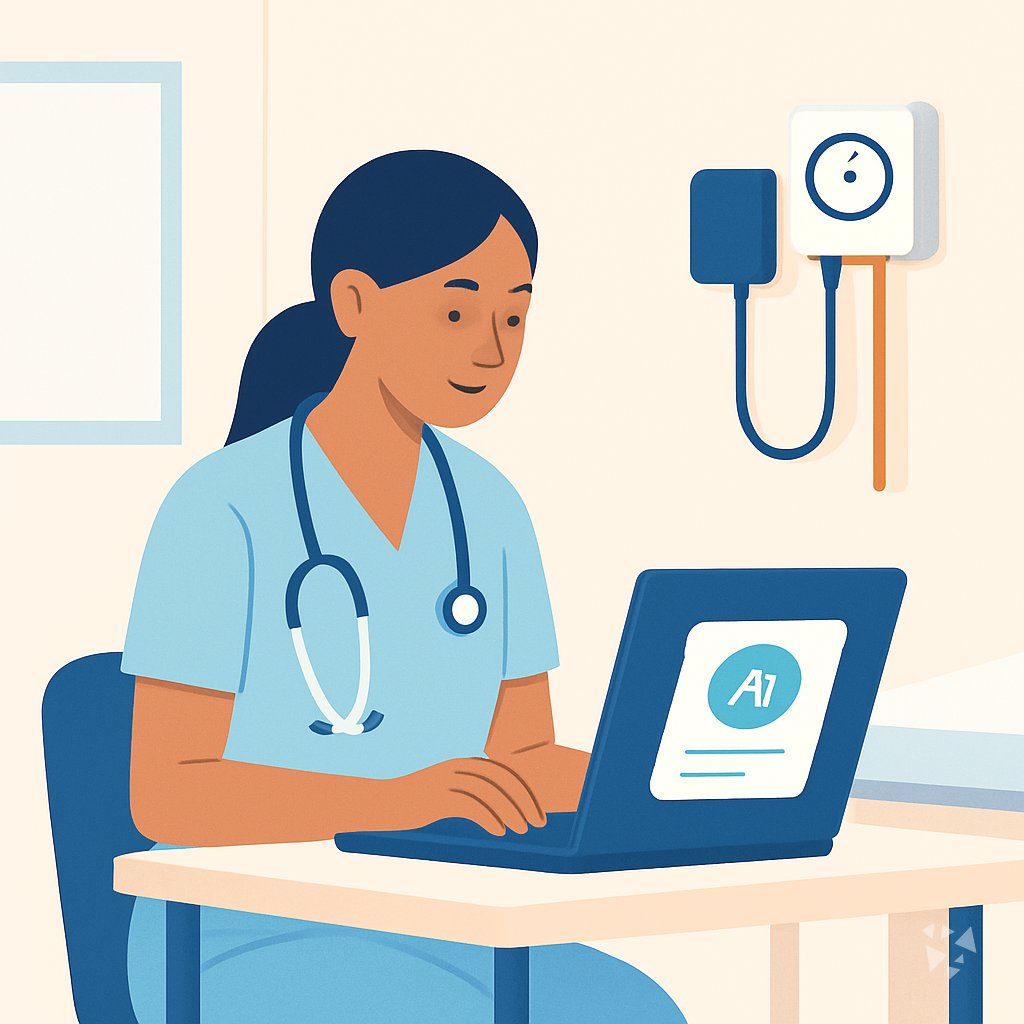
This learning path helps nurse practitioners use AI for charting, patient teaching, medication support, and follow-up. It starts with setup and ends with video courses and certifications chosen for your role.
Your path
Everything in the Nurse Practitioner AI kit, in the order that makes sense. Members tick off each step and see their progress.
Set up your AI
We guide you through each click.
Let skills do your everyday tasks
Connect your apps and pick your AI apps
Hand whole tasks to AI agents
Build your own tools
Keep growing
Everything for nurse practitioners
All the courses, certifications, AI tools, MCP servers and apps for nurse practitioners, most relevant first. Open any list to see more.
Take the prompt courses
A short framework course to learn how to ask, then 8 lessons with ready-to-use prompts for nurse practitioners.
Start with this framework: how to talk to AI
CARE fits your nurse practitioner work by turning a diabetes visit into context, action, result, and example for consistent care.
Then your prompt course for nurse practitionersWatch the video courses or add them to your Favorites for later
77 video courses our AI picked for nurse practitioners, most useful first. Save the ones you want to watch later with the heart.
Favorites are saved to your account: sign in or get your AI kit first.
Show all 77 video courses
Get certified, or add certifications to your Favorites
Every course ends in an exam and a certificate you can add to LinkedIn. Save the certifications you are aiming for with the heart.
Favorites are saved to your account: sign in or get your AI kit first.
More certifications for nurse practitionersShow all 24 certifications
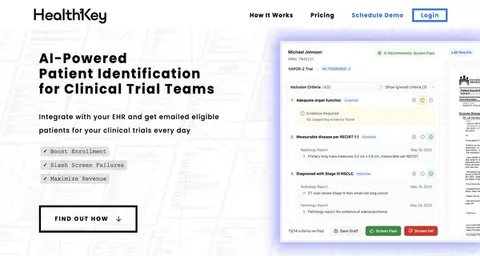
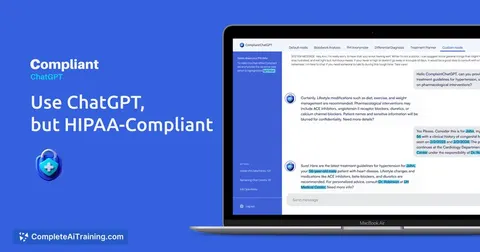
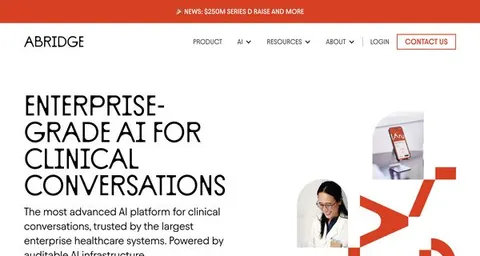
Try the AI tools for nurse practitioners
19 AI tools our AI matched to the work of nurse practitioners, best fit first. Each review shows what it does, its alternatives and the jobs it suits.
Favorites are saved to your account: sign in or get your AI kit first.
Show all 19 AI tools
Connect your AI to the apps nurse practitioners use
MCP servers let ChatGPT, Claude or Copilot look things up and get work done in other apps, like your email, calendar or bookkeeping software. These 9 fit the work of nurse practitioners best, well-known apps first.

Practice Fusion MCP server
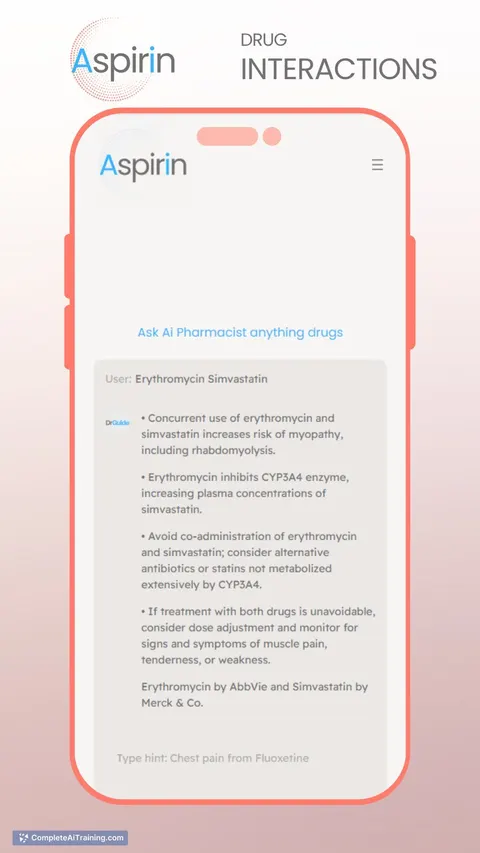
by kushaimLets your AI look up patients, visits, medications and lab results in a Practice Fusion health record.

PubMed Search MCP Server
by pubsproLet your AI search medical research papers on PubMed and give you plain-English summaries.
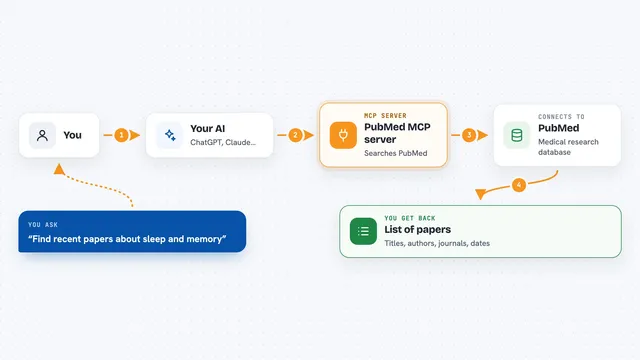
PubMed MCP server
by andybrandtLets your AI search medical and life sciences papers on PubMed and read their abstracts and full text.

Taiwan NHI billing MCP server
by tatsujuLets your AI look up Taiwan NHI rejection codes, drug rules, fee points and audit notes for you.
ResearchNo install
Medical MCP server
by JamesANZLets your AI look up drugs, health stats, and medical studies from trusted public sources.
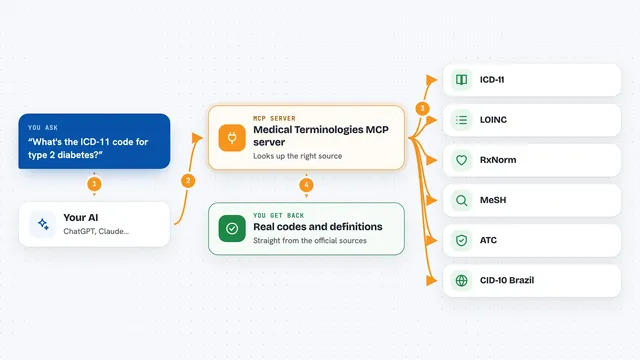
Medical Terminologies MCP server
by SidneyBissoliLook up real medical codes and terms from ICD-11, LOINC, RxNorm, MeSH, ATC and Brazil's CID-10 right inside your AI chat.
ResearchNo installShow all 9 MCP servers

Lucairn privacy gateway MCP server
by DecladeLets your AI clean personal data out of your prompts before they reach the model, and hand you a signed proof of what was removed.

ICDwise MCP server
by qinisolabsYour AI can look up real ICD-10-CM medical codes and get the official description instead of a guess.
ResearchNo install
Anonymize MCP server
by Buggy1111Let your AI hide names, IDs and bank details in documents, translate between eight languages, and fix Czech spelling.
Build your own AI apps for nurse practitioners
Apps you build yourself with your own AI, no coding needed and no monthly fee. Our AI picked the 7 that fit the work of nurse practitioners.
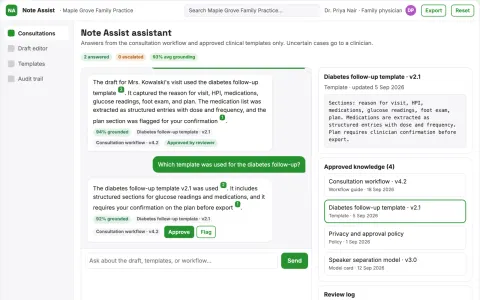
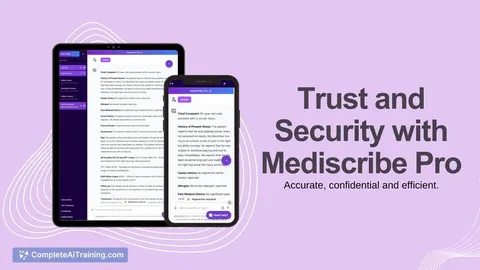
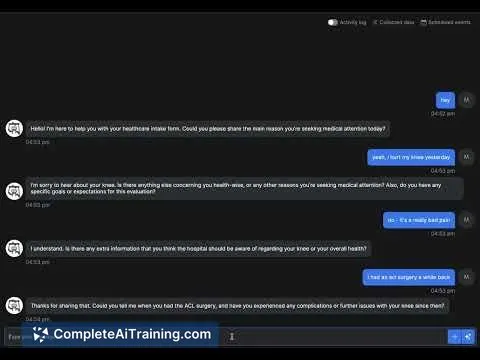
Ambient Clinical Note Assistant
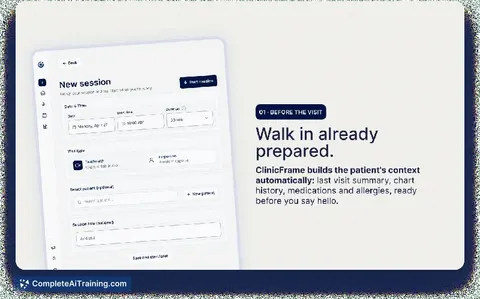
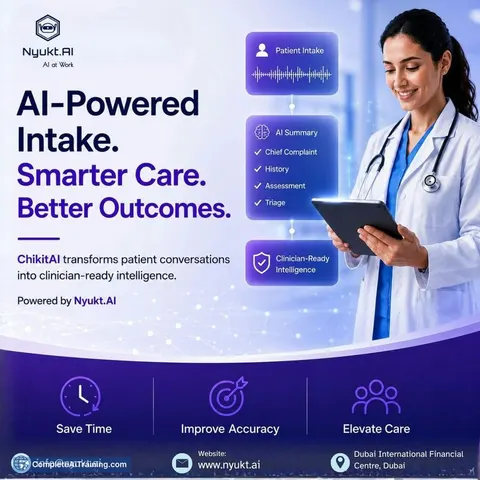
Clinical notes drafted from the consultation on the device, so patient data never leaves the room until the clinician approves it.
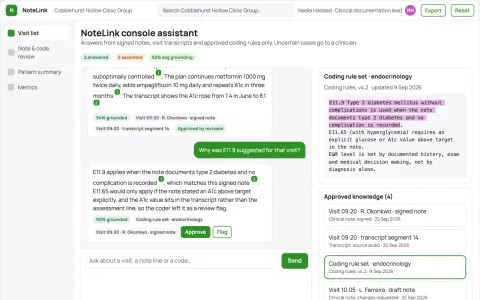
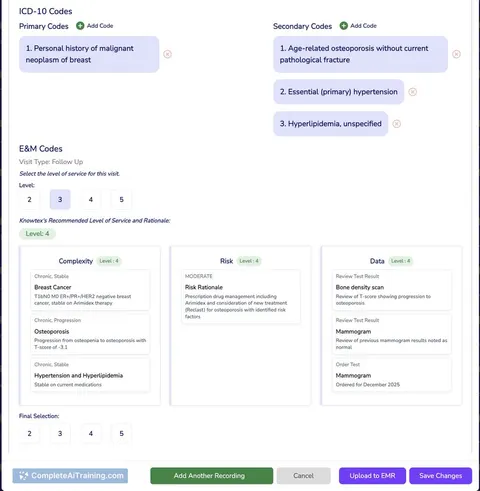
Source-linked clinical documentation and coding console
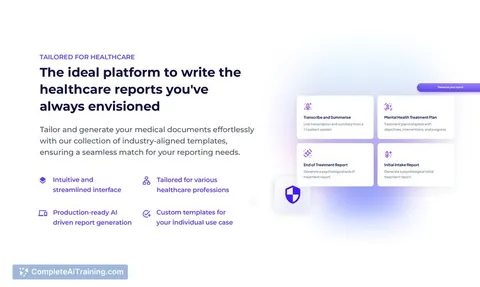
Reduce documentation rework while keeping every clinical statement traceable to the visit.
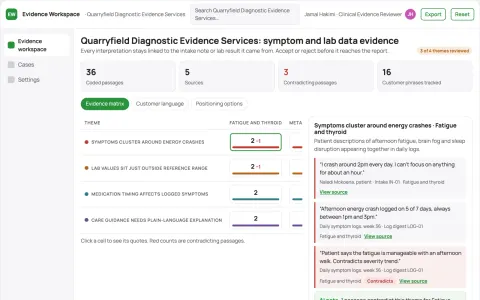
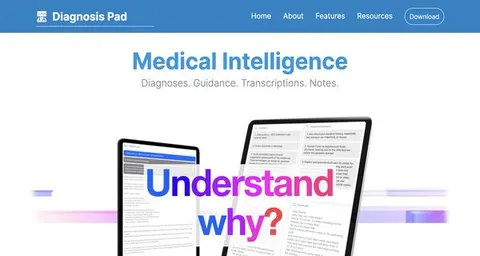
Evidence-backed symptom and health data analysis workspace
Reduce repeated intake and document chasing while keeping clinical decisions with licensed professionals.
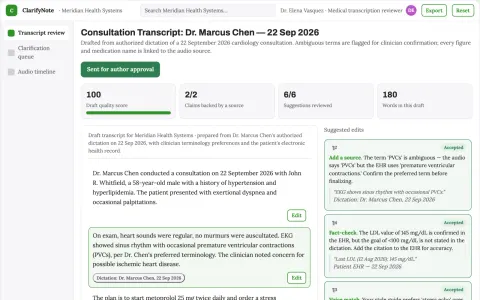
Medical transcription review service
Ambiguities are surfaced for confirmation rather than silently resolved.
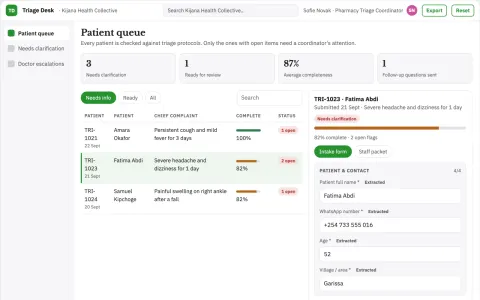
Rural Health Triage Assistant
Multilingual triage over WhatsApp, available immediately and with no app to install.
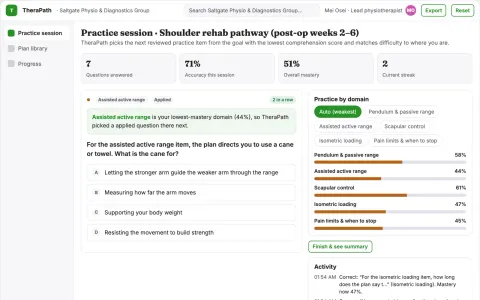
Therapy home-practice adherence workshop
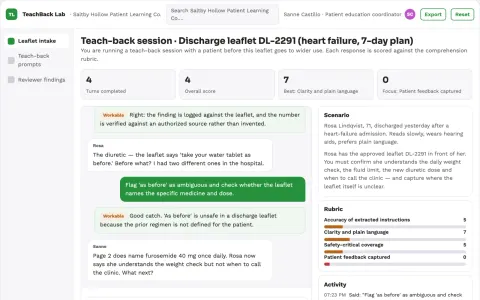
Support understanding and execution of existing professional instructions.
Show all 7 apps











































































About this learning path
6 topicsPractical AI Skills for Nurse Practitioners
You already carry a full schedule. This path shows how AI can help with the paperwork, patient teaching, and follow-up that fill the edges of your day.
You will not need to become technical. The lessons use plain steps, real nurse practitioner examples, and checks so your clinical judgment stays in charge.
Why AI matters now
Patients need clear answers, and your charting must be complete. AI can help you draft, organize, and explain information faster while you keep the final say.
Used well, it supports safe care and gives you more room for the parts of the visit that need a human.
What the path includes
You start with setup questions and connecting your AI tool. Then you practice skills for the job inside your AI, take this prompt course, and watch short video courses picked for nurse practitioner work.
Those video courses come with certifications you can share, so you can show what you learned.
How it saves time
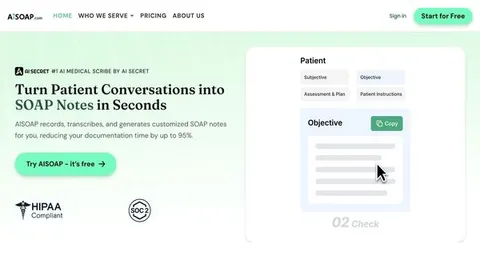
The prompts help with visit notes, after-visit instructions, prior authorization letters, lab follow-up messages, and recall outreach.
Small drafts become finished work faster, so you spend less time staring at a blank screen.
How it protects your career
You learn what to keep out of AI tools, how to remove patient identifiers, and when to verify every output. You also practice documenting your own review.
That habit protects patients, your license, and your professional reputation.
How to start
Begin with the setup questions and connect one AI tool you already have access to. Then take the prompt course and try one lesson with a low-risk task, like a patient handout draft.
Move at your pace, and keep your usual clinical checks in place.
Frequently asked questions
Do I need to be tech savvy?
No. The path starts with basic setup and plain steps. You can use ChatGPT, Claude, Gemini, or another approved tool your workplace allows.Will AI make clinical decisions for me?
No. AI can help you draft, compare, and organize information, but you remain responsible for diagnosis, treatment, and prescribing. Every output needs your review.Can I use patient information in AI tools?
Only if your workplace allows it and you follow privacy rules. In most cases, remove names, dates, and other identifiers before you type anything into an AI tool.What do I get at the end?
You finish with a set of prompts you can reuse, video courses chosen for nurse practitioner work, and certifications for those courses. You also build a safer routine for using AI in daily practice.