MCP server · Notes
Stellar Jay MCP server
by kyle-visner
Let your AI record business facts in a safe store where every change is kept and can be undone.
Stellar Jay is a place to keep business facts, like a customer's main contact or a note about an invoice. It is built so an AI helper can add to it without ever wiping out what was there before. It is handy if you want an AI to do small bits of real work but you are nervous about it changing or deleting the wrong thing.
What is an MCP server? The 30-second version
On its own, your AI can only chat with you. An MCP server is a small helper program that gives your AI a new skill or a connection to another service. This one connects your AI to Stellar Jay, a store for business facts. Once it is connected, your AI can look things up there and add new facts when you ask, and every entry keeps a note of which AI helper made it.
What this MCP server does
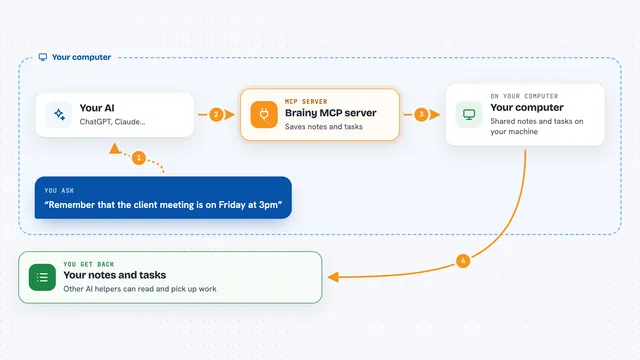
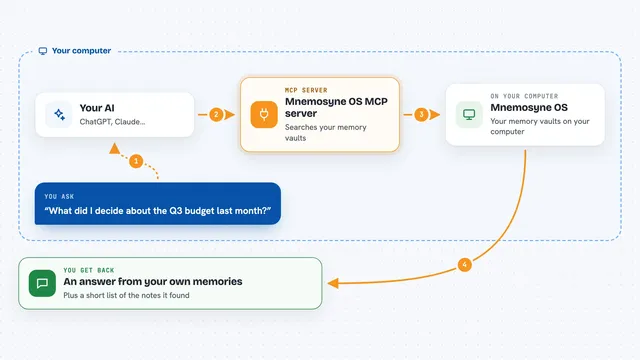
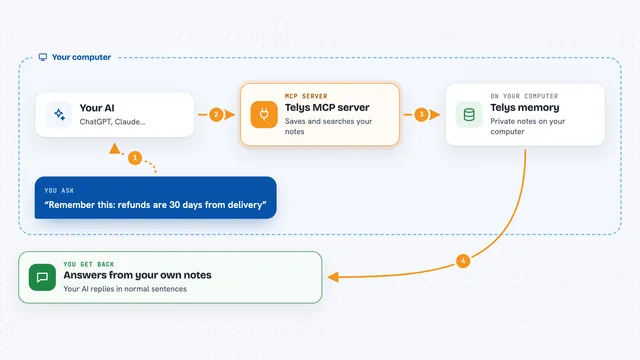
You ask your AI something, like to note a customer's new phone number. The AI uses this helper to talk to your Stellar Jay store. The store adds a new entry instead of changing the old one, and it writes down which helper made the change and when. When you want, you can ask the AI to undo a change, and the store shows you a preview first. You get back a short answer or a list of what is in the store.
What you can do with it
- Add a new business fact, like a contact name or a status
- Look up the current value of a fact
- Read the history of changes for a record
- See which helper made each change and when
- Preview undoing what one helper did in a time window
- Undo those changes if the preview looks right
- Correct a fact without losing the old one
What it gives back to you
You get answers in the chat, like the current value of a fact or a short list of past changes. Each change comes with the name of the helper that made it and the time. If you ask to undo something, you first see a preview of what would change, and then a short note once it is done.
Before you start
What you need
- A Stellar Jay store, either the hosted AvianSuite one or one you run yourself
- A token for the store (a kind of password the store gives you)
- The Go programming language if you want to run the store or the helper yourself
Good to know
This helper can add facts and undo changes in your store, so check the preview before you confirm an undo.
Install it with your AI
Add Stellar Jay MCP server to your AI, no technical skills needed
You don't install anything by hand. You copy one prompt, paste it into an AI that can work on your computer, and it checks, installs and connects the server for you, asking you when it needs something.
Sign in to get the install prompt
Members get a ready-made prompt that lets the Claude desktop app check Stellar Jay MCP server, install it and connect it for them, step by step. You don't need any technical skills: you copy, paste and answer a few questions. Your connected AI can also find and install any of the 4,611 MCP servers here for you.
Who it's for
Small teams and consultants who want an AI to do simple record-keeping but need a safe way to undo mistakes.