MCP server · Productivity
SparkSheets MCP server
by saikiyusuke
Lets your AI save sessions, solutions, notes and sheets to SparkSheets, and look them up later.
SparkSheets is an online spreadsheet and document tool. This helper connects your AI assistant to your SparkSheets account, so it can save notes, search old ones, and manage your sheets for you. It is handy if you use an AI coding assistant and want a place to keep track of what you did and what you learned.
What is an MCP server? The 30-second version
On its own, your AI can only chat. An MCP server is a small helper program that gives your AI a new skill or a connection to an app. This one connects your AI to SparkSheets, so when you ask it to save something or look something up, it can actually do that in your SparkSheets account. You install it once, log in once, and after that it just works in the background.
What this MCP server does
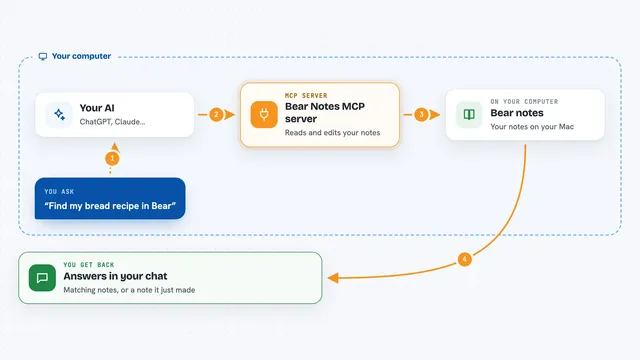
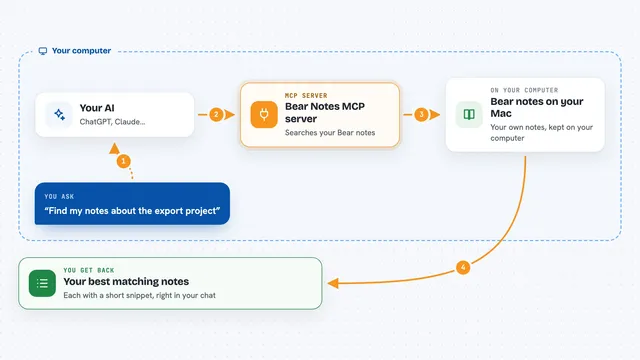
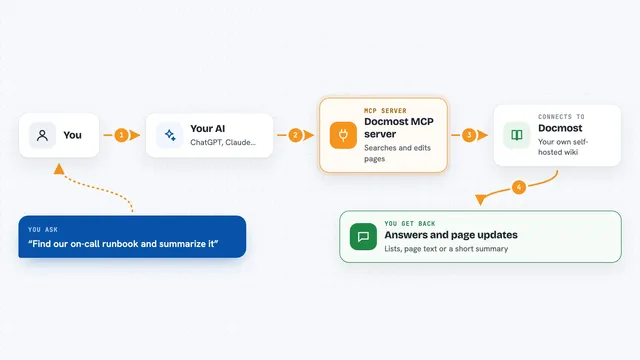
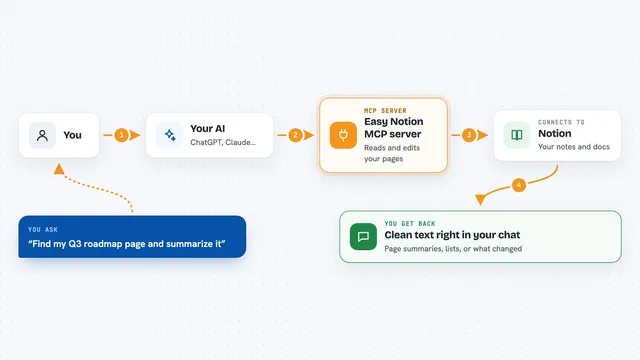
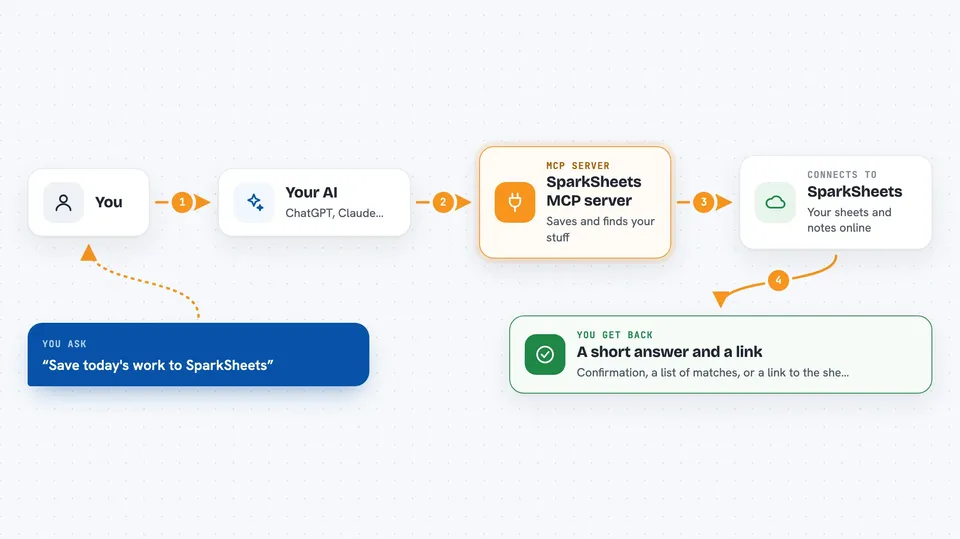
You ask your AI something like save today's work or find that old error fix. The AI passes your request to this helper. The helper talks to SparkSheets over the internet using your account. SparkSheets saves or returns the information, and the helper hands it back to the AI. You then see the result in your chat, often with a link to the sheet.
 Click to zoom
What you can do with it
- Save a summary of today's work session
- Search your past sessions by keyword
- Store an error fix and find it again later
- Save and retrieve small code snippets
- Create, edit and search sheets
- Sync your task list and work time
- Create a handover sheet for the next person
Try asking your AI
- “Save today's work to SparkSheets”
- “Find the fix I saved for that CORS error”
- “Create a handover sheet for this project”
- “List my sheets and show me the one about onboarding”
What it gives back to you
You get back short answers in the chat, like a confirmation that something was saved, or a list of matching sessions or sheets. When a sheet is created or updated, you usually get a link you can click. Searching returns the matching items with a short description so you can pick the right one.
Before you start
What you need
- A SparkSheets account (free to sign up)
- Node.js installed on your computer
- The Claude desktop app or another AI tool that supports MCP servers
Good to know
It can create, change and delete sheets in your SparkSheets account, so double check before asking it to delete anything.
Install it with your AI
Add SparkSheets MCP server to your AI, no technical skills needed
You don't install anything by hand. You copy one prompt, paste it into an AI that can work on your computer, and it checks, installs and connects the server for you, asking you when it needs something.
Sign in to get the install prompt
Members get a ready-made prompt that lets the Claude desktop app check SparkSheets MCP server, install it and connect it for them, step by step. You don't need any technical skills: you copy, paste and answer a few questions. Your connected AI can also find and install any of the 4,609 MCP servers here for you.
Who it's for
Developers and anyone who uses an AI coding assistant and wants a simple place to keep session notes, fixes and task lists.