MCP server · Research
EU Regulation MCP server
Lets your AI check the ESMA MiCAR register and flag EU AI Act risks with cited sources.
This is a small helper that connects your AI to official EU regulation data. It lets your AI look up crypto companies in the ESMA MiCAR register, track what changed there, check a draft white paper, and sort an AI system into an EU AI Act risk tier. It is handy if you work in compliance, legal, or policy and deal with crypto or AI rules.
What is an MCP server? The 30-second version
On its own, your AI can only chat with you using what it already learned. An MCP server is a small helper program that gives your AI a new skill or a connection to an app or service. This one connects your AI to the ESMA MiCAR register and to rule sets for MiCAR white papers and the EU AI Act. Once it is connected, your AI can look things up there and bring back answers with citations when you ask.
What this MCP server does
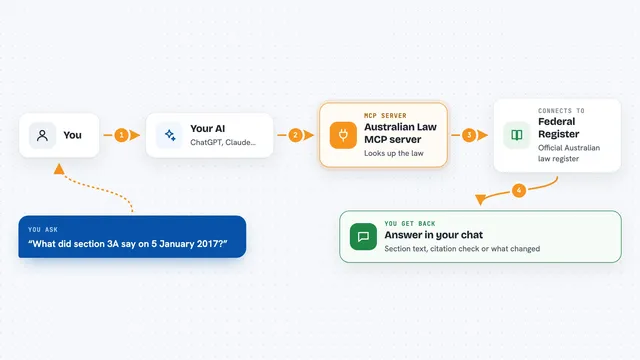
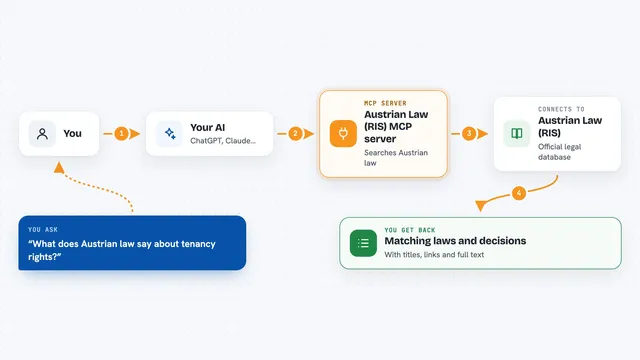
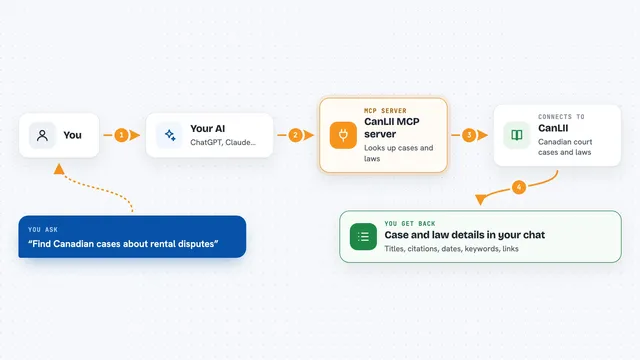
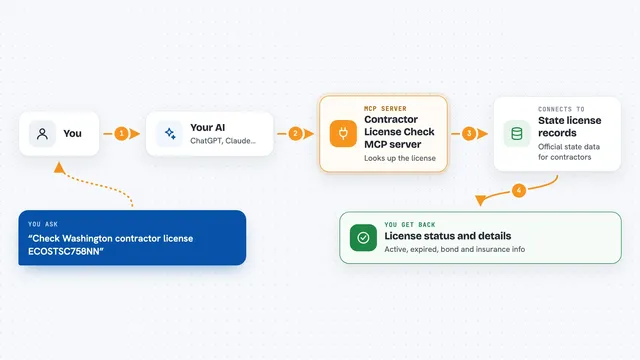
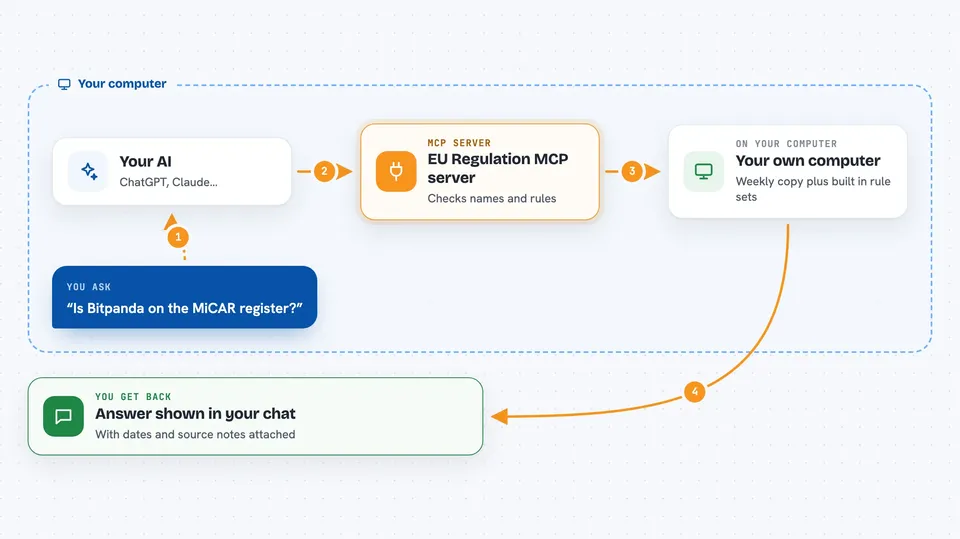
You ask your AI a question, like whether a company is on the MiCAR register. Your AI passes that question to this helper program. The helper checks a weekly snapshot of the public ESMA register, or runs its rule sets for white papers and AI Act tiers. Then it hands the result back to your AI, which shows it to you in the chat with the snapshot date and the rule citations attached.
 Click to zoom
What you can do with it
- Look up a company by name or LEI in the ESMA MiCAR register
- See what format a company's MiCAR white paper uses
- Check current register totals and white paper coverage
- Track recent register changes, including removals
- Lint a draft MiCAR white paper against Annex I to III rules
- Classify an AI system into an EU AI Act risk tier
Try asking your AI
- “Is Bitpanda on the MiCAR register, and what format is its white paper?”
- “What changed on the MiCAR register recently, any removals?”
- “Lint this draft white paper and list the findings”
- “Classify this AI system under the EU AI Act: it scores CVs for hiring”
What it gives back to you
You get back lists, totals, and short answers in the chat, each tied to a snapshot date or a rule citation. Register results are facts from the public register. Lint and classification results come back as candidate flags from fixed rules, marked as pending human legal review. Nothing it returns is a legal assessment or legal advice.
Before you start
What you need
- The Claude desktop app or Claude Code
- uv (a small tool that runs Python programs; the install command uses it)
- For the white paper linter: the optional lint extra
- For the AI Act classifier: the optional classify extra
Good to know
Lint and classification results are candidate flags from fixed rules, not legal advice, and register data comes from weekly snapshots that can contain extraction errors, so always have a human check before relying on it.
Install it with your AI
Add EU Regulation MCP server to your AI, no technical skills needed
You don't install anything by hand. You copy one prompt, paste it into an AI that can work on your computer, and it checks, installs and connects the server for you, asking you when it needs something.
Sign in to get the install prompt
Members get a ready-made prompt that lets the Claude desktop app check EU Regulation MCP server, install it and connect it for them, step by step. You don't need any technical skills: you copy, paste and answer a few questions. Your connected AI can also find and install any of the 4,361 MCP servers here for you.
Who it's for
Compliance officers, lawyers, policy staff, and analysts who work with crypto or AI regulation and want cited answers instead of guesses.