AI tool
Venngage Accessible Design Tool
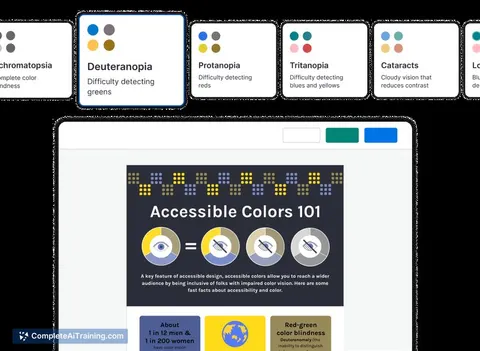
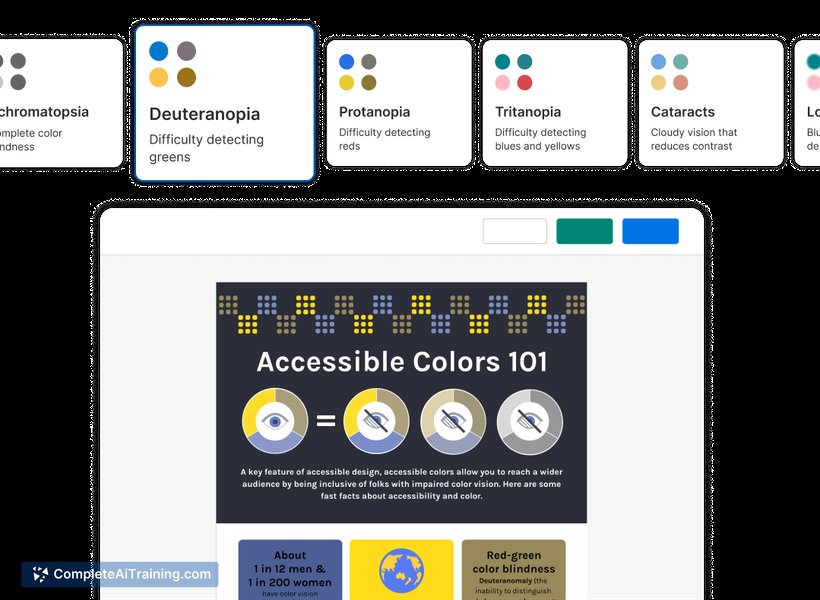
Venngage Accessible Design Tool uses AI to provide real-time accessibility feedback, checking contrast, language, and tags. It simulates color blindness and low vision, ensuring your designs meet compliance and export as screen reader-friendly PDFs.
About Venngage Accessible Design Tool
Venngage Accessible Design Tool is an AI-powered platform focused on creating inclusive and accessible visual content. It helps users develop designs that meet accessibility standards, ensuring that their graphics are usable by a diverse audience including people with disabilities.
Review
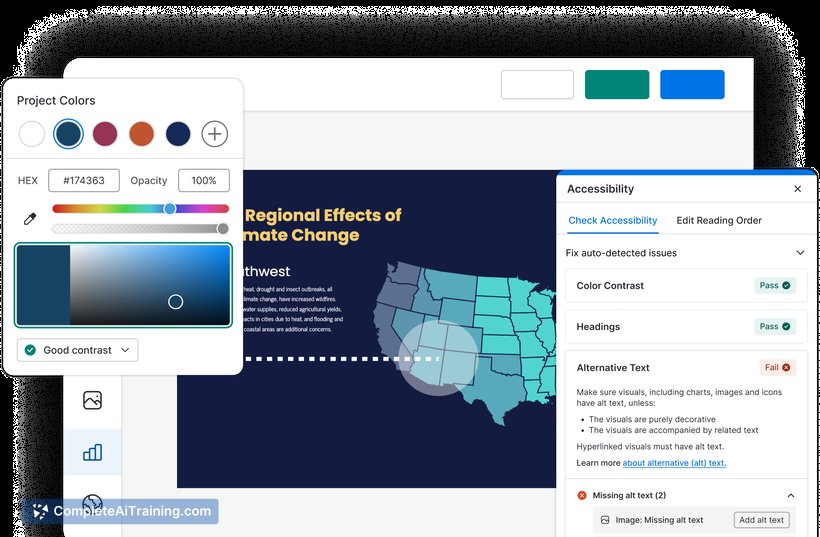
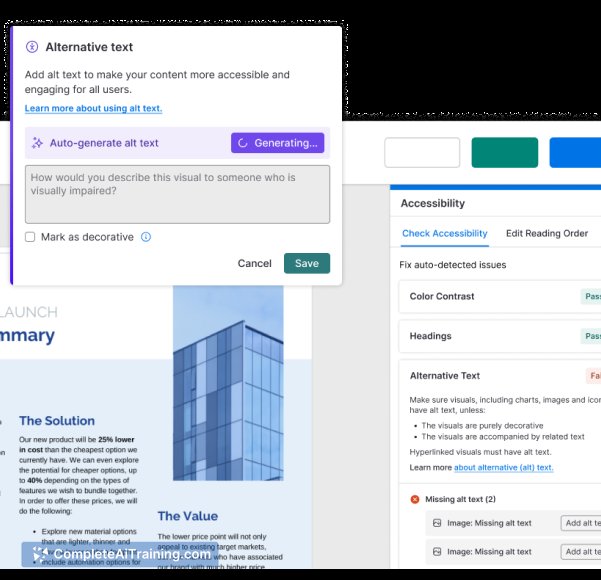
The Venngage Accessible Design Tool offers a practical solution for anyone looking to create accessible infographics, presentations, and reports. Its user-friendly interface combined with AI assistance makes it easier to produce designs that comply with accessibility guidelines without requiring extensive design expertise.
Key Features
- AI-driven accessibility suggestions to improve color contrast, font size, and readability.
- Pre-built accessible templates tailored for infographics and presentations.
- Options to add alt text and other metadata for screen readers.
- Real-time accessibility compliance checks during the design process.
- Export options compatible with various formats that maintain accessibility features.
Pricing and Value
The tool offers several pricing tiers, including a free plan with basic accessibility features and limited templates. Paid plans provide access to the full range of AI features, more templates, and priority support. For teams and professional users, the subscription unlocks collaboration tools and advanced export options. Overall, the pricing reflects the value of integrating accessibility into design workflows, especially for organizations prioritizing inclusive communication.
Pros
- Intuitive interface that simplifies accessible design for beginners.
- Helpful AI suggestions that guide improvements without overwhelming the user.
- Wide selection of accessible templates saves time and effort.
- Supports compliance with recognized accessibility standards.
- Good export functionality that preserves accessibility features.
Cons
- Some advanced features require higher-tier subscriptions.
- Customization options can be limited compared to traditional design tools.
- Occasionally, AI recommendations may be overly cautious, affecting creative flexibility.
Venngage Accessible Design Tool is well-suited for educators, marketers, and professionals who want to ensure their visual content is accessible to all audiences. It works best for those who prefer guided design processes and value compliance with accessibility standards. Users seeking detailed customization might find some limitations, but overall it offers an effective way to create inclusive designs.
Jobs Venngage Accessible Design Tool suits
We checked Venngage Accessible Design Tool against 500+ jobs; these get the most out of it.