
Learning path
Learning AI as a Music Producer
This path helps music producers use AI for mix prep, session planning, artist direction, budgets, and delivery. You will set up your tools, learn job skills inside your AI, and practice with prompts that fit studio work.
Your path
Everything in the Music Producer AI kit, in the order that makes sense. Members tick off each step and see their progress.
Set up your AI
We guide you through each click.
Let skills do your everyday tasks
Connect your apps and pick your AI apps
Hand whole tasks to AI agents
Build your own tools
Keep growing
Everything for music producers
All the courses, certifications, AI tools, MCP servers and apps for music producers, most relevant first. Open any list to see more.
Take the prompt courses
A short framework course to learn how to ask, then 8 lessons with ready-to-use prompts for music producers.
Start with this framework: how to talk to AI
RACE fits music producers because you can ask as producer to critique a synthwave mix in context and expect radio-ready clarity.
Then your prompt course for music producersWatch the video courses or add them to your Favorites for later
57 video courses our AI picked for music producers, most useful first. Save the ones you want to watch later with the heart.
Favorites are saved to your account: sign in or get your AI kit first.
Show all 57 video courses
Get certified, or add certifications to your Favorites
Every course ends in an exam and a certificate you can add to LinkedIn. Save the certifications you are aiming for with the heart.
Favorites are saved to your account: sign in or get your AI kit first.
More certifications for music producersShow all 24 certifications
Try the AI tools for music producers
24 AI tools our AI matched to the work of music producers, best fit first. Each review shows what it does, its alternatives and the jobs it suits.
Favorites are saved to your account: sign in or get your AI kit first.
Show all 24 AI tools
Connect your AI to the apps music producers use
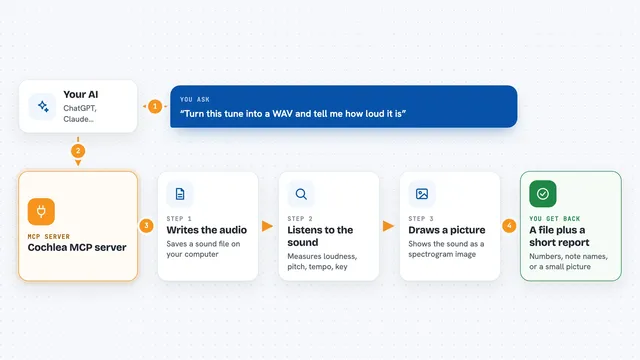
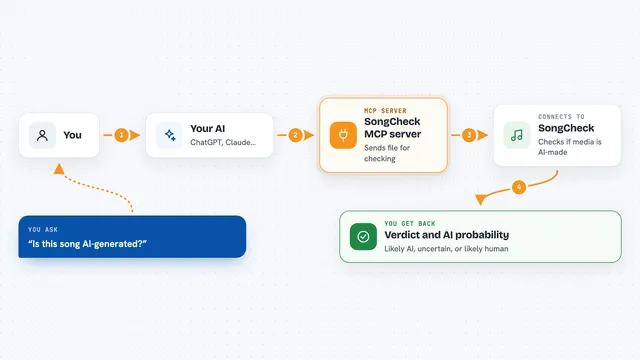
MCP servers let ChatGPT, Claude or Copilot look things up and get work done in other apps, like your email, calendar or bookkeeping software. These 8 fit the work of music producers best, well-known apps first.

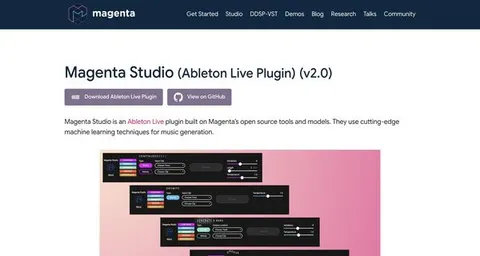
Ableton Live MCP server
by ntwormLets your AI look at and change your open Ableton Live Set, from tempo to clips and devices.

FL Studio MCP server
by rosasynthesizLet Claude look at your FL Studio mix, suggest fixes, and write notes or chords for you.

REAPER MCP server
by TwelveTake-StudiosLets your AI control REAPER for mixing, mastering, MIDI and music production.

Reaper Daemon MCP server
by wretcher207Let your AI mix and edit your REAPER music project by reading plugins, changing settings, and measuring the result.

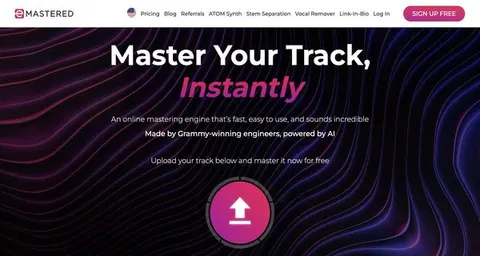
Magic Master MCP server
by denisok-aiMaster your audio to a loudness target and clean AI fingerprints, right from your chat.
MusicNo install
Gaudio audio AI MCP server
by gaudiolab-jpLet your AI split songs into vocals, drums, bass and more, or line up lyrics with timestamps.
Show all 8 MCP servers
Build your own AI apps for music producers
Apps you build yourself with your own AI, no coding needed and no monthly fee. Our AI picked the 11 that fit the work of music producers.
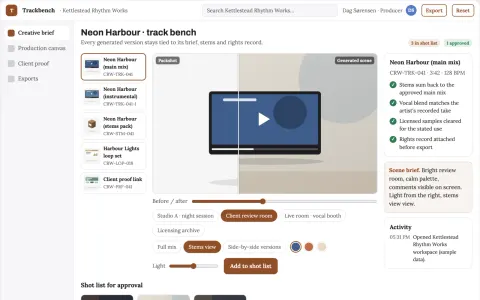
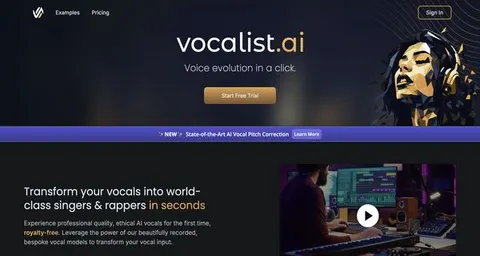
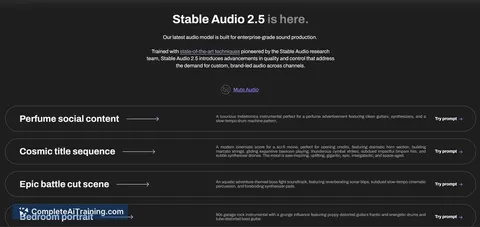
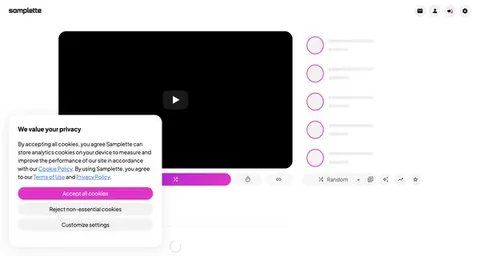
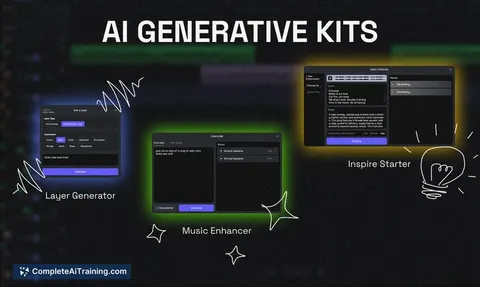
Prompt-to-track music production workbench
Reduce tool switching and clearance friction while keeping the artist's direction.
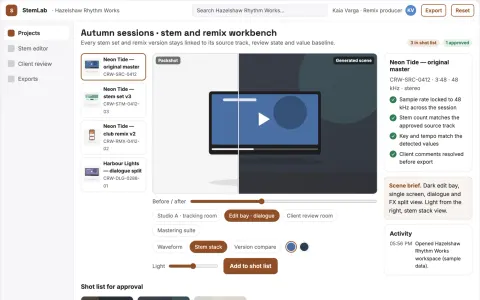
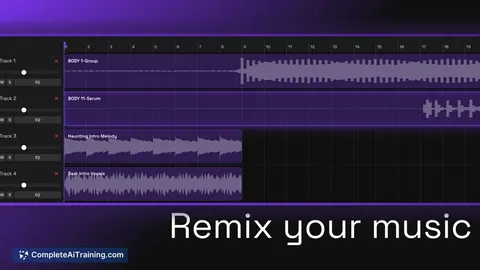
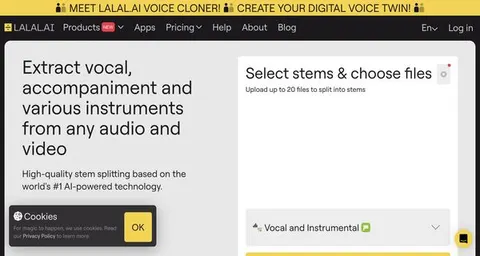
Stem separation and remix production workbench
Reduce tool switching and manual file handling while keeping the buyer's audio and workflow in one owned app.
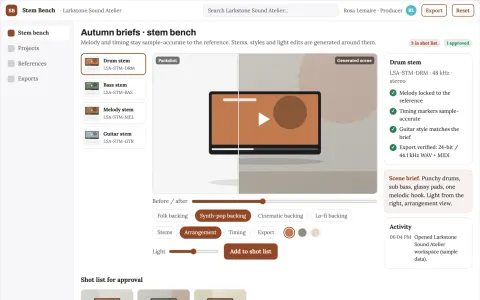
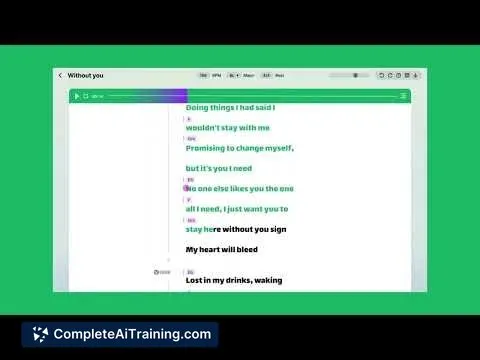
Editable instrument part production workbench
Reduce arrangement revision cycles while keeping the original melody and timing.
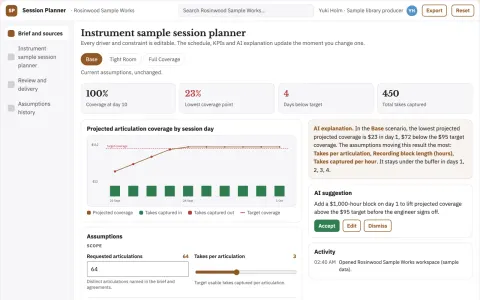
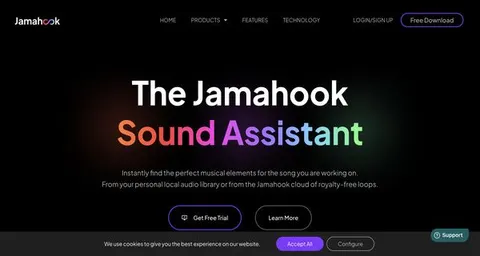
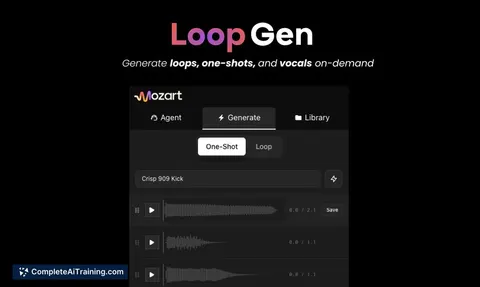
Instrument sample session planner
Coverage planning before studio time.
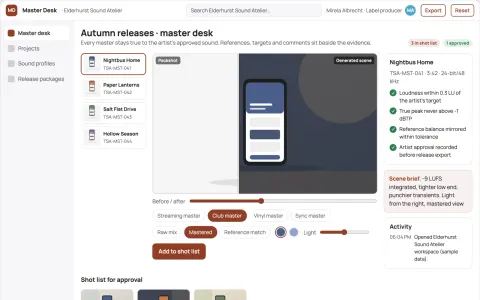
Managed AI audio mastering and release workspace
Reduce mastering and release preparation cycles while keeping the artist's approved sound.
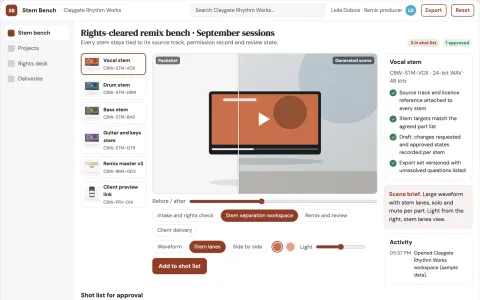
Stem separation and remix production workbench
Reduce tool switching while keeping separated stems under the buyer's own workflow and brand.
Show all 11 apps
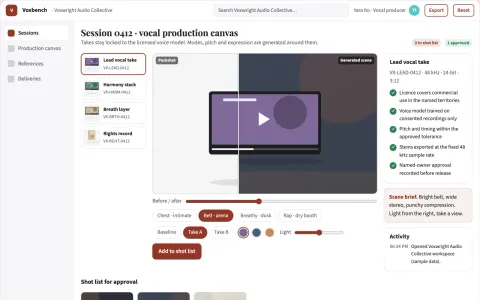
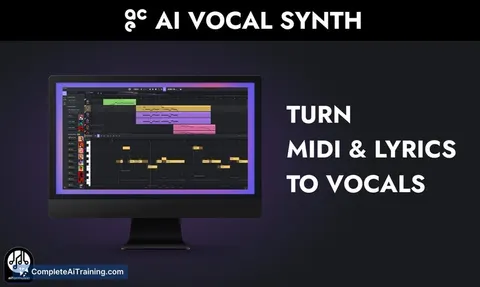
Managed AI vocal production workbench
Reduce vocal production cycles while keeping the artist's voice and intent.
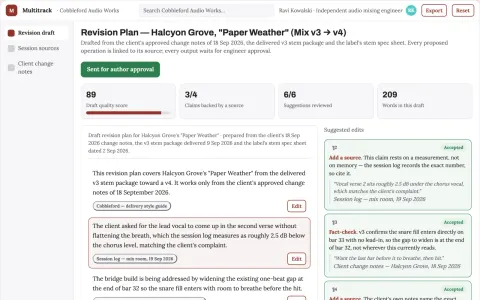
Multitrack revision execution studio
Deliver repeat mix revisions with less routine editing.
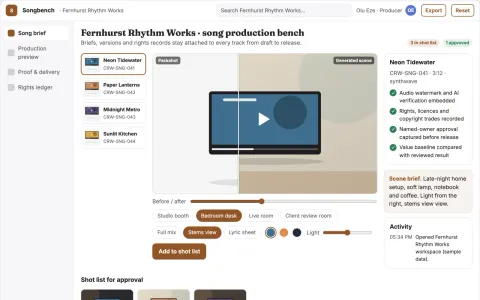
Text-to-song production and rights workbench
Reduce tool switching and rights uncertainty while keeping creative control.
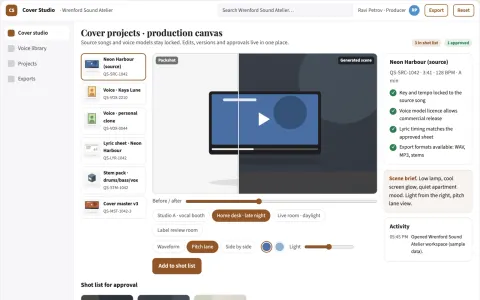
AI song cover and singing vocal studio
Reduce tool switching and manual file handling while keeping voice rights and release decisions under the artist's control.
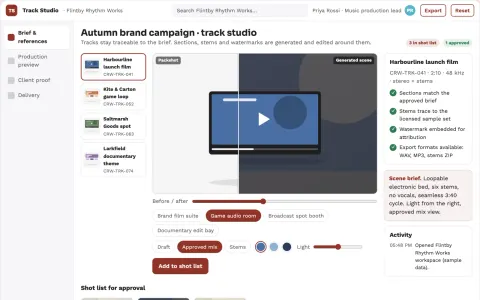
Managed AI music production and review workbench
Reduce tool subscriptions and manual rework while keeping one owned workflow and a clear rights record.























































About this learning path
6 topicsAI Skills for Music Producers in the Studio
Music producers juggle creative taste, people, budgets, and tight studio hours. AI can help you prepare clearer notes, compare options, and keep sessions moving without taking over your ears or your relationships.
This learning path is built for working producers. It starts with setup questions, then shows you how to connect your AI and use job skills inside it, followed by this prompt course and video courses picked for music production. Each video course also lists the certifications you can earn.
Why AI Matters Now
Artists expect fast replies, polished mixes, and clear plans. AI gives you a calm place to sort rough ideas before the room fills up.
Clients also compare your pace to what other producers deliver. A simple AI habit can help you answer sooner, organize better, and protect your creative focus when it matters most.
What the Path Includes
You begin with setup questions that help you choose the right AI tool for your work. Then you connect your AI, practice job skills inside it, work through this prompt course, and watch video courses chosen for music producers. Those video courses show their certifications so you know what each one offers.
Everything ties back to the studio day: rough mixes, take notes, artist talks, session plans, budgets, and delivery. You are not learning abstract tech. You are learning how to move a real project forward.
How It Saves Studio Time
Use AI to turn scattered take notes into edit lists, plan session days, and draft artist direction before you speak. That means fewer pauses, clearer revision requests, and more time for listening.
You can also check delivery specs, compare session players, and sketch a budget without losing an evening. The time you win back goes into the music or into rest.
How It Protects Your Career
You stay in charge of taste, trust, and final calls. AI handles prep, organization, and first drafts, so your value as a producer grows rather than fades.
The path also teaches privacy habits for client names, unreleased songs, and contract details. You learn what to share, what to describe, and what to keep in your own system.
How to Start
Start with the setup questions, then connect one AI tool you already trust. Pick one lesson from the prompt course, such as mix troubleshooting or session coordination, and try it on a real project this week.
Keep the first step small. A single clear prompt used before your next session can show you how this fits your workflow.
Frequently asked questions
Do I need to be technical to use this path?
No. The path starts with plain setup questions and shows you how to connect your AI in simple steps. You can use everyday words about music and sessions, not code.Will AI replace my production taste?
No. AI helps you prepare notes, compare options, and save time on organization. You still make the final call on what sounds right and what serves the artist.Which AI tool should I use?
You can use ChatGPT, Claude, or Gemini. The lessons focus on how you ask and what you do with the answers, so the habits carry across tools.How long does the path take?
Most producers move through it in a few sittings, then return to lessons as projects come up. You can start with one prompt today and add more when you need them.