MCP server · Productivity
Yandex Tracker MCP server
by aikts
Lets your AI look up and manage Yandex Tracker issues, queues, and users for you.

This is a small helper that connects your AI assistant to Yandex Tracker, the task and issue tracking tool. Once it is set up, you can ask your AI in plain words to find issues, check queues, or look up a colleague, and it will go and get the answer. It is handy if your team runs its work in Yandex Tracker and you would rather chat than click around.
What is an MCP server? The 30-second version
On its own, your AI can only chat with you. It cannot see your Yandex Tracker tasks or do anything inside that tool. An MCP server is a small helper program that gives your AI a new skill, here a connection to Yandex Tracker. Once it is connected, your AI can look things up and make changes in Tracker when you ask it to.
What this MCP server does
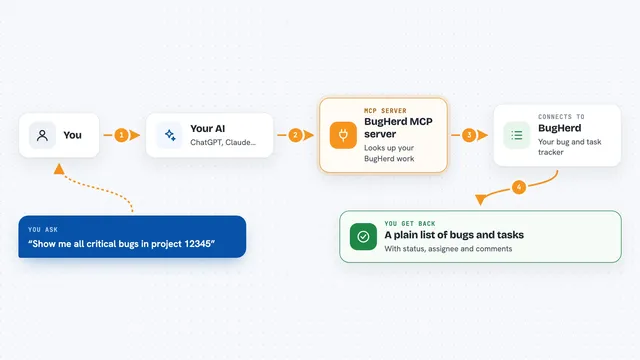
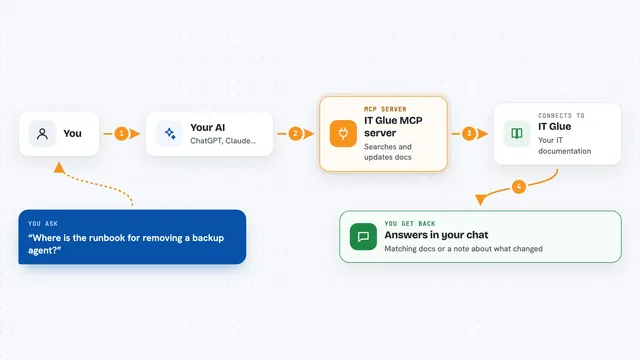
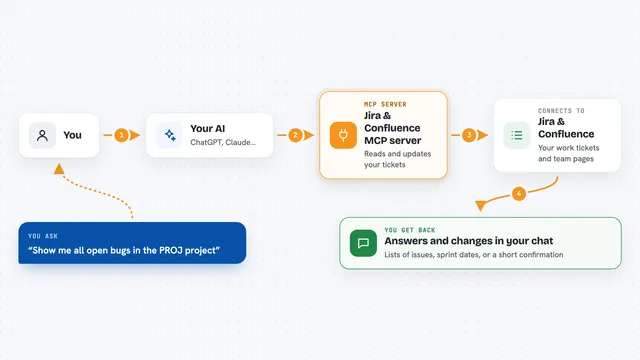
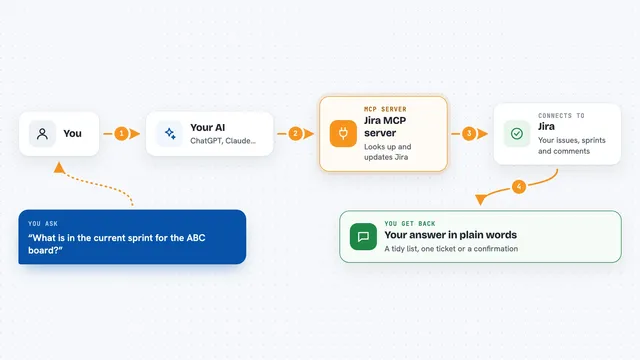
You ask your AI something about your work in Yandex Tracker, like which issues are open in a queue. Your AI passes that request to this helper program. The helper talks to Yandex Tracker using your account and your permission token. It brings the result back and your AI shows it to you in the chat. Some requests can also change things, like creating an issue or moving it to a new status.
 Click to zoom
What you can do with it
- List all the queues you have access to
- Find issues with filters like status, assignee, or dates
- Read the details of a single issue, including comments and worklogs
- Create a new issue in a queue
- Update an issue or move it through its workflow
- Close an issue with a resolution
- Look up user accounts, emails, and license status
- List boards and sprints to find sprint IDs
Try asking your AI
- “Show me all open issues assigned to me in the SUPPORT queue”
- “Find issues in the DEV queue created in the last seven days”
- “What is the status of issue SUPPORT-142 and who is working on it?”
- “Create a new bug in the WEB queue titled Login page is slow”
What it gives back to you
You get answers written in the chat, like a list of issues with their keys, titles, and statuses. For a single issue, you get its details, comments, and history. If you asked it to create or change something, it tells you what it did. Numbers and dates come back as plain text you can read.
Before you start
What you need
- A Yandex Tracker account with permission to see the queues you want
- A Yandex Tracker API token (a kind of password for apps; you create it in your Tracker settings)
- Your organization ID, either the Yandex Cloud one or the Yandex 360 one
- uv installed on your computer, or Docker if you prefer that route
Good to know
This helper can change things in your Yandex Tracker, like creating issues or moving them to a new status, so check what your AI is about to do before you say yes.
Install it with your AI
Add Yandex Tracker MCP server to your AI, no technical skills needed
You don't install anything by hand. You copy one prompt, paste it into an AI that can work on your computer, and it checks, installs and connects the server for you, asking you when it needs something.
Sign in to get the install prompt
Members get a ready-made prompt that lets the Claude desktop app check Yandex Tracker MCP server, install it and connect it for them, step by step. You don't need any technical skills: you copy, paste and answer a few questions. Your connected AI can also find and install any of the 4,361 MCP servers here for you.
Who it's for
Support teams, project managers, and anyone whose daily work lives in Yandex Tracker and who wants to ask questions in plain words instead of clicking through screens.