MCP server · Productivity
Notion MCP server
by foreverworks
Lets your AI search, read, and update your Notion pages and databases for you.
This is a small helper that connects your AI assistant to Notion, the note and database app. Once it is set up, you can ask your AI to find pages, read them, add rows, or leave comments, and it will do it in your own workspace. It is handy if you live in Notion and want to stop clicking around to get simple things done.
What is an MCP server? The 30-second version
On its own, your AI can only chat. An MCP server is a small helper program that gives your AI a new skill or a connection to an app, and here it connects your AI to Notion. You set it up once with a key, and after that your AI can look things up or make changes in Notion when you ask. Think of it as giving your assistant a login to your notes.
What this MCP server does
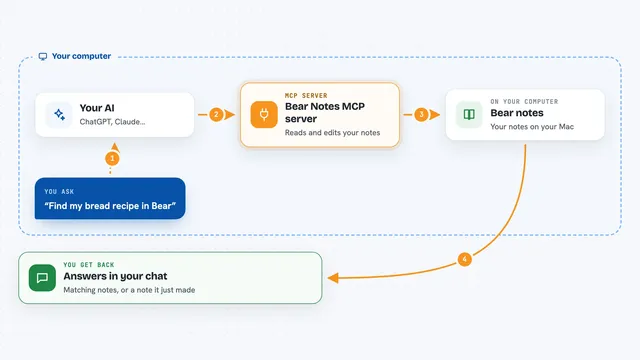
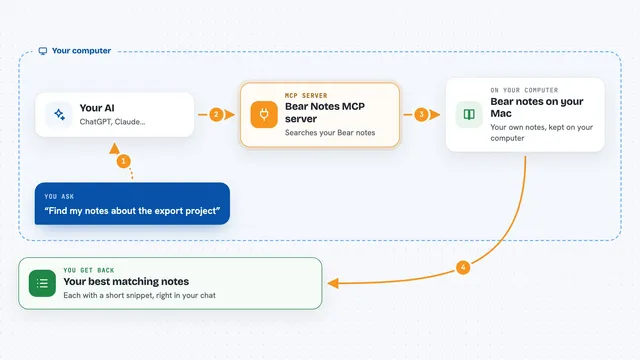
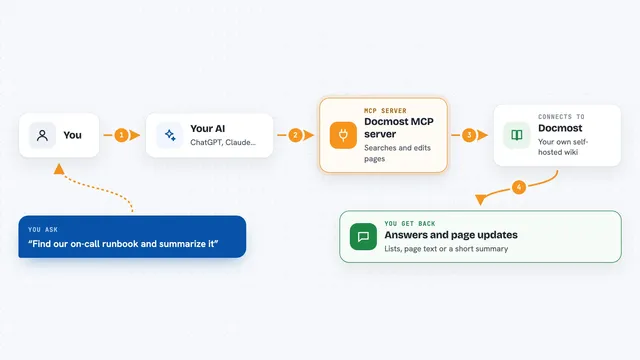
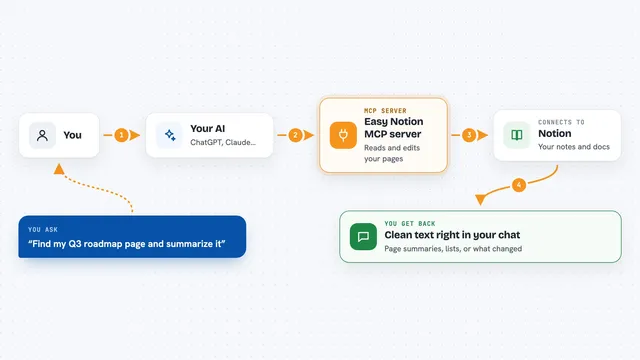
You ask your AI something in plain words, like finding a page or counting rows in a database. The AI passes your request to this helper, which talks to Notion using a key you set up. Notion sends back the page text, the rows, or a confirmation that something changed. The helper hands that back to your AI, and you see the answer in your chat. You can also ask it to create pages, edit text, add comments, or upload and download files.
What you can do with it
- Search your pages and databases by title across all your workspaces
- Read a page and get its body as Markdown you can skim
- Count rows in a database and group them by a column
- Create a new page or add a row to a database
- Find and replace text inside a page
- Add a comment to a page or reply in a discussion
- Download files attached to a page or a row
Try asking your AI
- “Find the Q3 roadmap page in my work workspace and summarise it.”
- “How many rows of the Tasks database are in each Status?”
- “Add Thinking in Systems to the Reading List with status To read and the tag Books.”
- “In the Onboarding page, replace Slack with Mattermost everywhere.”
What it gives back to you
You get answers in your chat: page titles, summaries, lists of rows, counts per column, or the text of a page. When it changes something, it tells you what it did, like a new page or a replaced word. For downloads, it saves the files to a folder you chose and tells you their names and sizes. It does not do math on numbers by itself, so if you need a total, ask it to show the numbers and you add them up.
Before you start
What you need
- A Notion account, free or paid
- A Notion integration token for each workspace, created at notion.so/profile/integrations
- Your top-level pages shared with that integration in Notion
- Node.js 22.19 or newer on the computer running the helper
Good to know
It can change or delete things in your Notion, like editing pages or moving them to the trash, so check before you ask it to write.
Install it with your AI
Add Notion MCP server to your AI, no technical skills needed
You don't install anything by hand. You copy one prompt, paste it into an AI that can work on your computer, and it checks, installs and connects the server for you, asking you when it needs something.
Sign in to get the install prompt
Members get a ready-made prompt that lets the Claude desktop app check Notion MCP server, install it and connect it for them, step by step. You don't need any technical skills: you copy, paste and answer a few questions. Your connected AI can also find and install any of the 4,960 MCP servers here for you.
Who it's for
Anyone who keeps notes, tasks, or small databases in Notion and wants their AI to read and update them without switching apps.