MCP server · Design tools
Infyicon MCP server
Your AI can search 161,000+ hand-drawn icons and hand you ready-to-use SVG code or PNG links.

This is a helper that connects your AI assistant to Infyicon, a big library of free hand-drawn icons. Once it is connected, you can just ask your AI for an icon and it will find one and give you the code or a picture link. It is handy for anyone who builds slides, documents, websites or apps and needs matching little pictures without hunting through a website.
What is an MCP server? The 30-second version
On its own, your AI can only chat with you. An MCP server is a small helper program that gives your AI a new skill or a connection to an app or service. This one connects your AI to Infyicon, an icon library. So when you ask for an icon, your AI can actually look it up there and bring back the result for you.
What this MCP server does
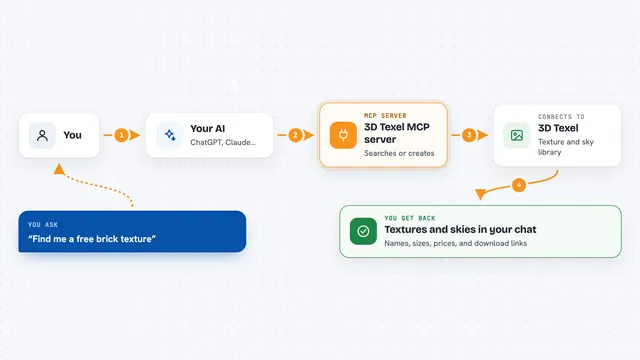
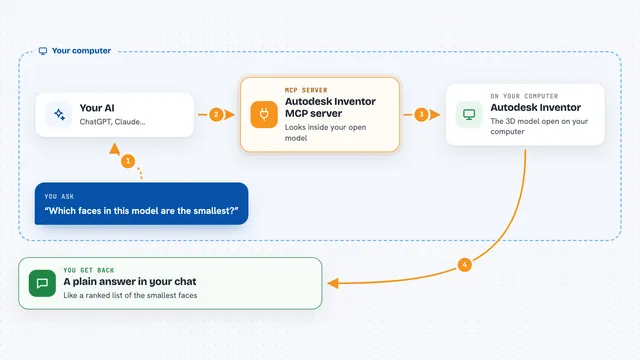
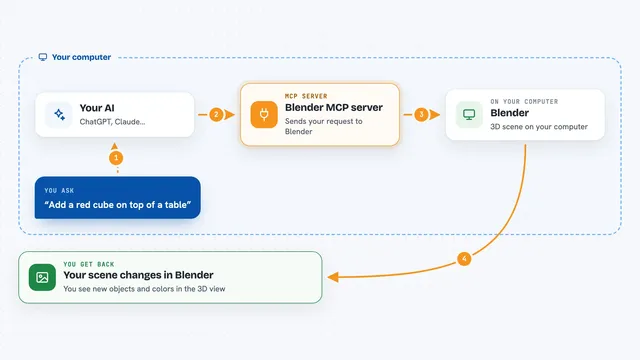
You ask your AI something like find me a home icon. Your AI passes that request to this helper. The helper searches the Infyicon library and picks matching icons. It sends back the icon names, links and the actual drawing code. Your AI then shows you the results in the chat, ready to copy.
 Click to zoom
What you can do with it
- Search over 161,000 icons by keyword
- Filter results by style: outline, fill, color-outline or color-fill
- Get ready-to-paste SVG code for one icon or up to twenty at once
- Get transparent PNG links in sizes from 16 to 512 pixels
- Find related icons in the same theme to build a matching set
- Browse popular categories with counts
- Look up the CSS class name for the Infyicon UI webfont
Try asking your AI
- “Find me a simple outline icon of a shopping cart”
- “I need five matching color-fill icons for a weather app”
- “Give me the SVG code for the home icon”
- “Show me popular icons for a dashboard”
- “What PNG sizes are available for the search icon”
What it gives back to you
You get back a list of matching icons with their names, tags and links. For a specific icon, you get the full SVG code you can paste into your project, or PNG links in the sizes you asked for. Everything shows up right in the chat, so you can copy it without leaving your conversation.
Before you start
Good to know
The icons are free to use but ask for attribution to infyicon.com, so check the license page before you publish them.
Install it with your AI
Add Infyicon MCP server to your AI, no technical skills needed
You don't install anything by hand. You copy one prompt, paste it into an AI that can work on your computer, and it checks, installs and connects the server for you, asking you when it needs something.
Sign in to get the install prompt
Members get a ready-made prompt that lets the Claude desktop app check Infyicon MCP server, install it and connect it for them, step by step. You don't need any technical skills: you copy, paste and answer a few questions. Your connected AI can also find and install any of the 4,361 MCP servers here for you.
Who it's for
Designers, developers, marketers and anyone who needs quick matching icons for slides, websites, apps or documents.