MCP server · Health and learning
touch-grass MCP server
by nalediym
Your AI nudges you to step outside for a break, based on the weather, sunset time and how long you have been working.
touch-grass is a small helper that turns your AI assistant into a friendly break buddy. Instead of a timer that interrupts you every 25 minutes, it waits for a natural pause in your work and suggests you go outside. It is handy for anyone who codes or works at a screen for long stretches and forgets to take a break.
What is an MCP server? The 30-second version
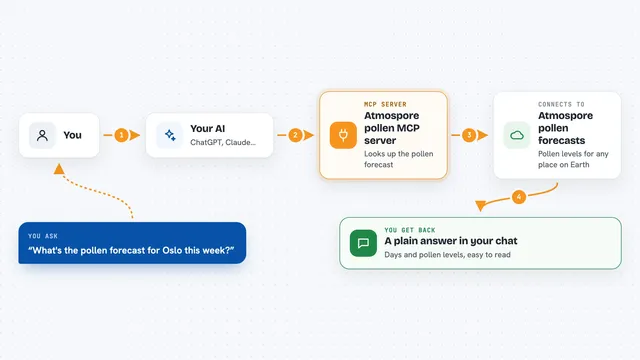
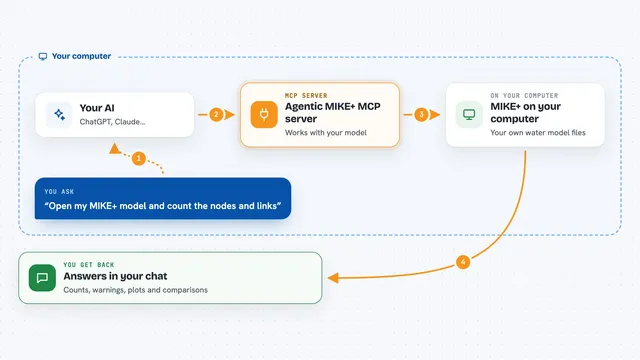
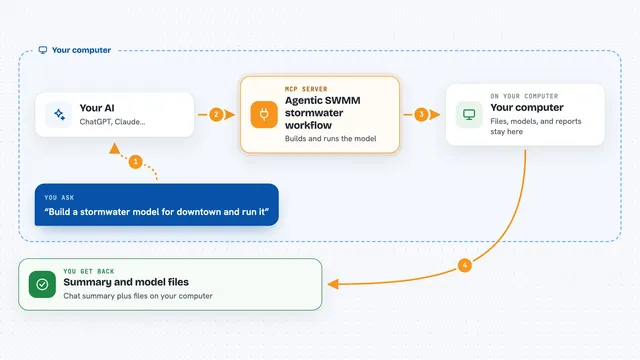
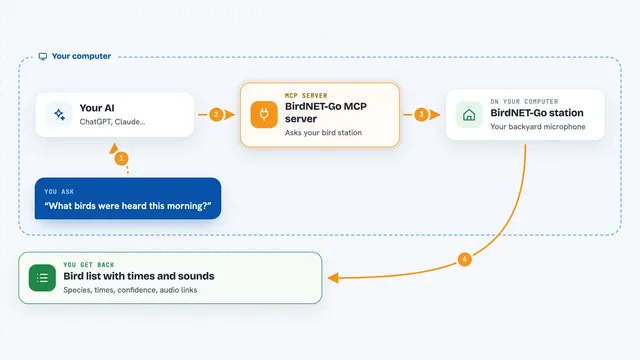
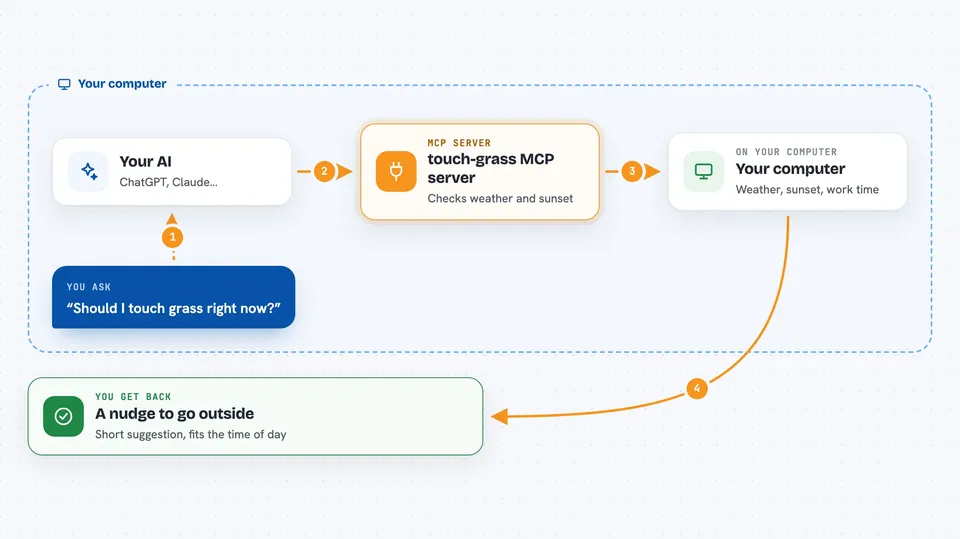
On its own, your AI can only chat with you. An MCP server is a small helper program that gives your AI a new skill or a connection to something outside the chat. This one connects your AI to live weather, sunset times and a small file on your computer that tracks your breaks. Once it is connected, your AI can look up the conditions and keep a record of when you actually went outside.
What this MCP server does
When you start a session, this helper quietly checks the weather and sunset time for your area, and reads how long you have been working. Your AI reads that and waits for a natural pause, like when a task is finished or it is waiting for your answer. At that moment it suggests a short break outside, with an activity that fits the time of day. When you come back and say you went out, it records that and adds to your streak. You can also ask it directly about the weather or your streak.
 Click to zoom
What you can do with it
- Check the current weather and how long until sunset
- Get a suggestion for a short outdoor activity
- Log that you went outside and keep a streak going
- See your stats, like how many sessions you have worked and your streak history
- Ask whether it is a good moment to take a break
- Set your own list of activity ideas
Try asking your AI
- “Should I touch grass right now?”
- “What's my streak?”
- “Is it nice out?”
- “I just went for a walk, log it.”
What it gives back to you
You get short, plain answers in the chat. For weather it tells you the temperature, the conditions and how many minutes are left until sunset. For a break it gives you a small suggestion like catching the sunset. When you log a walk, it confirms and shows your new streak count. Stats come back as a simple summary of your sessions and streak.
Before you start
What you need
- The Claude Code app for the full experience, or another AI app that supports MCP servers
- Node.js installed on your computer
- An internet connection for the weather and location lookups (you can pin your location to skip the location lookup)
Good to know
It sends your public IP address to a location service once a day and your coordinates to a weather service on each session, so if you would rather not share that, pin your location in the config file.
Install it with your AI
Add touch-grass MCP server to your AI, no technical skills needed
You don't install anything by hand. You copy one prompt, paste it into an AI that can work on your computer, and it checks, installs and connects the server for you, asking you when it needs something.
Sign in to get the install prompt
Members get a ready-made prompt that lets the Claude desktop app check touch-grass MCP server, install it and connect it for them, step by step. You don't need any technical skills: you copy, paste and answer a few questions. Your connected AI can also find and install any of the 4,361 MCP servers here for you.
Who it's for
People who work at a screen for long hours, especially coders and writers, who want gentle reminders to step outside without a timer breaking their focus.