AI tool
Cleva.io
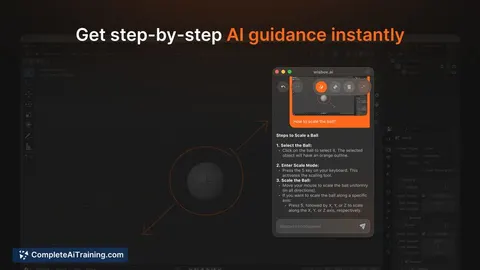
Cleva.io is an AI coach that overlays your screen to teach creative tools in-context, answers questions, shows where to click, and provides in-app lessons for Figma, Photoshop, After Effects, Premiere and Blender.
About Cleva.io
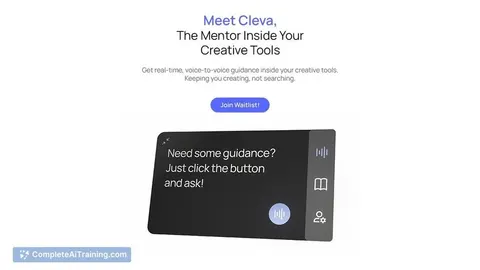
Cleva.io is an in-app, voice-based coach that provides step-by-step guidance for creative software. It overlays your screen to answer questions, point to interface elements, and deliver short interactive modules for tools like Figma, Photoshop, After Effects, and Blender.
Review
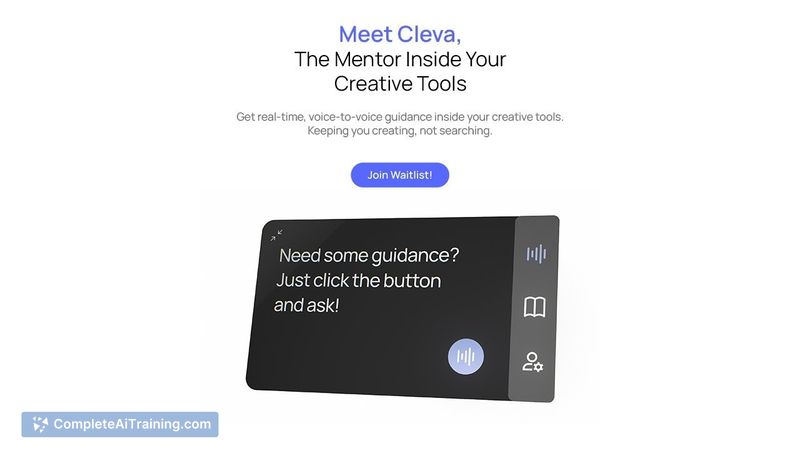
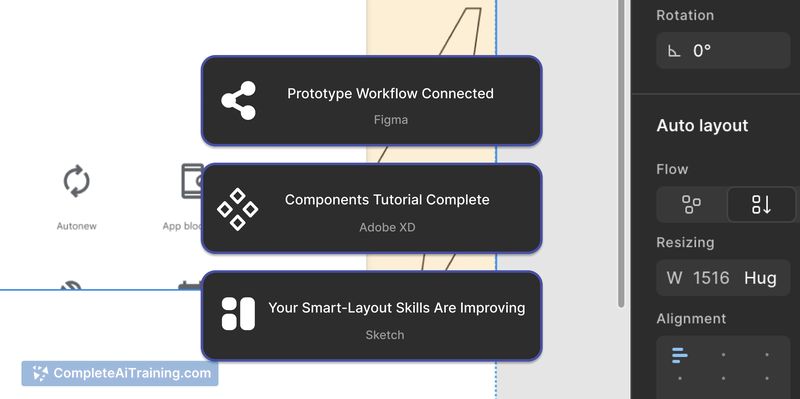
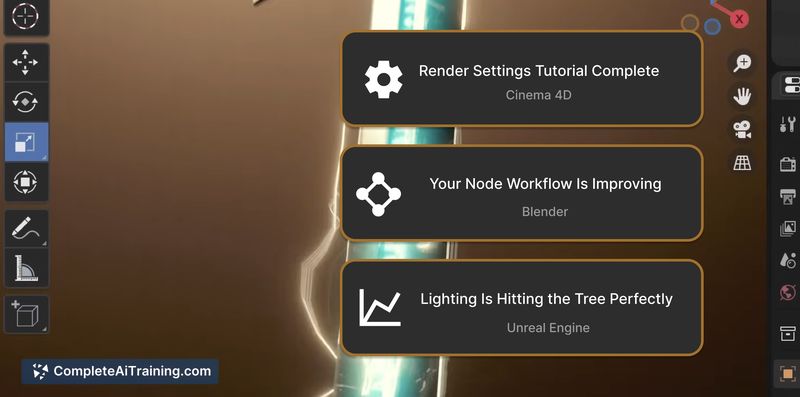
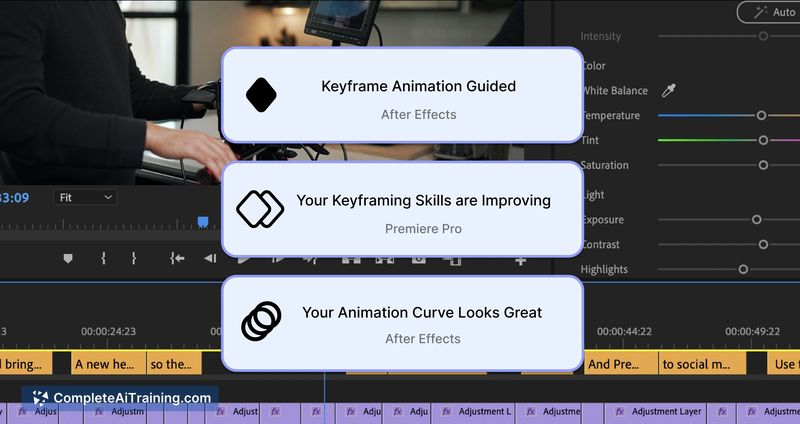
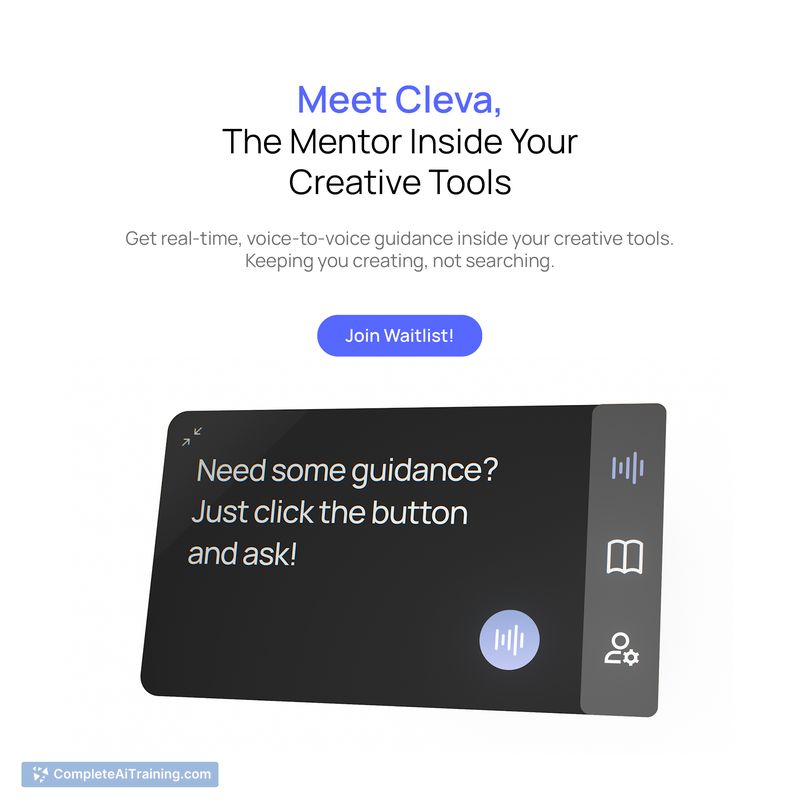
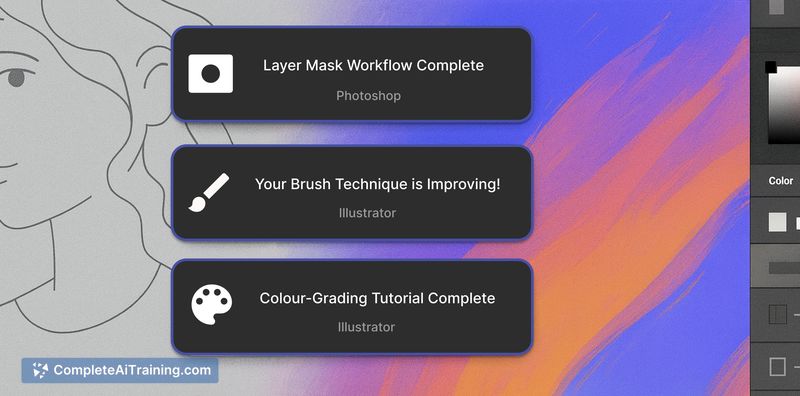
Cleva.io focuses on learning while you work by delivering contextual help directly inside the applications you use. The approach reduces the need to flip between tutorials, documentation, and your canvas, which can speed up problem-solving during real projects. The product is currently inviting early users via a waitlist.
Key Features
- Voice-based, conversational assistance that accepts questions at any time.
- Screen-aware guidance that highlights where to click and what to adjust.
- Short interactive training modules for quick skill-building instead of long tutorials.
- Support for multiple creative tools (Figma, Photoshop, After Effects, Blender, and more).
- In-app Q&A to troubleshoot common workflow issues on the spot.
Pricing and Value
At launch, specific pricing details are not published and access is being handled through an early access waitlist. The apparent value proposition is time saved and reduced friction when learning or troubleshooting creative tools, which could justify a subscription or tiered pricing model for frequent users. Casual users should watch for pricing announcements and trial options before committing.
Pros
- Provides contextual, step-by-step guidance without leaving your workspace.
- Reduces time spent searching for tutorials or documentation.
- Short, focused modules make learning less interruptive to active projects.
- Works across several major creative applications, minimizing tool switching.
- Conversational interface makes it easy to ask follow-up questions.
Cons
- Early access status means features and integrations may still be limited or evolving.
- Pricing is not yet disclosed, so total cost of ownership is unclear for now.
- Requires screen access and may raise privacy or security questions for some teams.
Cleva.io is best suited for designers, motion artists, editors, and students who use creative applications regularly and want faster, context-aware help while they work. It may be less appropriate for occasional users or organizations that cannot permit screen-level access until security and pricing details are clearer. For more information or to join the waitlist, visit Cleva.io.
Jobs Cleva.io suits
We checked Cleva.io against 500+ jobs; these get the most out of it.
Alternatives to Cleva.io
Other tools that do the same main job. Our AI compared Cleva.io with similar tools and kept the ones you could use instead.