AI tool
Gather
Gather helps designers save, organize and search visual references across sites with a Chrome extension-right-click to save, then find by simple search or natural-language query; download assets or copy AI-ready prompts. Free tier: 50 refs.
About Gather
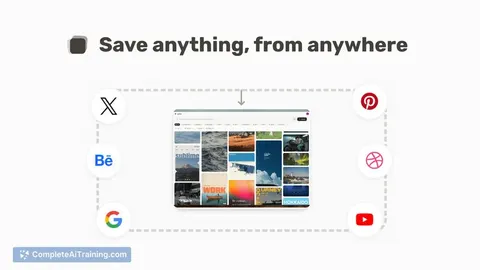
Gather is a visual reference manager for designers and creatives that lets you save screenshots, photos, and links in one searchable place. It supports natural-language search so you can find items by describing them (for example: "that muted retro car ad").
Review
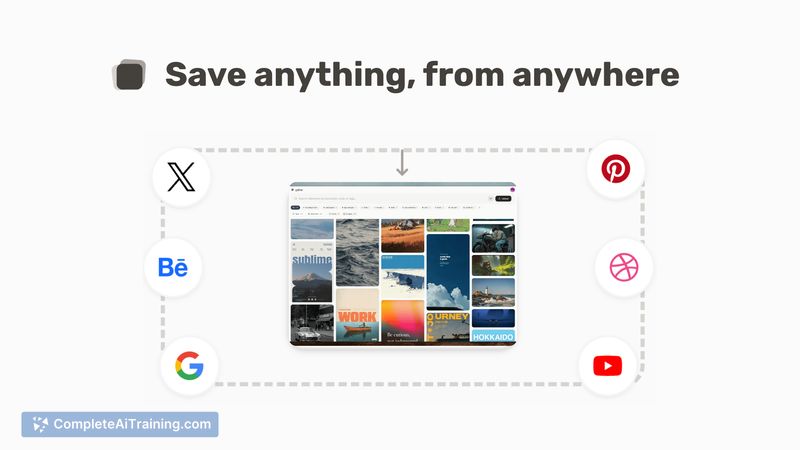
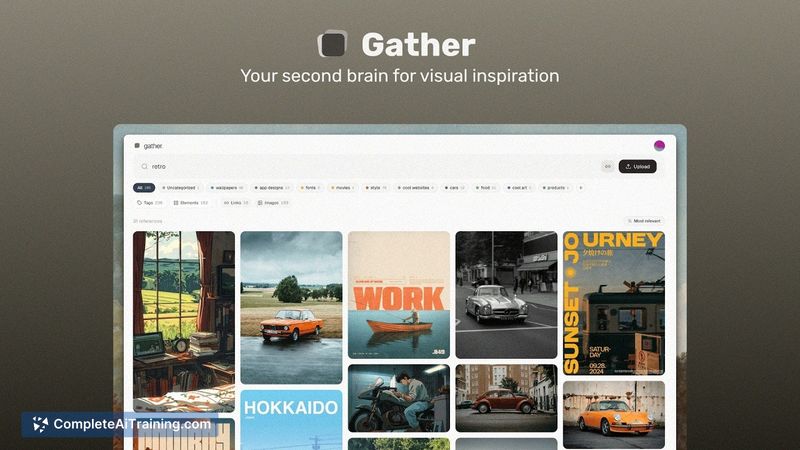
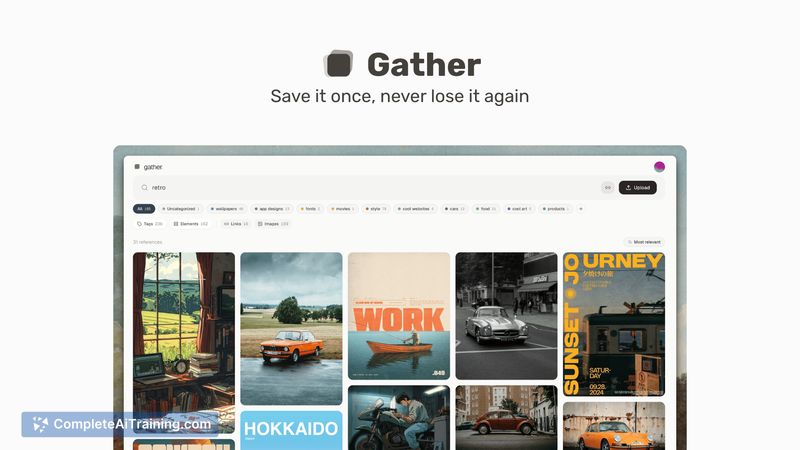
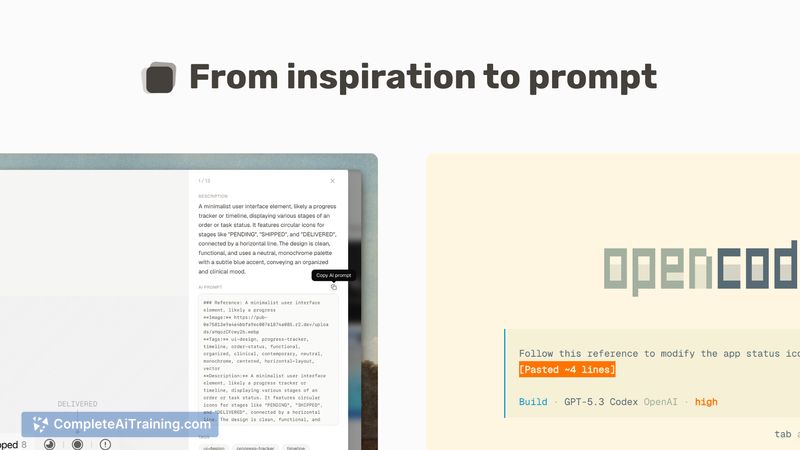
Gather is a lightweight, focused tool for collecting and retrieving visual inspiration. It aims to replace scattered bookmarks and screenshots with a single searchable library, and includes a browser extension to make saving quick and easy.
Key Features
- Save screenshots, photos, and links in a centralized, visual library.
- Natural-language search - find references by description rather than rigid tags.
- Browser extension with right-click saving for fast capture from the web.
- Export and copy options, including copying a prompt for use with AI tools.
- Free tier allowance and an affordable Pro plan for heavier use.
Pricing and Value
Gather offers a free tier that allows up to 50 references forever, which is useful for casual users or to test the workflow. A Pro plan is available at $4/month, providing more capacity and making the tool a low-cost option for regular users. The value proposition is strongest for people who frequently gather visual references and want a faster way to feed those references into design conversations or AI workflows.
Pros
- Very simple capture flow via a browser extension - saving is fast and unobtrusive.
- Search by natural language makes retrieval intuitive, especially for visual queries.
- Low-cost Pro plan makes it accessible for individuals and small teams.
- Visual layout is friendly for designers who prefer image-first organization.
Cons
- New product with a small feature set; advanced organization (bulk editing, nested folders) is limited at launch.
- The free limit of 50 references may be restrictive for heavy users before upgrading.
- Platform availability beyond the browser extension (native desktop or mobile apps) is unclear at launch.
Gather is well suited for designers, creatives, and anyone who regularly collects visual references and wants quick recall by description. For users who need a lightweight, inexpensive way to centralize inspiration and feed examples into AI-assisted design workflows, Gather is a practical starting point; power users and teams that require extensive organization or integrations may want to wait for more features.
Jobs Gather suits
We checked Gather against 500+ jobs; these get the most out of it.