MCP server · Productivity
open-mcp-apps
by 2nd1st
Build and keep your own little apps, like boards and trackers, right inside your AI chat.

open-mcp-apps is a helper that lets your AI create small, useful apps for you, such as a to-do board or a habit tracker, and then keep them for later. You ask in plain words, the AI builds the app, and it stays saved with your data. It is handy for anyone who wants a simple tool without learning to code or opening another website.
What is an MCP server? The 30-second version
On its own, your AI can only chat. An MCP server is a small helper program that gives your AI a new skill or a connection to an app or service. This one connects your AI to open-mcp-apps, so it can build and open little apps for you. When you ask for a board or a tracker, the AI uses this helper to create it and save your data.
What this MCP server does
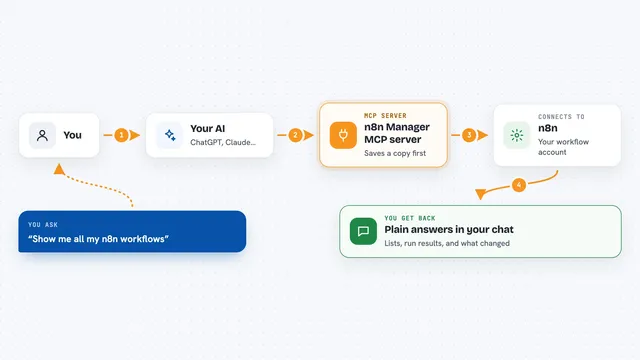
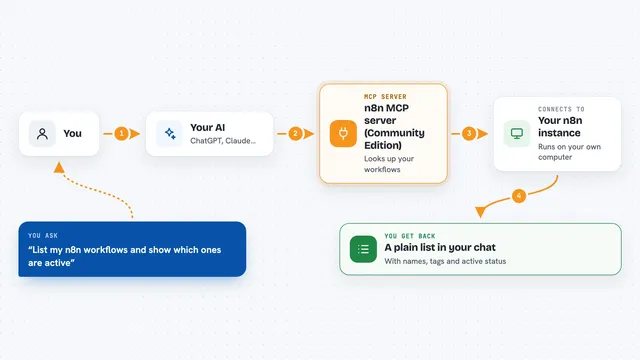
You ask your AI for a small app, like a kanban board or a habit tracker. The AI checks if you already have one, and if not, it writes a simple app and saves it. Then it opens the app right in your chat, with your data inside. From then on, you can open that same app by name in any future chat, and your information will still be there. The helper also keeps a list of your apps and a store of ready-made ones you can add.
 Click to zoom
What you can do with it
- Create a new app like a to-do board, habit tracker, or dashboard
- Open any app you have saved by name
- See a list of all your apps
- Install ready-made apps from a built-in store
- Keep your data saved between chats and across different AI hosts
- View your apps in a browser on your own computer
Try asking your AI
- “Make me a board for what I'm juggling right now”
- “Make me a habit tracker”
- “Show me my apps”
- “Open my kanban board”
What it gives back to you
You get a small app rendered right in the chat, with your data already in it. The AI also tells you the name of the app so you can open it again later. If you ask for a list, you get a simple list of your saved apps. Everything you add or change is saved automatically.
Before you start
What you need
- Node.js 22 or newer
- A host that can show interactive apps, like Claude Desktop, Claude Code, or Codex
- On the installer path, git
Good to know
It can create and change apps and data on your computer, so be careful if you share your screen or use a tunnel to the internet.
Install it with your AI
Add open-mcp-apps to your AI, no technical skills needed
You don't install anything by hand. You copy one prompt, paste it into an AI that can work on your computer, and it checks, installs and connects the server for you, asking you when it needs something.
Sign in to get the install prompt
Members get a ready-made prompt that lets the Claude desktop app check open-mcp-apps, install it and connect it for them, step by step. You don't need any technical skills: you copy, paste and answer a few questions. Your connected AI can also find and install any of the 4,361 MCP servers here for you.
Who it's for
Anyone who wants simple, personal tools like boards and trackers without leaving their AI chat, especially office workers who like to stay organized.