MCP server · Notes
Loreweave MCP server
Turn your markdown notes into searchable memory your AI can look things up in and add facts to.
Loreweave is a helper that reads a folder of markdown notes, like an Obsidian vault, and builds a searchable memory out of it. Once it is connected to your AI, the AI can search your notes, look up facts, and remember things between sessions. It is handy if you keep notes in plain text files and want your AI to actually use them.
What is an MCP server? The 30-second version
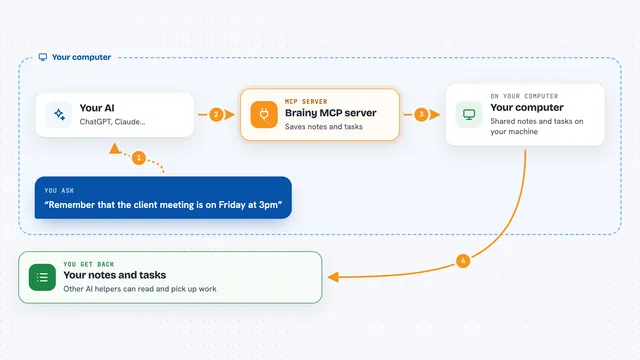
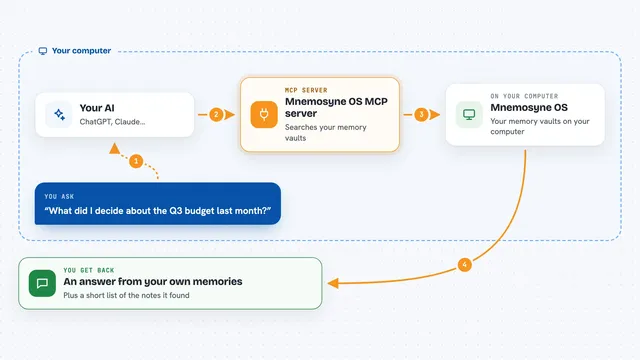
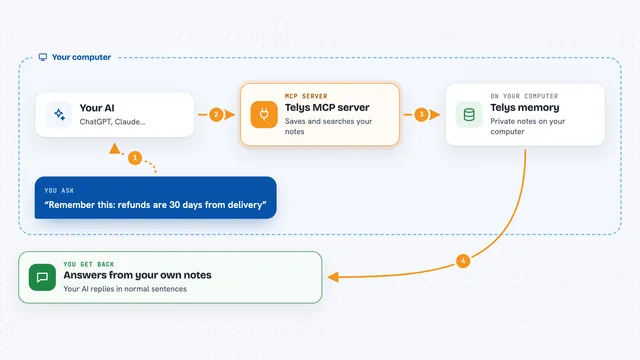
On its own, your AI can only chat with you. It cannot see your files or remember anything from last week. An MCP server is a small helper program that gives your AI a new skill or a connection to something outside the chat. This one connects your AI to a folder of markdown notes on your computer, so it can search them and write small notes back when you ask.
What this MCP server does
You point Loreweave at a folder of markdown files, and it reads through them once to build a search index. When you ask your AI something, the AI uses this helper to search your notes and pull out the passages that matter. The helper also keeps a list of facts, like the status of a project, with dates attached, so the AI can tell you what was true at a certain time. If the AI learns something new, it can save it as a line in a journal file inside your vault. Your own notes are never changed; everything the helper writes goes into a separate lore folder.
What you can do with it
- Search your notes and get back the passages that match, with a note about why each one came up
- Ask what a project's status was on a certain date
- See a timeline of everything connected to one person, project, or topic
- Have your AI save a new fact, like a status change, into a journal file
- Find out what changed in your vault since the last time your AI looked
- Get a report of duplicates, contradictions, and stale notes
- Count or group facts, for example how many trips happened in a year
Try asking your AI
- “Search my vault for why we dropped the queue design”
- “What is the current status of Project Atlas, and when did it change?”
- “Show me the timeline for Vendor, including what we believed about them last June”
- “What changed in my notes since yesterday?”
What it gives back to you
You get answers in the chat, built from your own notes. Search results come back as short passages with the file they came from and a hint about why they matched. Fact questions come back as plain lines like Project Atlas status shipped, with dates. If the AI saves something, you get a short confirmation, and the new line appears in a journal file you can open.
Before you start
What you need
- Node.js installed on your computer
- A folder of markdown notes, such as an Obsidian vault
- The path to that folder, for example /Users/you/my-vault
- An AI app that supports MCP, like Claude Code or the Claude desktop app
Good to know
The AI can add new lines to a journal file inside your vault, so it is worth keeping your notes in version control or a backup.
Install it with your AI
Add Loreweave MCP server to your AI, no technical skills needed
You don't install anything by hand. You copy one prompt, paste it into an AI that can work on your computer, and it checks, installs and connects the server for you, asking you when it needs something.
Sign in to get the install prompt
Members get a ready-made prompt that lets the Claude desktop app check Loreweave MCP server, install it and connect it for them, step by step. You don't need any technical skills: you copy, paste and answer a few questions. Your connected AI can also find and install any of the 4,611 MCP servers here for you.
Who it's for
People who keep notes in markdown, especially Obsidian users, and anyone who wants their AI to remember things across sessions without sending notes to a cloud service.