MCP server · Browser automation
Munim Computer Use MCP server
Lets your AI click, type and read apps and Chrome on your own computer while your mouse stays yours.

This is a helper that lets your AI actually use your computer, the way a person would. It can open apps, click buttons, type text and read what is on screen, on macOS, Windows and Linux. It is handy if you want your AI to do small chores in real programs for you, not just chat about them.
What is an MCP server? The 30-second version
On its own, your AI can only talk. An MCP server is a small helper program that gives your AI a new skill or a connection to something outside the chat. This helper gives your AI a connection to your own computer, so it can look at windows, click things and type for you. You stay in charge: it works in the background and shows a little pointer where it is busy.
What this MCP server does
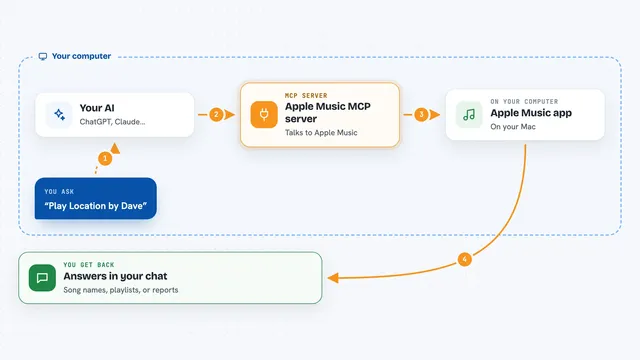
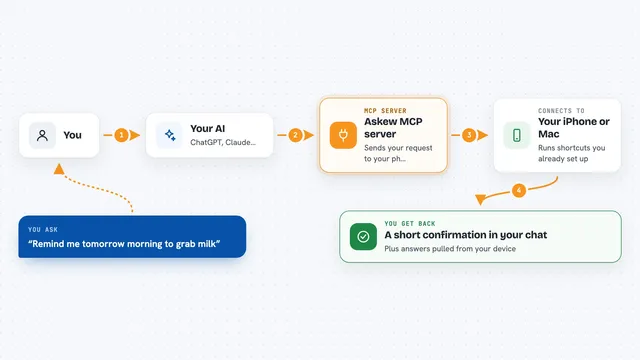
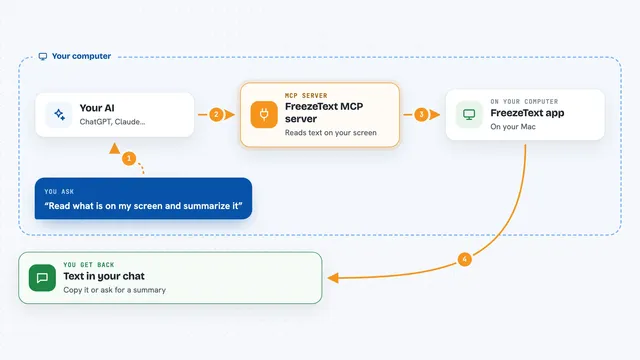
You ask your AI to do something on your computer, like find a flight or fill in a form. Your AI sends that request to this helper. The helper looks at the screen by reading the hidden labels that apps already use for buttons and fields, so it can press the right button instead of guessing at a picture. It then clicks or types for you, and can take a fresh look to check that it worked. When it is done, it tells your AI what happened, and your AI tells you.
 Click to zoom
What you can do with it
- Open an app and click through its menus
- Type text into fields and forms
- Read what is on screen and describe it back to you
- Use your signed-in Chrome in its own tab group
- Zoom in on small text so it can read it
- Wait for something to load and then check it
- Take a screenshot and show it in the chat
Try asking your AI
- “Open Safari, find the cheapest flight to Denver on Tuesday and put it in a note.”
- “In my Chrome, go to the company intranet and tell me the holiday dates.”
- “Open the calculator app and work out 18 percent of 2450.”
- “Fill in the contact form on this page with my name and email.”
What it gives back to you
You get answers in the chat, like a short summary of what it found or a list of steps it took. It can also show you screenshots of the screen so you can see what it saw. If it changed something, like typing into a form or clicking a button, it tells you what it did. You can always ask it to check again if you are not sure.
Before you start
What you need
- The Claude desktop app, Claude Code, Codex, Cursor or another app that can use MCP servers
- A Mac, Windows or Linux computer
- On macOS: permission for Accessibility and Screen Recording, which the tool asks for once
Good to know
This helper can click, type and change things in your real apps and your signed-in Chrome, so only ask it to do things you are happy for it to touch.
Install it with your AI
Add Munim Computer Use MCP server to your AI, no technical skills needed
You don't install anything by hand. You copy one prompt, paste it into an AI that can work on your computer, and it checks, installs and connects the server for you, asking you when it needs something.
Sign in to get the install prompt
Members get a ready-made prompt that lets the Claude desktop app check Munim Computer Use MCP server, install it and connect it for them, step by step. You don't need any technical skills: you copy, paste and answer a few questions. Your connected AI can also find and install any of the 4,361 MCP servers here for you.
Who it's for
Office workers who want their AI to do small real tasks in everyday apps and websites without learning any technical setup.